Adding and Using User Bitmap Charts MicronNav System
0656-SOM-00001-07 100 © Tritech International Ltd.
6.7. Load BSB Charts
Seanet Pro V2.21 (build 494) onwards has the capability to import BSB charts for use with the
MicronNav chart application. It will open any compatible Version 3 BSB chart with the .KAP
file extension.
Procedure
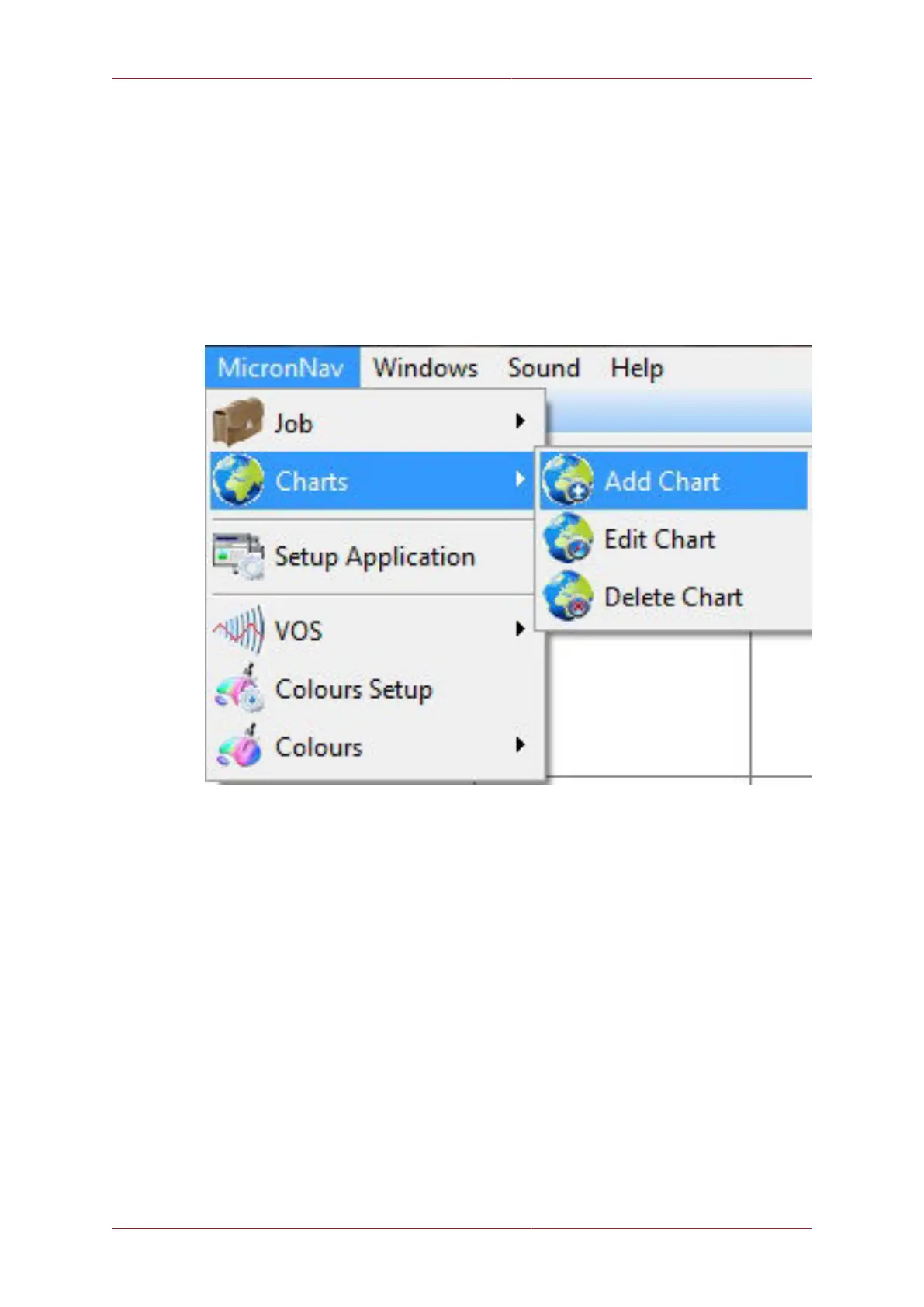
1. In the Seanet Pro Menu bar click on Micron Nav - Charts - Add Chart (for multi-
device applications, if MicronNav is not in the menu make sure that the MicronNav window
has been selected first).
2. In the Create Overlay Chart page click on Load BSB Chart



 To Next Page