Adding and Using User Bitmap Charts MicronNav System
0656-SOM-00001-07 99 © Tritech International Ltd.
36.1282025008669,-114.884130666328,0
36.1281583342003,-114.884322332995,0
36.1281151675336,-114.884513999662,0
36.1280726675336,-114.884705666329,0
36.1280311675336,-114.884896999662,0
36.127990500867,-114.885087999662,0
36.127951000867,-114.885278499662,0
36.1279126675336,-114.885467999663,0
36.1278753342003,-114.885656832996,0
36.1278391675336,-114.885844332996,0
36.127804500867,-114.886030499663,0
36.127771000867,-114.886215332997,0
36.1277388342003,-114.886398332997,0
36.1277081675336,-114.886579499664,0
36.127679000867,-114.886758832997,0
36.1276513342003,-114.886935832998,0
36.1276253342003,-114.887110332998,0
36.127601000867,-114.887282499665,0
36.127578500867,-114.887451666331,0
36.1275576675337,-114.887618166332,0
36.1275386675337,-114.887781332998,0
36.1275216675337,-114.887941332999,0
36.127506500867,-114.888097999665,0
36.127493500867,-114.888250832999,0
36.127482500867,-114.888399999666,0
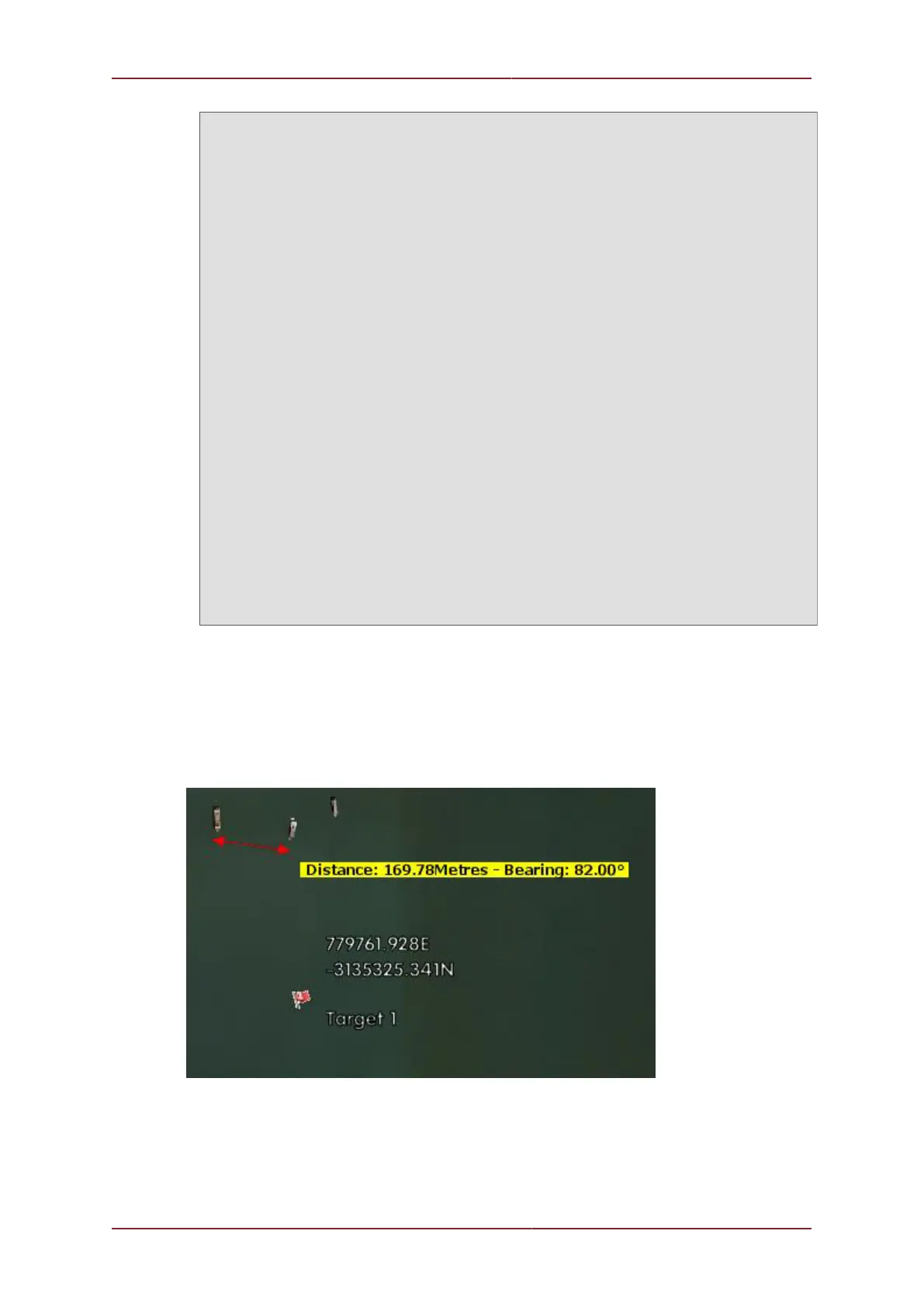
On Chart Meaurements
A Left click and drag operation anywhere on the chart will bring up an “elastic band”
measuring line which can be used to display Distance and Bearing between two reference
points.



 To Next Page