Conversion Between MicronNav Responder and Transponder MicronNav System
0656-SOM-00001-07 133 © Tritech International Ltd.
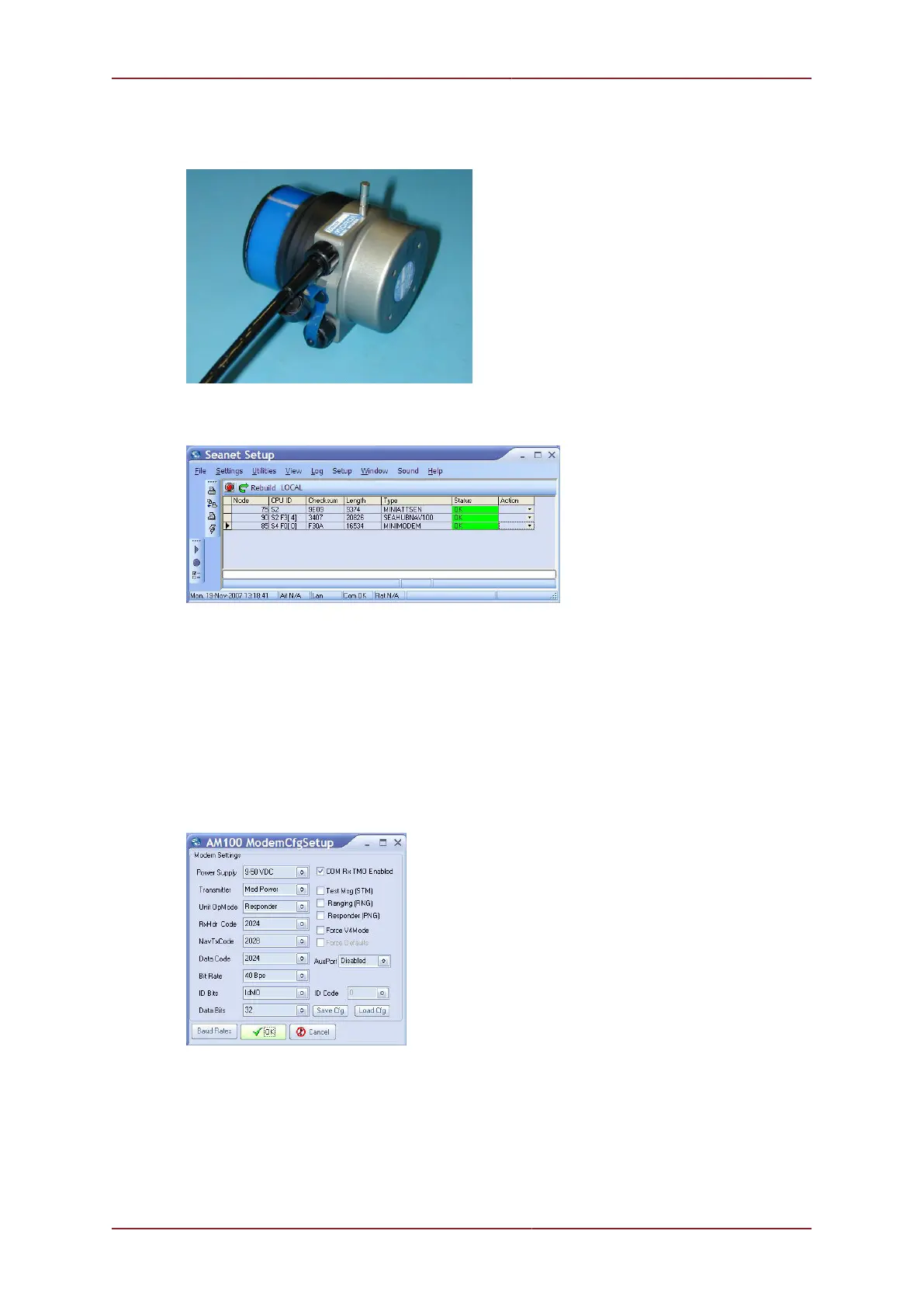
Switch off the power supply to the MicronNav100 Hub, connect the Transponder/Responder
Main port to Port B of the MicronNav100 Hub. Position a magnet against the body of the unit
as shown below and re-apply power to the system.
After a few seconds the unit should be visible in the Seanet Setup window (and displayed
as MINIMODEM). If not try repositioning the magnet slightly and power-cycling again.
The system is now ready for the conversion to take place and detailed steps are explained
in the following 2 sections.
11.2. Conversion to Transponder
The Responder unit can now be reconfigured to Transponder mode by clicking on the
Action arrow button in the MINIMODEM row followed by Setup from the sub-menu to display
the AM100 ModemCfgSetup page.
Change the Unit OpMode to Transponder, ID Bits to IdM 1-16, ID Code to 1 and
disable the COM Rx TMO Enabled check-box (as shown below).



 To Next Page