Conversion Between MicronNav Responder and Transponder MicronNav System
0656-SOM-00001-07 137 © Tritech International Ltd.
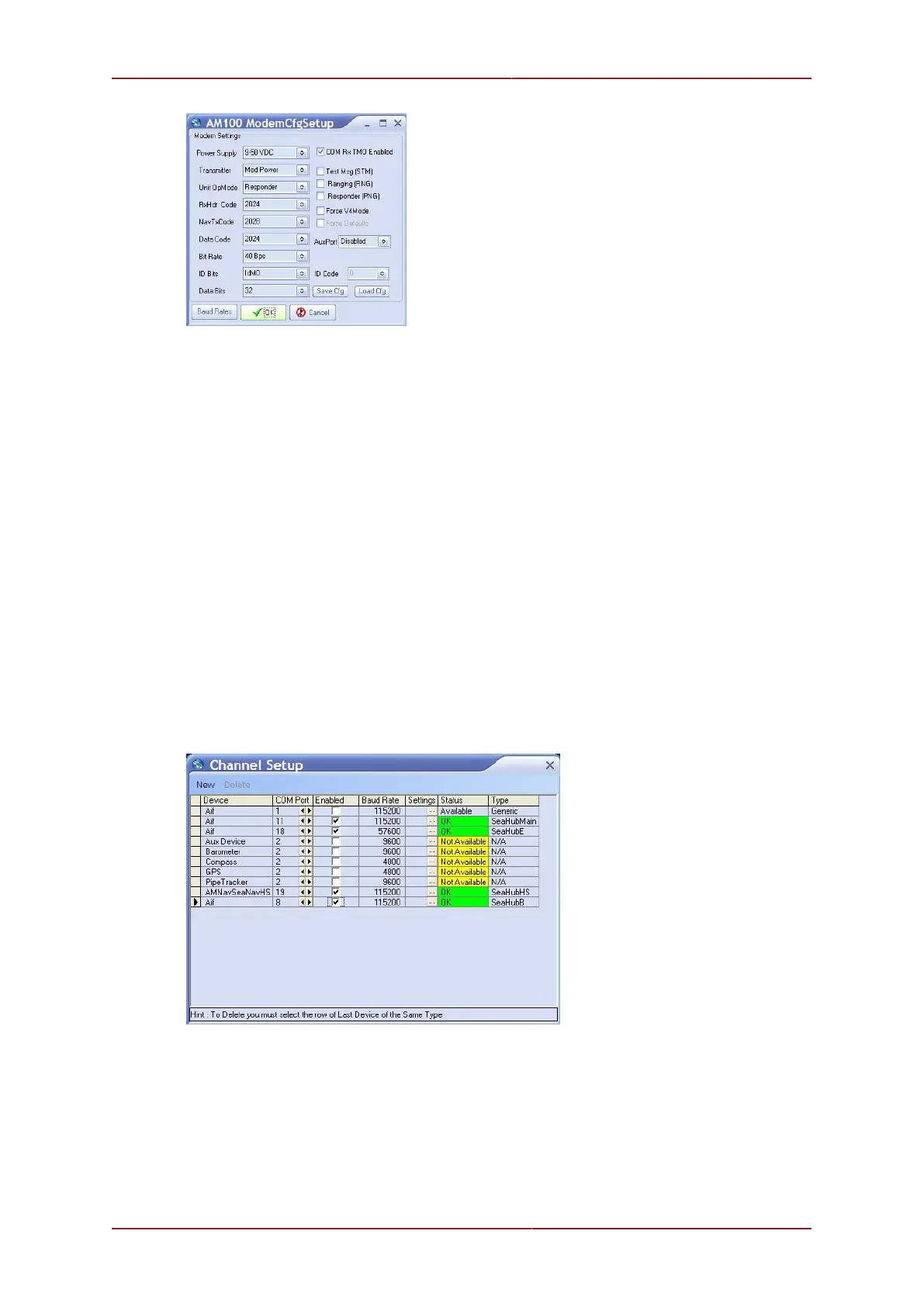
Confirm the settings and close the AM100 ModemCfgSetup page. After a few seconds the
reprogramming of the unit will be complete and "Node 85, Prog Cfg Done" will be displayed
in the status bar.
The magnet can now be removed from the body of the Transponder unit and power
switched off and re-applied to activate the change. This now completes the conversion from
Transponder to Responder mode.
Close the Seanet Setup program and delete the Seanet Pro Supervisor shortcut.
11.3.1. Connect the Micron Sonar and Responder
Run Seanet Setup by clicking on the Seanet Setup icon on the desktop.
Connect the Micron Sonar to the ROV communications and power supply.
Switch on power to the MicronNav100 Hub and reconfigure Port B to 115200 baud by
selecting Com Setup from the Utilities menu to open the Channel Setup page. Click
on the Settings button in the SeaHubB row to open the AifSEtupForm and adjust the
baud to 115200.
Port B should then be configured to match the Micron and ROV communications type by
clicking the Action arrow button in the SEAHUBNAV100 row followed by Setup from the
drop-down menu. Set Port B Mode for RS232 or RS485 accordingly.



 To Next Page