Installing the System MicronNav System
0656-SOM-00001-07 47 © Tritech International Ltd.
AVI File Sizes
The video component uses DirectShow and will write AVI V2.0 files. These can be over
2.0GB in size. However, files over this size will not open in Seanet Pro and so it is strongly
recommended that video capture rates are first tested before going live, and maximum
recording time is then calculated to keep AVI file sizes within this limit. Seanet Pro will display
a warning in the status bar when the AVI file size reaches 1.9GB and will then auto-close the
file when it reaches the 2GB limit.
3.3. Remote Beacons
Overview
It is possible to receive tracked position strings from an external computer. These strings can
be received through a COM port which is configured in Seanet Pro for Remote Beacon Input.
The tracked positions can be displayed in the MicronNav chart, all operating alongside other
device data such as Sonar and Video.
Note
A Tritech International Ltd device, such as a Sonar, must be running in Seanet
Pro before the beacon input facility will become activated.
It is possible to input data from three remote beacons at the same time, and these are labelled
as B16, B17 and B18 in Seanet Pro.
The string formats for remote beacon input that are currently accepted are:
• NMEA GGA (Latitude/Longitude only)
• NMEA GLL (Latitude/Longitude only)
• NMEA RMC (Latitude/Longitude only)
• $PSIMSSB (East/North, Depth)
• HPR 300P (East/North, Depth)
• TP-2EC (East/North, Depth, Slant Range, Bearing)
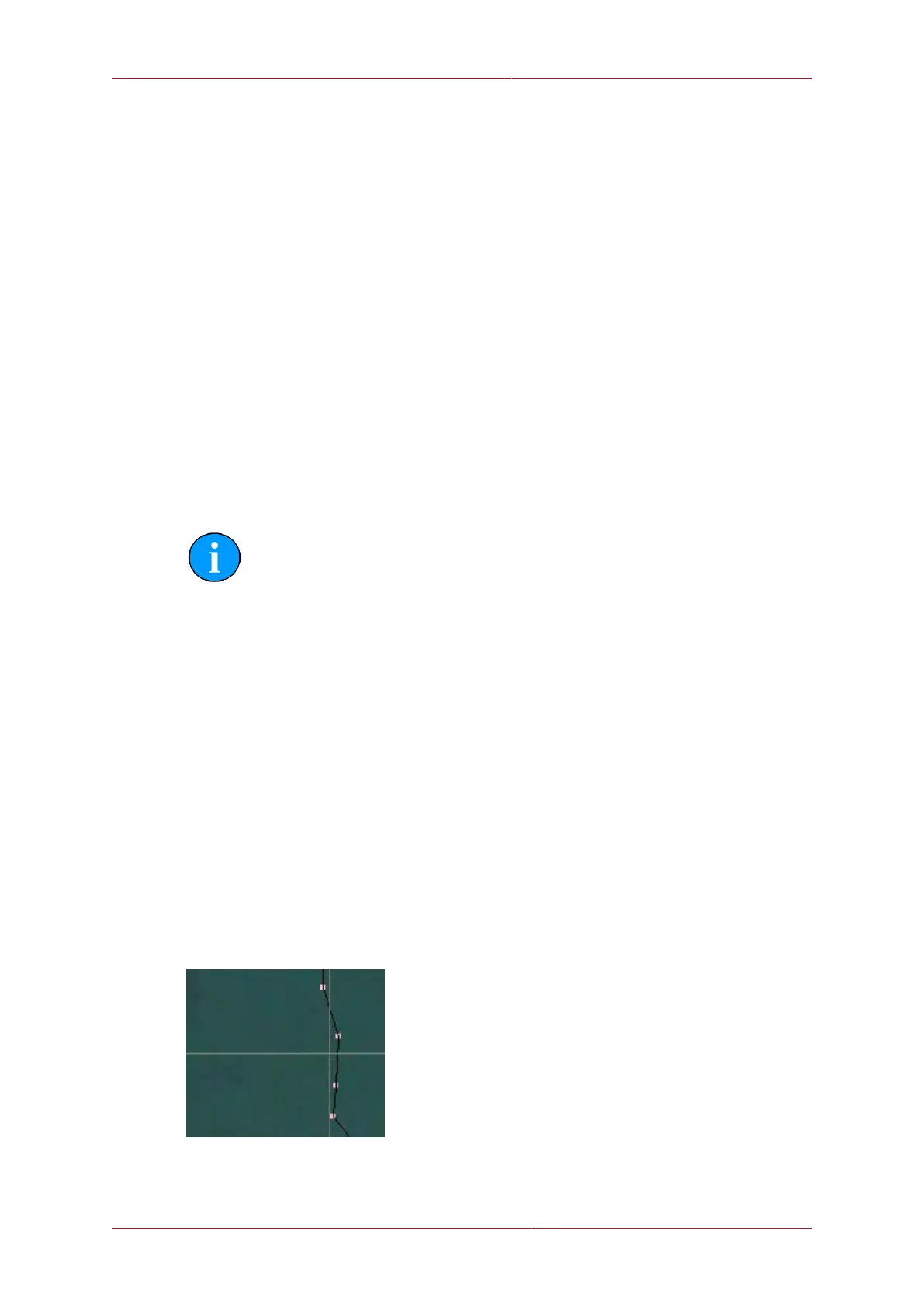
The remote beacons are displayed in the MicronNav chart as tracked points:
In the MicronNav display panel, the world coordinates of the beacon is also displayed,
extracted directly from the input data strings:



 To Next Page