Installing the System MicronNav System
0656-SOM-00001-07 48 © Tritech International Ltd.
For relative positioning, the datum to which the beacon(s) can be referred can be either a
fixed or mobile datum/reference point which is entered in the MicronNav Job Setup as
a Fixed Platform or Mobile Platform:
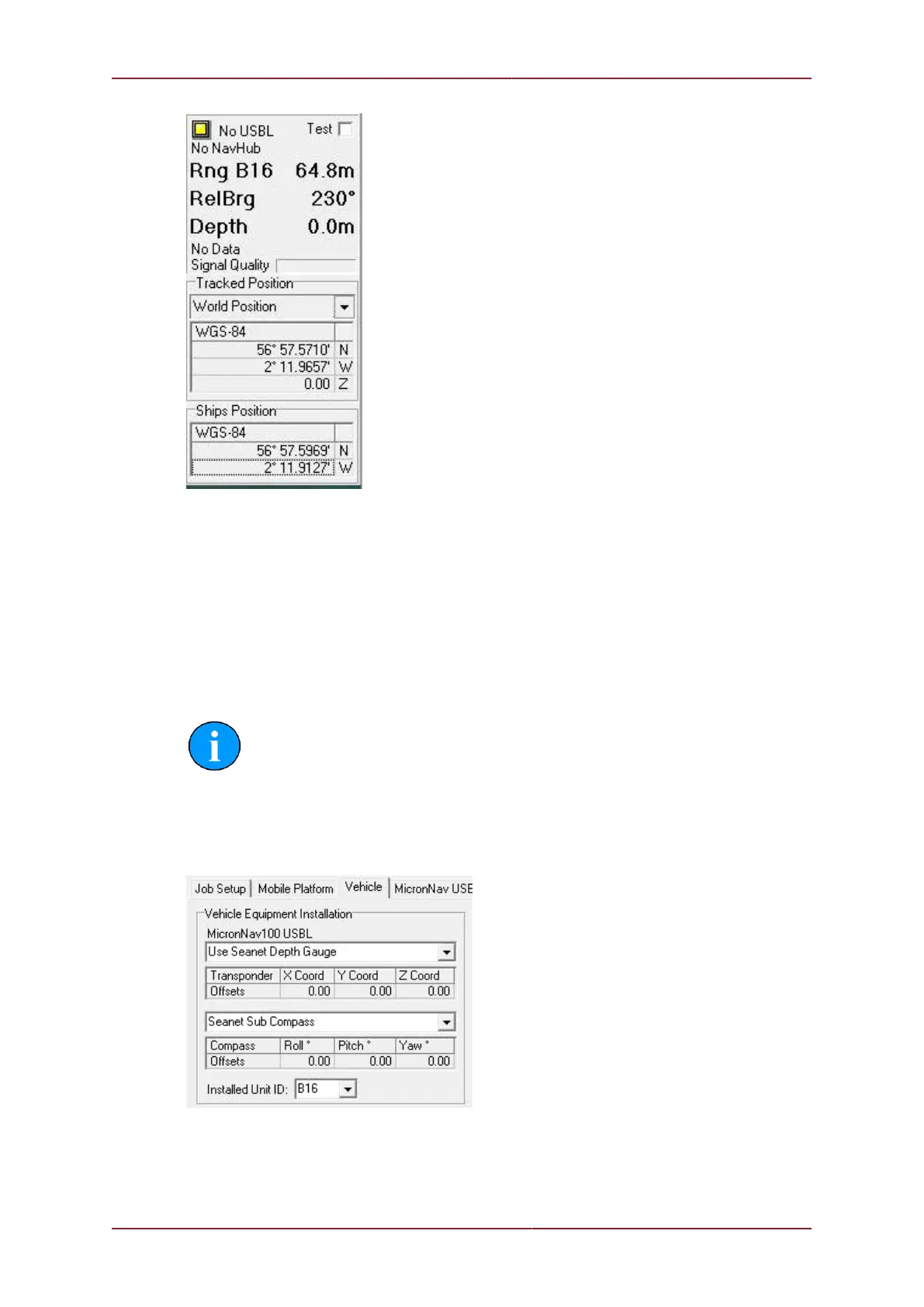
For a mobile datum point such a ship, the ship GPS position can be input into the system, via
an NMEA input string for example, and this tracked position also plotted on the MicronNav
chart. If a fixed datum/reference point is to be used then it is coordinates must first be entered
in the Job Setup after selecting Fixed Platform. Once the job is configured with a
fixed or mobile datum, the relative position of the remote beacon(s) can be calculated and
displayed, i.e. Range and Bearing in the above example.
Note
If the NMEA GGA, GLL, or RMC string inputs are to be used then this will only
give an XY position for the remote beacon(s). The Z coordinate can also be set
if there is a depth gauge fitted on the vessel (ROV/AUV) to which the beacon
position refers. This depth string can also be brought into Seanet Pro via a COM
port and then configured in the Job Setup.



 To Next Page