Installing the System MicronNav System
0656-SOM-00001-07 17 © Tritech International Ltd.
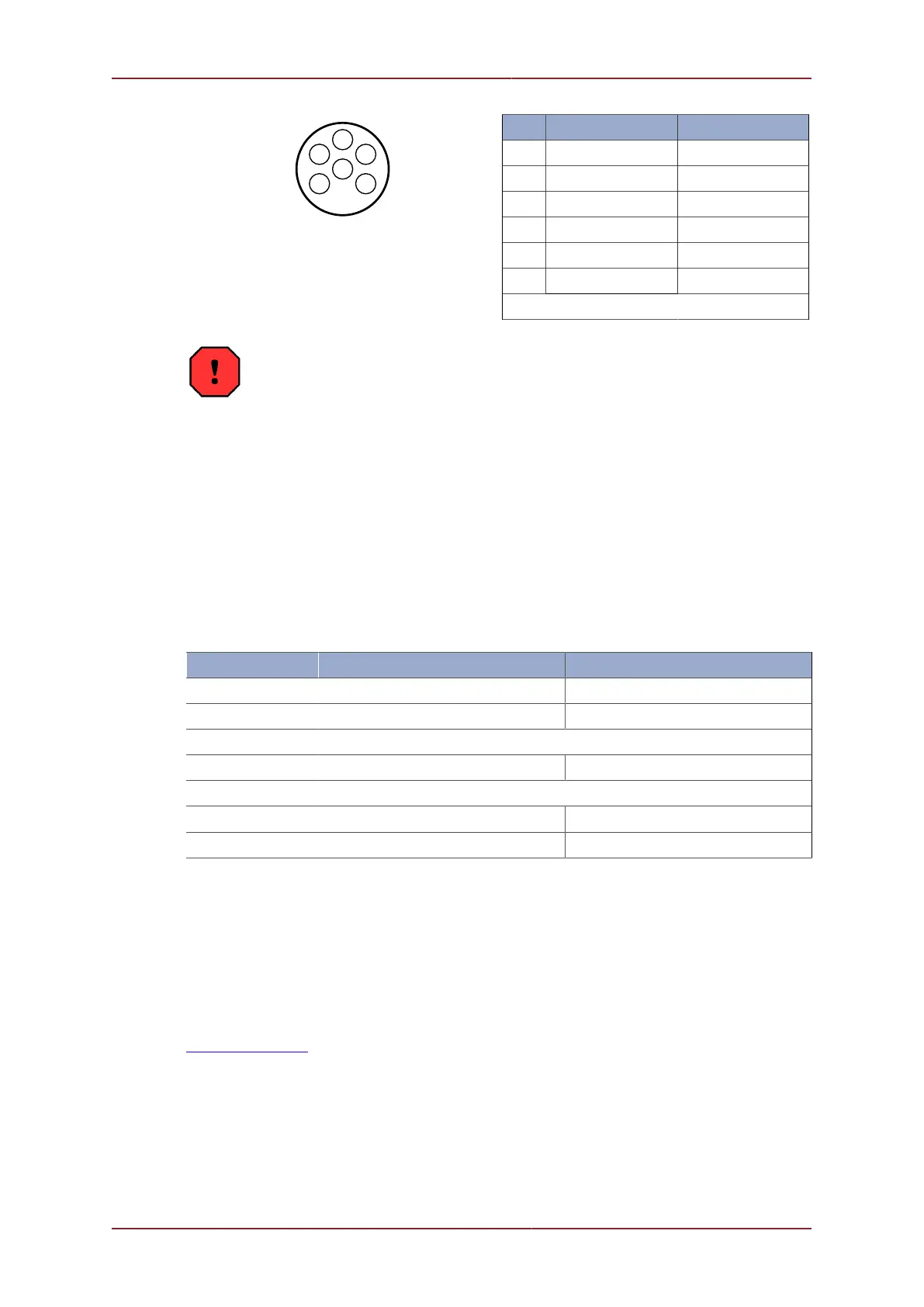
Pin RS232 RS485
1 RX TX/RX-A
2 TX TX/RX-B
3 ‡ ‡
4 ‡ ‡
5 GROUND GROUND
6 ‡ ‡
‡ = connected for handshaking only.
Warning
The 6 pin DIN-45322 connector Port D has a live 24V supply output on pin 3
referenced to 0V on pin 4.
3.2. Installation
3.2.1. System requirements
Seanet Pro has the following system requirements:
Minimum Recommended
Processor 2GHz 2GHz dual core
RAM 1GB 2GB
Graphics 3D hardware accelerated graphics card.
Display 1280x1024 (32bit colour) 1600x1200 (32bit colour)
Disk space Install is 20MB, greater than 160GB recommended for log files
Networking
100Mbit·s
-1
(fast Ethernet) 1000Mbit·s
-1
(Gigabit Ethernet)
Software Windows XP 32bit Windows 7 32 or 64bit
It is highly recommended that your system specifications are checked against these
requirements prior to attempting installation of Seanet Pro.
3.2.2. Installing Seanet Pro
Seanet Pro is supplied on a CD-ROM which has been designed to auto-run upon
disc insertion. The latest commercial release of software is always available from
www.tritech.co.uk.
Once loaded, the main menu of the CD will be shown on screen.



 To Next Page