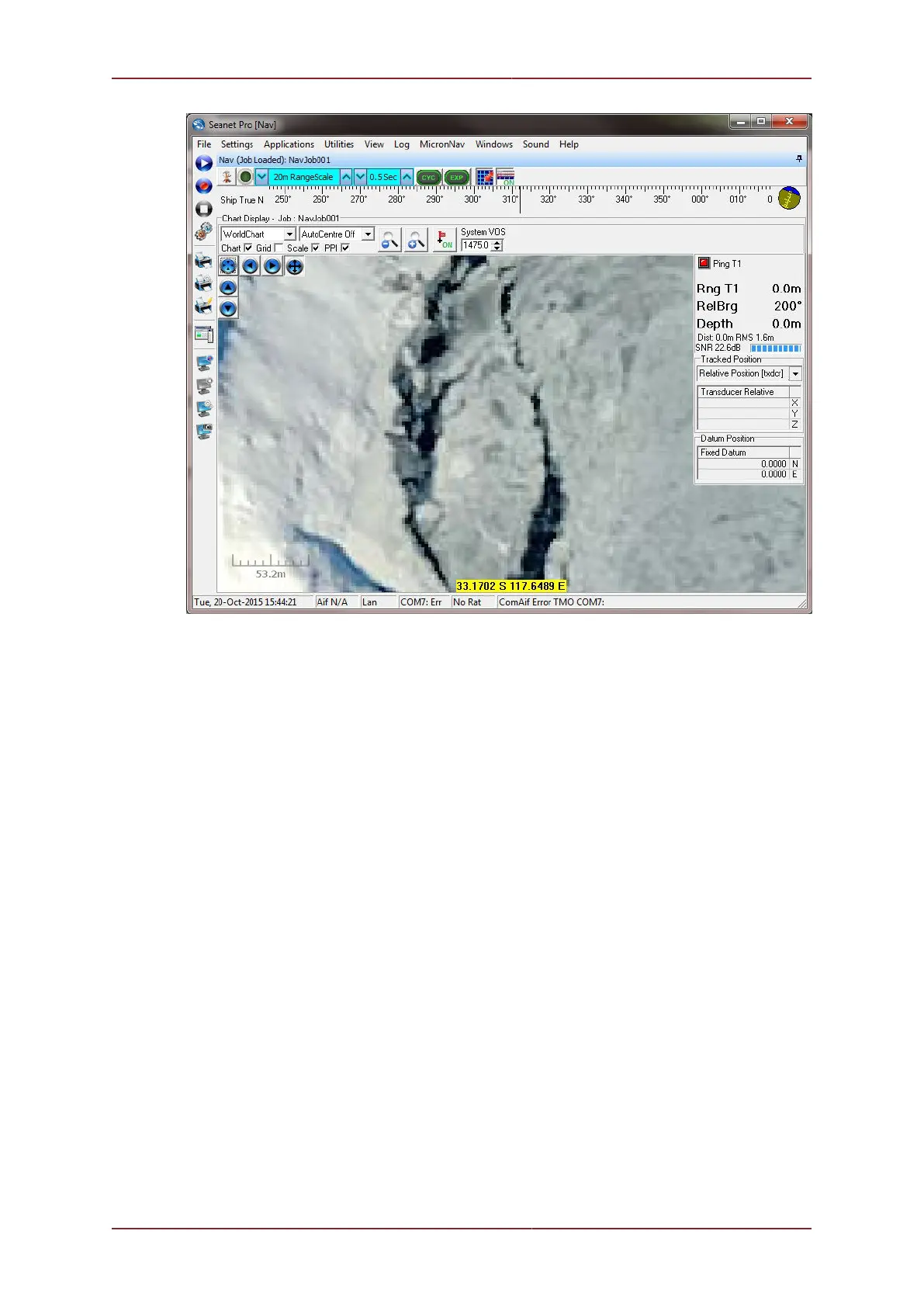
Adding and Using User Bitmap Charts MicronNav System
0656-SOM-00001-07 92 © Tritech International Ltd.
6.5. Markers
6.5.1. Overview
The Nav Chart function in Seanet Pro includes the facility to lay a series of markers to label
and track objects, points of interest and way positions. These markers can be saved to file
for the purpose to re-load at a later date or to form part of a report.
There are two formats of marker file:
1. A full, comma separated file format with the filename extension .mrk
2. A shortened, comma separated format with the filename extension .csv
6.5.2. Creating and Laying a Marker
Double-clicking anywhere on the chart will open the Add Marker dialog:



 To Next Page