Installing the System MicronNav System
0656-SOM-00001-07 52 © Tritech International Ltd.
Note
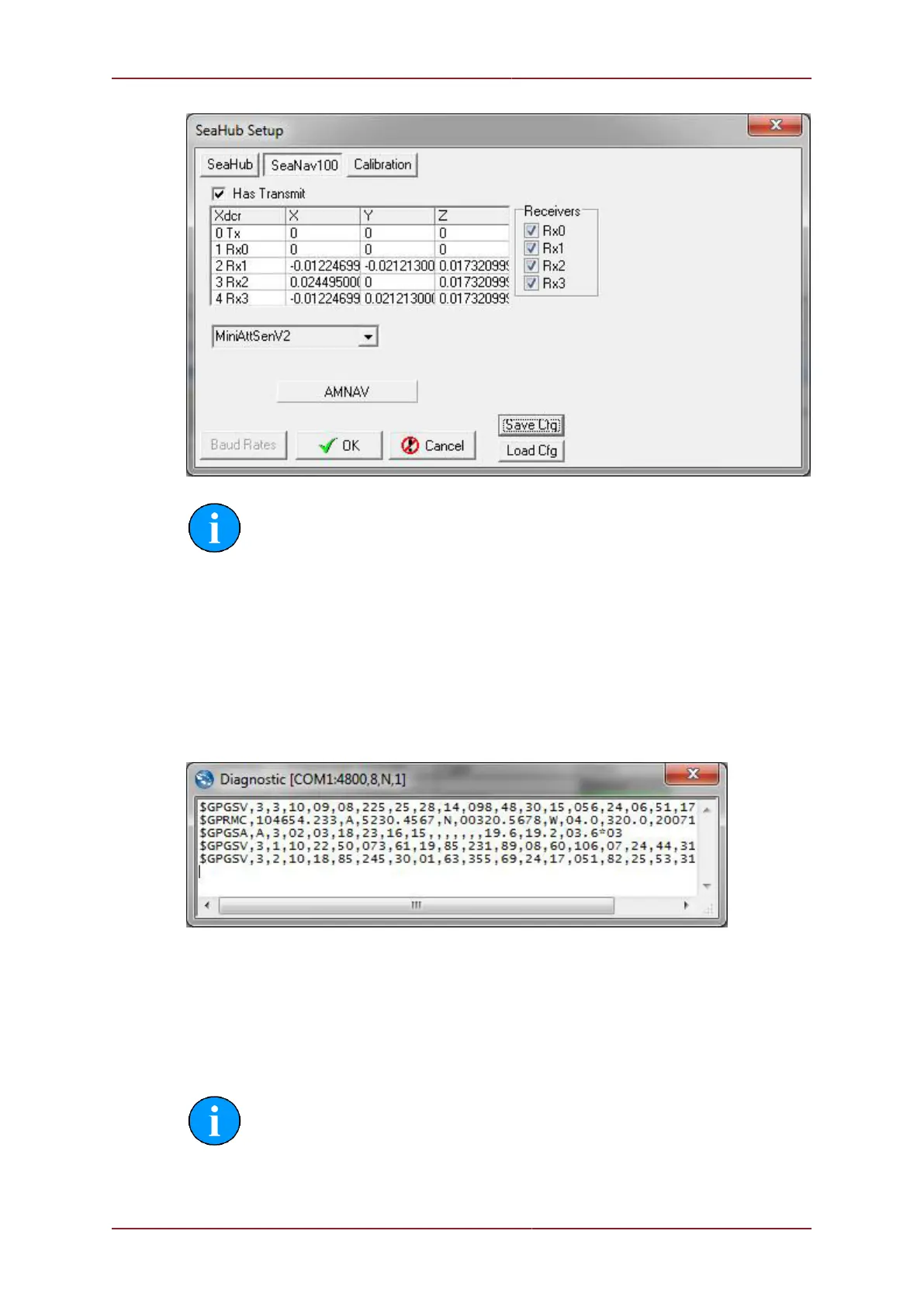
Has Transmit, Rx0...Rx4 checkboxes are now only adjustable in Supervisor
level. Please contact Tritech International Ltd Technical Support if these are
disabled and need to be re-enabled.
3.4.3. Optional third party GPS Comms Check
If using an optional third party GPS Receiver check the GPS operation by selecting Utilities
from the top menu bar followed by GPS Diagnostic from the sub-menu and check that GPS
data is present in the GPS Diagnostics window.
3.4.4. Optional third party Heading & MRU Check
If using optional third party Heading and MRU sensors check the compass display at the
top of the MicronNav window is present and updating and check the artificial horizon box is
present and updating.
Note
If these displays appear to be jumping between two positions, disable the integral
sensor in the Channel setup panel (see Section 3.2.7, “Connecting optional third
party High Accuracy Heading/Pitch/Roll MRU Sensors”).



 To Next Page