Conversion Between MicronNav Responder and Transponder MicronNav System
0656-SOM-00001-07 140 © Tritech International Ltd.
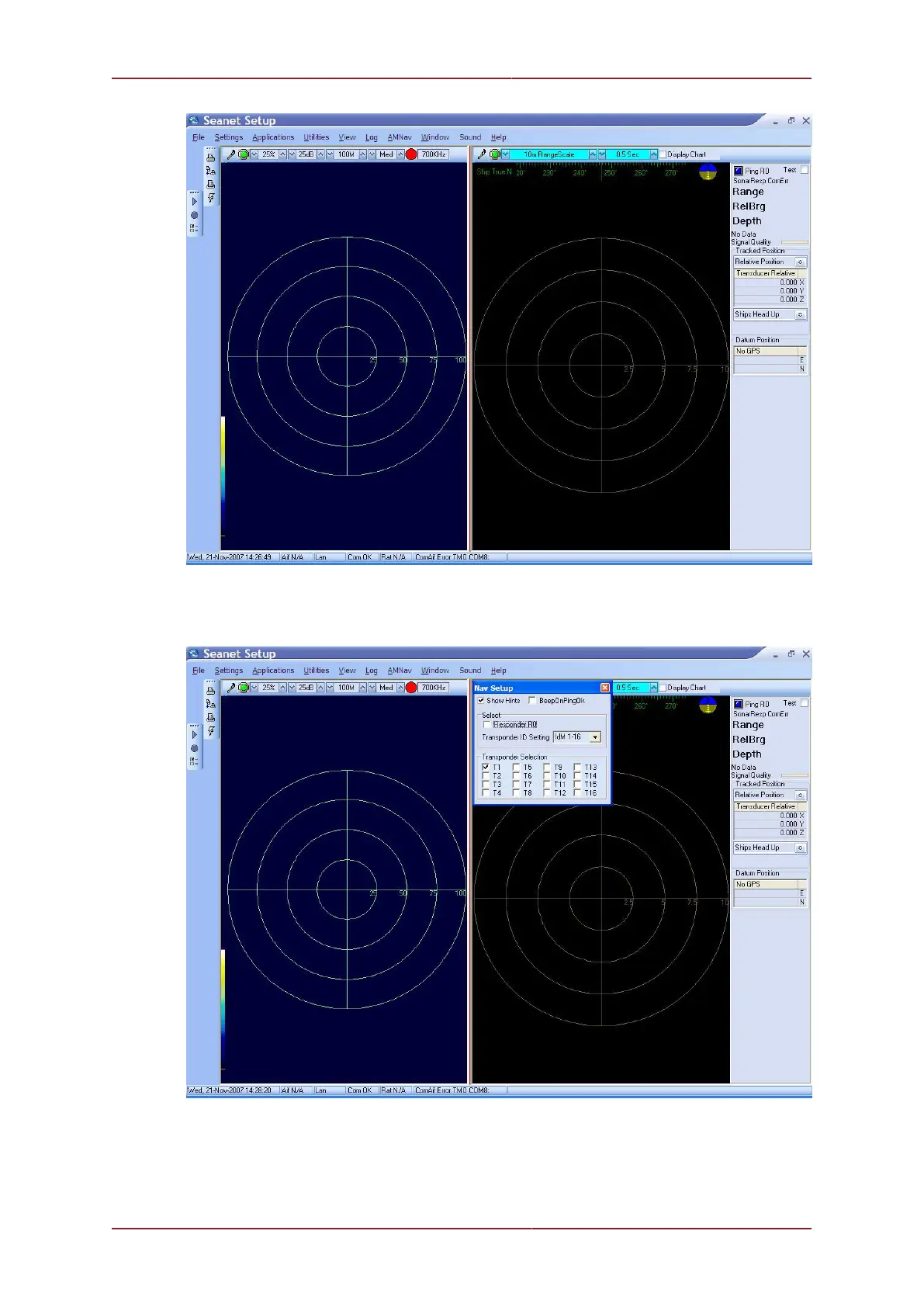
Click inside the tracking window to display the AMNav menu option in the main menu bar.
Select AMNav from the main menu bar followed by Setup App from the sub-menu to open
the Nav Setup page.
Disable the Transponder T1 check-box and set Transponder ID Setting to IdM0
which will close the Transponder Selection options. Finally enable the check-box
Responder R0 (as shown below).



 To Next Page