Installing the System MicronNav System
0656-SOM-00001-07 26 © Tritech International Ltd.
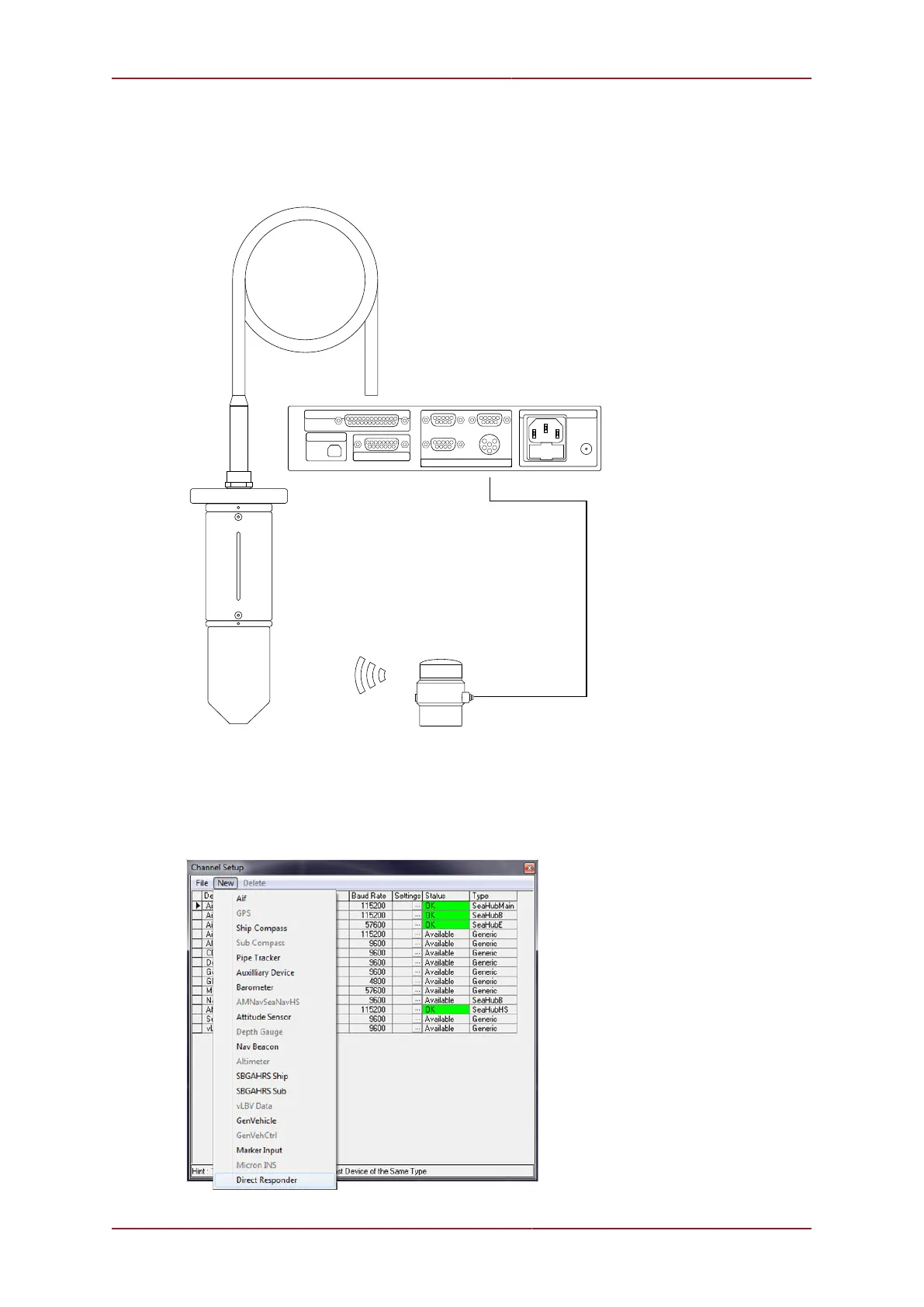
Connecting to a MicronNav Responder directly from a MicronNav Port
An example of a Micron Responder being used directly from the MicronNav is:
MICRON RESPONDER
4
5
1 2
8
6
3
7 9
4
5
12
8
10
6 37
12
9
1114
1315
4
5
1 2
8
6
3
7 9
4
1
3
2
6
5
AIF (ARCNET)
COMMUNICATION PORTS
PC-USB
SUPPLY
A B
D
C
4
5
1 2
86
3
7 9
4
5
12
8
15
6 37
17
14
1619
1820
11
12
9
22
13 10
24
21
23
25
TRANSDUCER
MICRONNAV HUB (REAR)
MAIN - CONNECTED TO PORT B
OF MICRONNAV HUB
UNIT ONLY TALKED TO ACOUSTICALLY
USBL DUNKING TRANSDUCER
DUNKING TRANSDUCER FITTED TO
25 WAY CONNECTOR ON MICRONNAV HUB
The MicronNav Responder can be directly connected to either Port B or Port D of the
MicronNav Hub and provide direct communications to it.
Select Utilities from the top menu bar followed by Com Setup to open the Channel Setup
page. Select the Direct Responder option from the New drop down menu.



 To Next Page