Installing the System MicronNav System
0656-SOM-00001-07 38 © Tritech International Ltd.
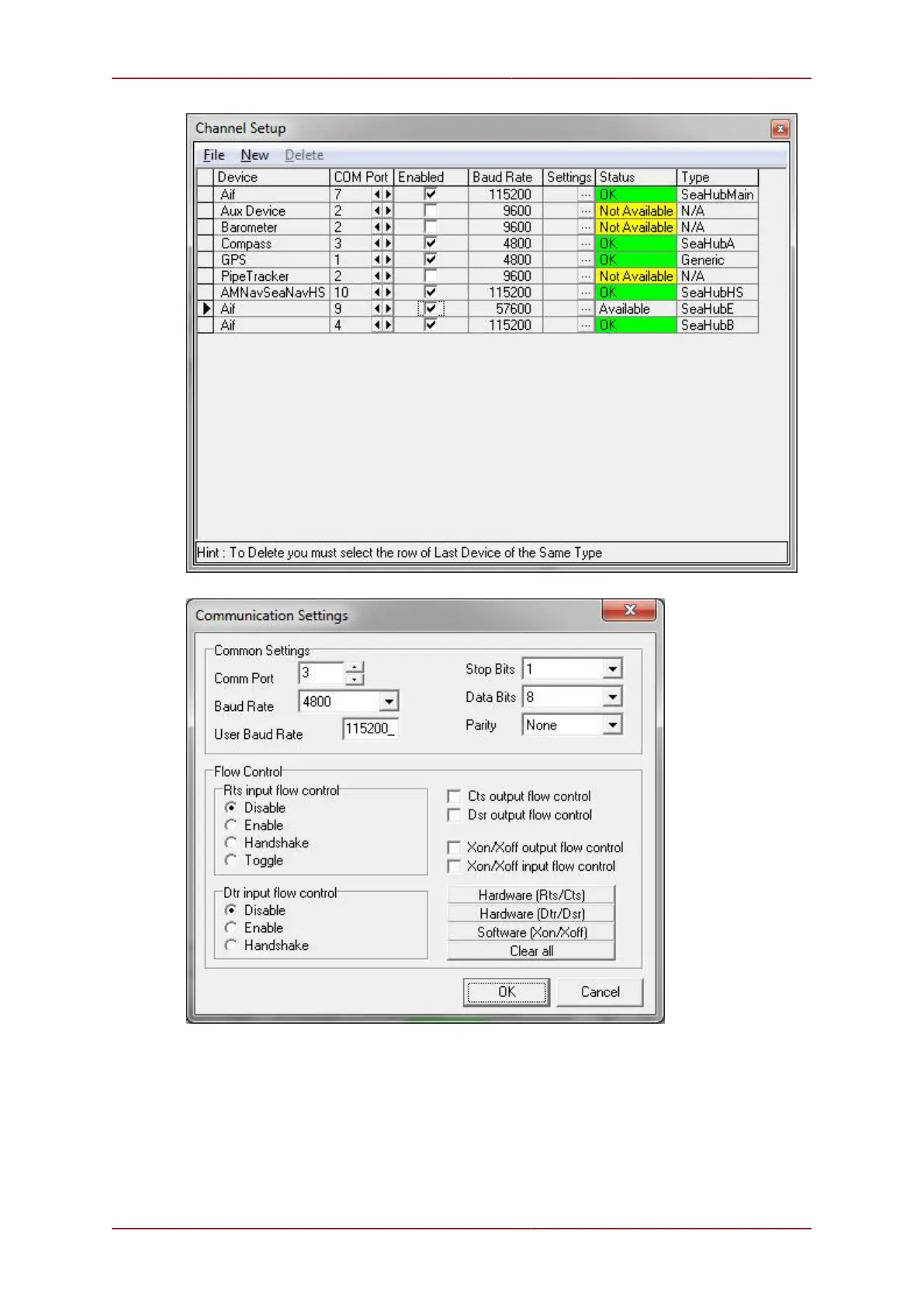
The above example shows the external Heading sensor on COM 3 which in this case is Port
A on the MicronNav100 Hub.
Selecting External Heading data in Job
After configuring a COM Port for the External Compass data input, to then apply External
Heading, i.e. from a Ship Compass, it must be selected in the Job.



 To Next Page