EasyManua.ls Logo

Tuttnauer EA - Printer (Optional)

Tuttnauer EA
72 pages
Print Icon
To Next Page IconTo Next Page
To Previous Page IconTo Previous Page
Loading...
2.
PRINTER
(OPTIONAL)
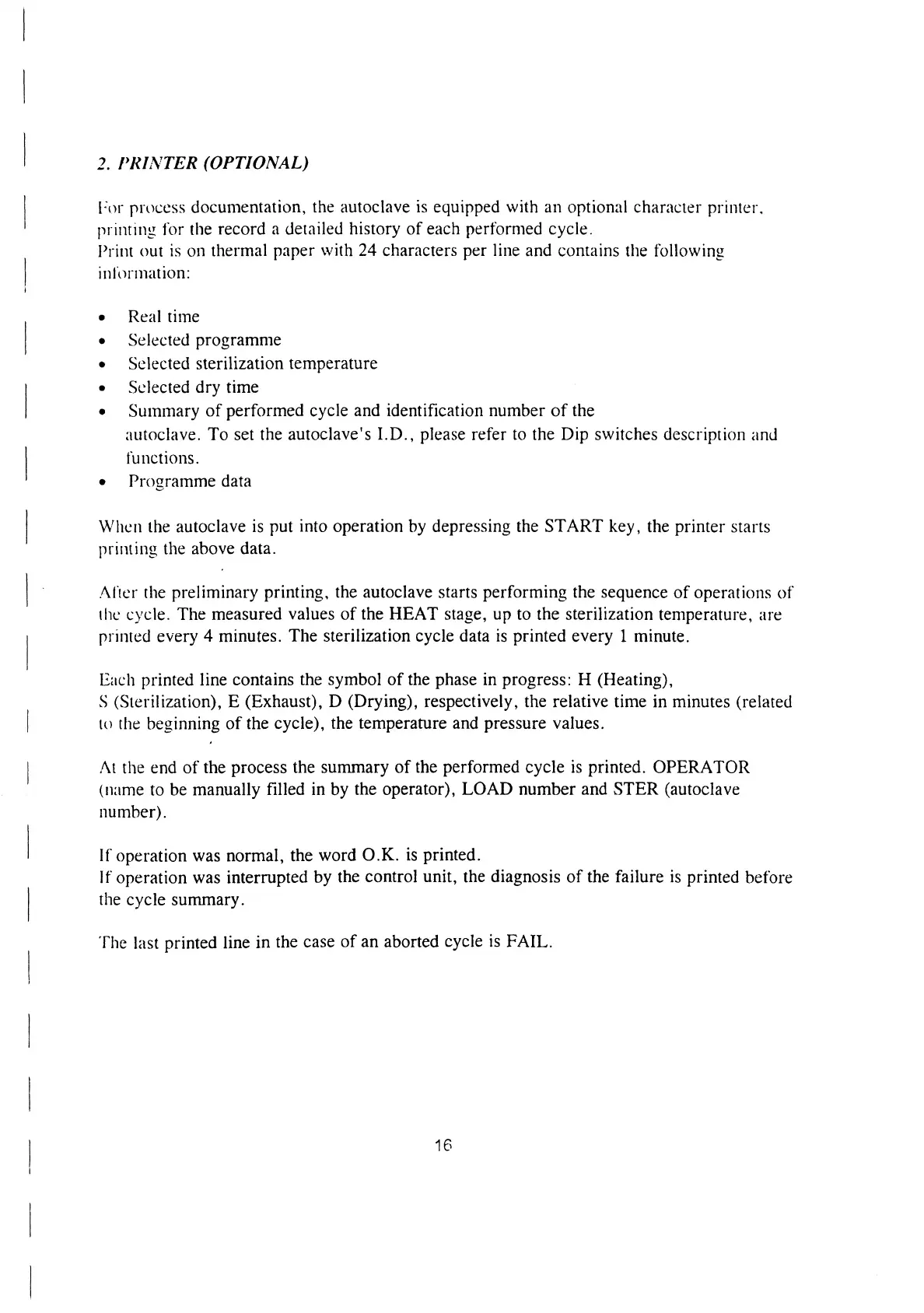
For
process
documentation,
the
autoclave
is
equipped
with
an
optional
character
printer.
printing
for
the
record
a
detailed
history
of
each
performed
cycle.
Print
out
1s
on
thermal
paper
with
24
characters
per
line
and
contains
the
following
information:
e
Real
time
e
Selected
programme
e
Selected
sterilization
temperature
e
Selected
dry
time
e
Summary
of
performed
cycle
and
identification
number
of
the
autoclave.
To
set
the
autoclave's
I.D.,
please
refer
to
the
Dip
switches
description
and
functions.
e
Programme
data
When
the
autoclave
is
put
into
operation
by
depressing
the
START
key,
the
printer
starts
printing
the
above
data.
After
the
preliminary
printing,
the
autoclave
starts
performing
the
sequence
of
operations
of
the
cycle.
The
measured
values
of
the
HEAT
stage,
up
to
the
sterilization
temperature,
are
printed
every
4
minutes.
The
sterilization
cycle
data
is
printed
every
1
minute.
Each
printed
line
contains
the
symbol
of
the
phase
in
progress:
H
(Heating),
S
(Sterilization),
E
(Exhaust),
D
(Drying),
respectively,
the
relative
time
in
minutes
(related
to
the
beginning
of
the
cycle),
the
temperature
and
pressure
values.
At
the
end
of
the
process
the
summary
of
the
performed
cycle
is
printed.
OPERATOR
(name
to
be
manually
filled
in
by
the
operator),
LOAD
number
and
STER
(autoclave
number).
If
operation
was
normal,
the
word
O.K.
is
printed.
If
operation
was
interrupted
by
the
control
unit,
the
diagnosis
of
the
failure
is
printed
before
the
cycle
summary.
The
last
printed
line
in
the
case
of
an
aborted
cycle
is
FAIL.
16

Related product manuals