EasyManua.ls Logo

Tuttnauer EA - Automatic Water Filling

Tuttnauer EA
72 pages
Print Icon
To Next Page IconTo Next Page
To Previous Page IconTo Previous Page
Loading...
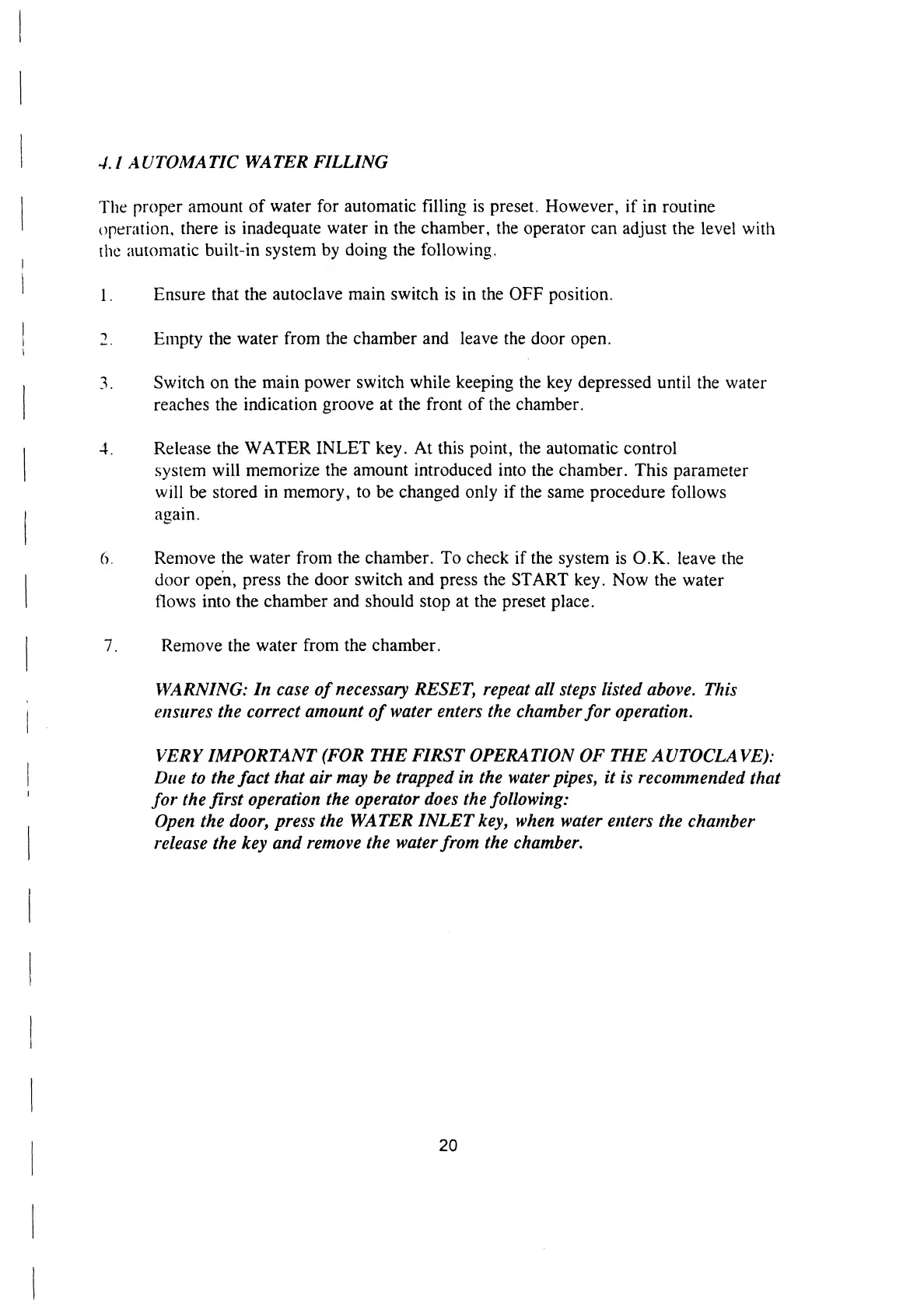
4.1
AUTOMATIC
WATER
FILLING
The
proper
amount
of
water
for
automatic
filling
is
preset.
However,
if
in
routine
operation,
there
is
inadequate
water
in
the
chamber,
the
operator
can
adjust
the
level
with
the
automatic
built-in
system
by
doing
the
following.
|.
1.
a)
6.
Ensure
that
the
autoclave
main
switch
is
in
the
OFF
position.
Empty
the
water
from
the
chamber
and
leave
the
door
open.
Switch
on
the
main
power
switch
while
keeping
the
key
depressed
until
the
water
reaches
the
indication
groove
at
the
front
of
the
chamber.
Release
the
WATER
INLET
key.
At
this
point,
the
automatic
control
system
will
memorize
the
amount
introduced
into
the
chamber.
This
parameter
will
be
stored
in
memory,
to
be
changed
only
if
the
same
procedure
follows
again.
Remove
the
water
from
the
chamber.
To
check
if
the
system
is
O.K.
leave
the
door
open,
press
the
door
switch
and
press
the
START
key.
Now
the
water
flows
into
the
chamber
and
should
stop
at
the
preset
place.
Remove
the
water
from
the
chamber.
WARNING:
In
case
of
necessary
RESET,
repeat
all
steps
listed
above.
This
ensures
the
correct
amount
of
water
enters
the
chamber
for
operation.
VERY
IMPORTANT
(FOR
THE
FIRST
OPERATION
OF
THE
AUTOCLAVE):
Due
to
the
fact
that
air
may
be
trapped
in
the
water
pipes,
it
is
recommended
that
for
the
first
operation
the
operator
does
the
following:
Open
the
door,
press
the
WATER
INLET
key,
when
water
enters
the
chamber
release
the
key
and
remove
the
water
from
the
chamber.
20

Related product manuals