21
5 SETTING OF FUNCTIONS
21
SETTING OF FUNCTIONS
Chapter
5
5-9. Digital zero function
This function zeros the indicated value.
■Digital zero by key operation
1.
Press the .
2. When the indicated value becomes zero, digital zero is completed.
■Digital zero by external signal input
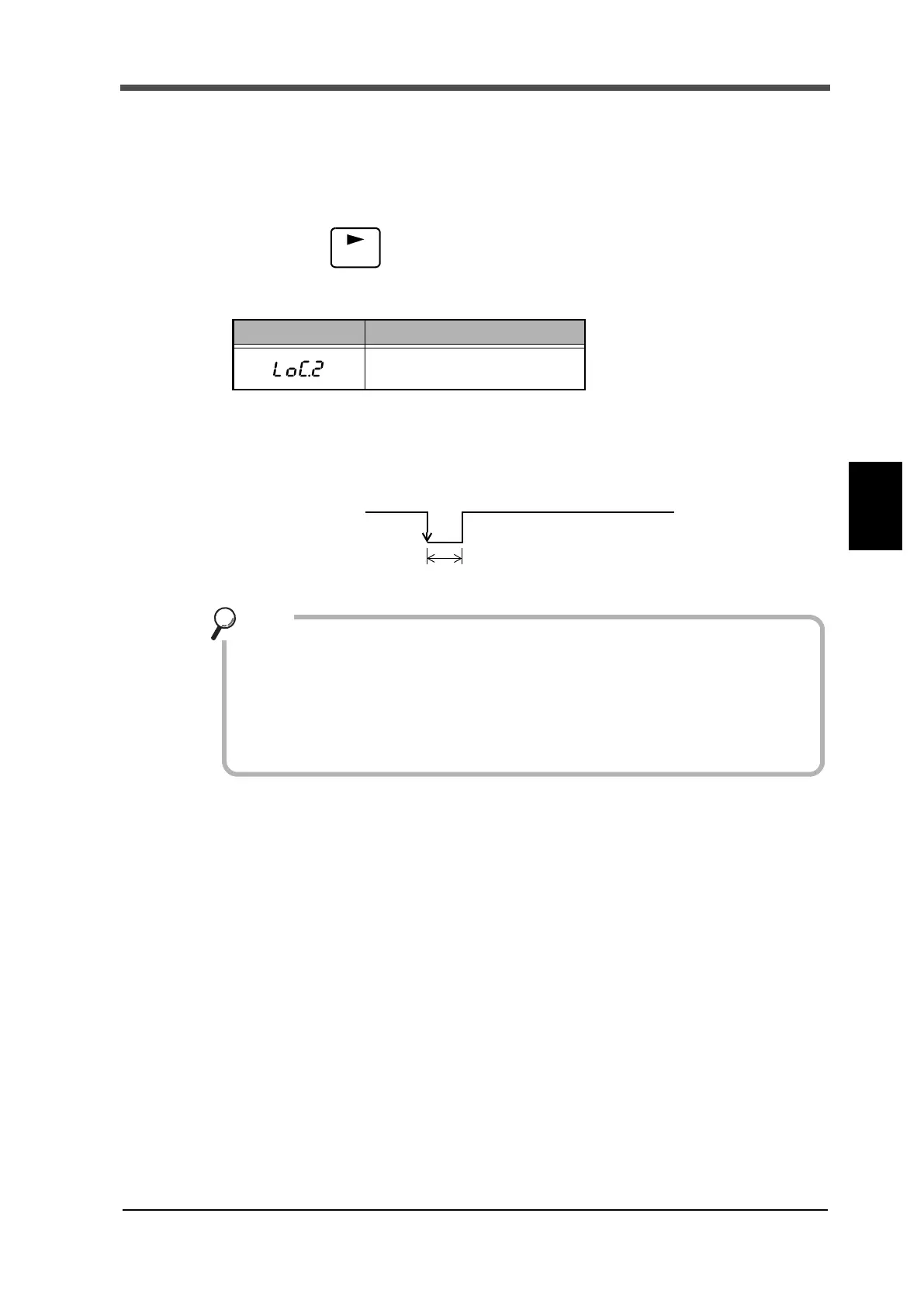
At the instant when the digital zero input (8) and COM (6) on the signal input/output terminal block
at the back are short-circuited, the digital zero function works to zero the indicated value.
5-10.ZERO key valid/invalid
This function validates/invalidates the operation of the ZERO key.
5-11.Display frequency
The Display frequency function is used to select the times the indicated values are displayed per
second. A/D conversion count is fixed to 300 per second.
Display Message description
Invalid ZERO key operations.
Digital zero
OFF
ON
Turn ON for 50 msec or more.
- The digital zero function is reset when the power is turned OFF.
- For the connection of the digital zero input terminals, see "2-6.Connection of
the external input" on page 9.
- If the digital offset is set, even if Digital Zero is executed, zero will not result.
(Indicated value = -Setting value of digital offset)
Point


 To Next Page