34
4 & 8 & 16 Channel DVR Operation manual Revision 1.0
PLAY(▶) Input Space
R.PLAY(◀) Input back space
MENU Move to “OK” Button
Meaning of Key
3.1.3 Camera hide
User can make the live screen appear or not by channel with this function.
If user sets up “ON” in this function, the live screen of the selected channel does not appear.
In case of recording, the recording continues, although screen does not appear.
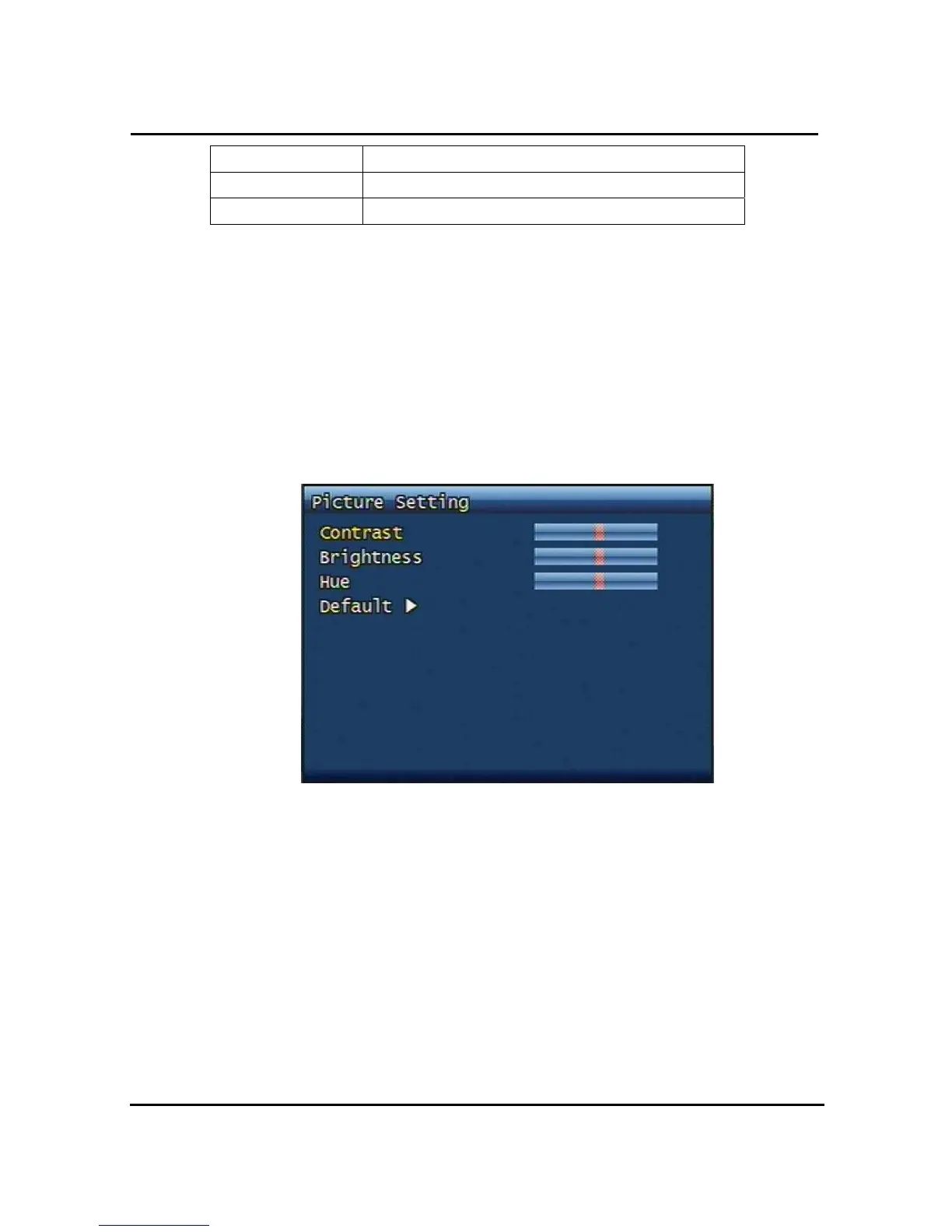
3.1.4 Picture Setting
Figure. 3-4 Picture setting screen
3.1.4.1 Contrast, Brightness, Hue,
Contrast, Brightness, Hue will be managed & each parameter has 16 level steps adjustable.
3.1.4.2 Default
Users can restore the factory default setting of Contrast, Brightness & Hue.
Confirmation box on picture setting default will appear after entering default. User can
restore the factory default setting after entering ‘YES’ key button.



 To Next Page