52
4 & 8 & 16 Channel DVR Operation manual Revision 1.0
3.6.3.2 DDNS Link On/off
You can decide if you want to use Dynamic DNS or not under static network type with on/off
button.
3.6.3.3 Port
Configure the Port number to be used to connect to the DVR system using RAMS (Remote
Access & Monitoring System). The default Port number is port 80. Change easily by using
Jog/shuttle equipped in front panel.
3.6.3.4 IP Address
Assign a fixed IP address to the DVR. Change easily by using Jog/shuttle equipped in front
panel.
3.6.3.5 Subnet Mask
Assign the Subnet Mask. Change easily by using Jog/shuttle equipped in front panel.
3.6.3.6 Gateway
Assign the Gateway address
Change easily by using Jog/shuttle equipped in front panel.
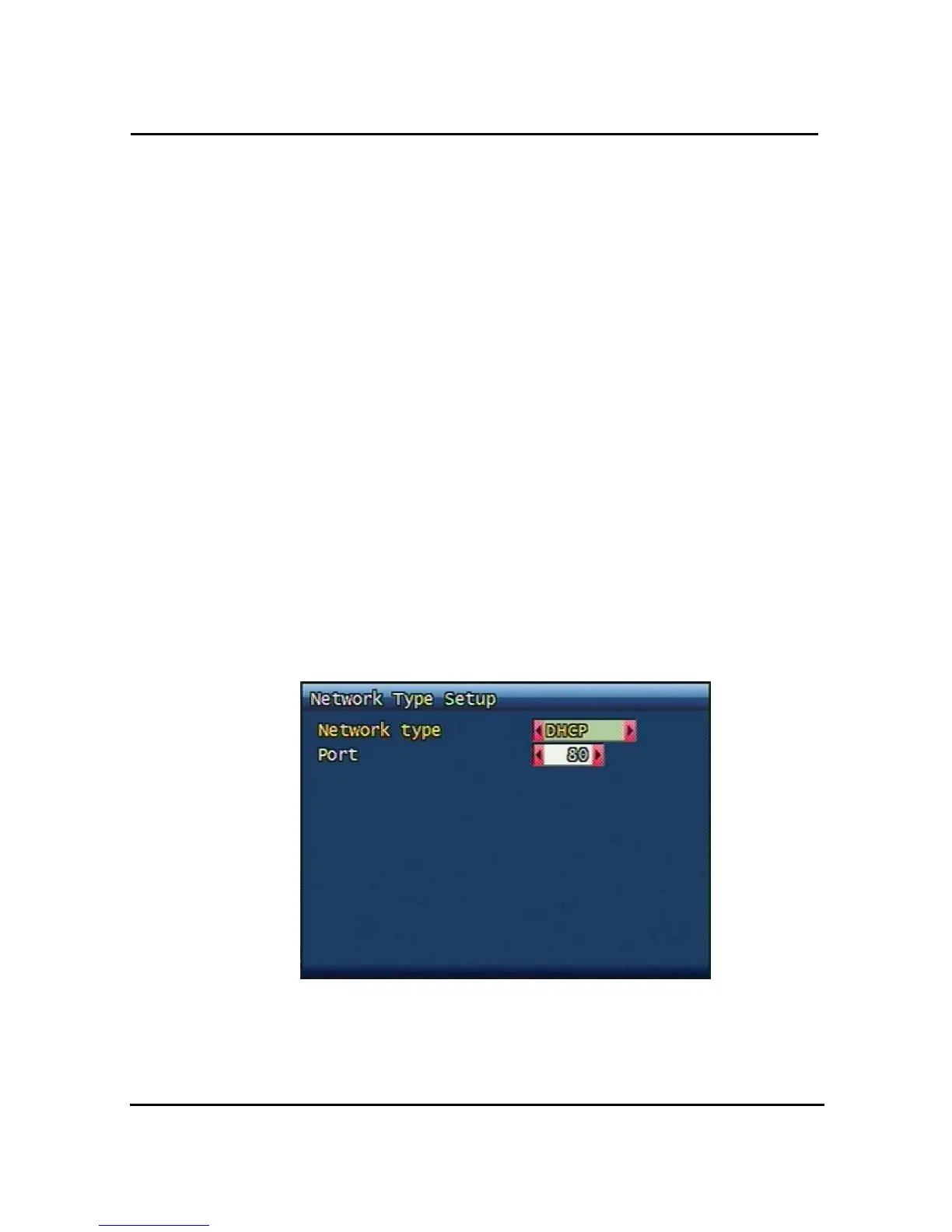
3.6.4 DHCP
Figure. 3-24 DHCP setup screen
3.6.4.1 Port
Please refer to paragraph 3.6.4.2 for Port setting of STATIC.



 To Next Page