47
4 & 8 & 16 Channel DVR Operation manual Revision 1.0
3.4 Playback Setup
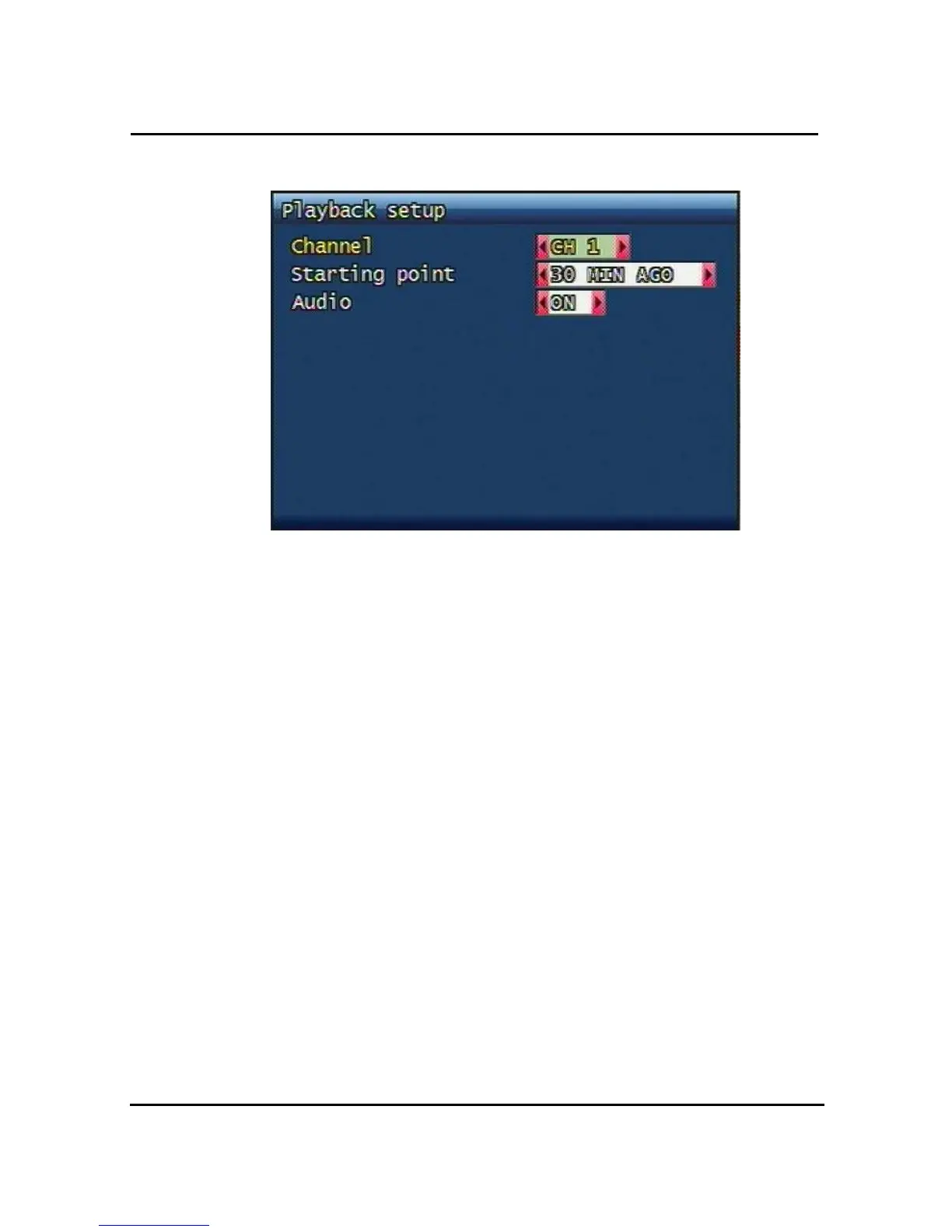
Figure. 3-18 Playback setup screen
3.4.1 Channel
Designate the channel to be viewed when the “PLAY” button is pressed.
3.4.2 Starting Point
This starting point configures the starting position when the “PLAY” button is pressed.
z FIRST: This can search for and replay the oldest recorded images from the selected
channel.
z 30Min/1HOUR/6HOUR/12HOUR/24HOUR AGO: This can search for and replay the
previous recorded images from the selected channel.
3.4.3 Audio
If the recorded files contain audio, choose whether to turn the sound ON/OFF
During playback.



 To Next Page