70
4 & 8 & 16 Channel DVR Operation manual Revision 1.0
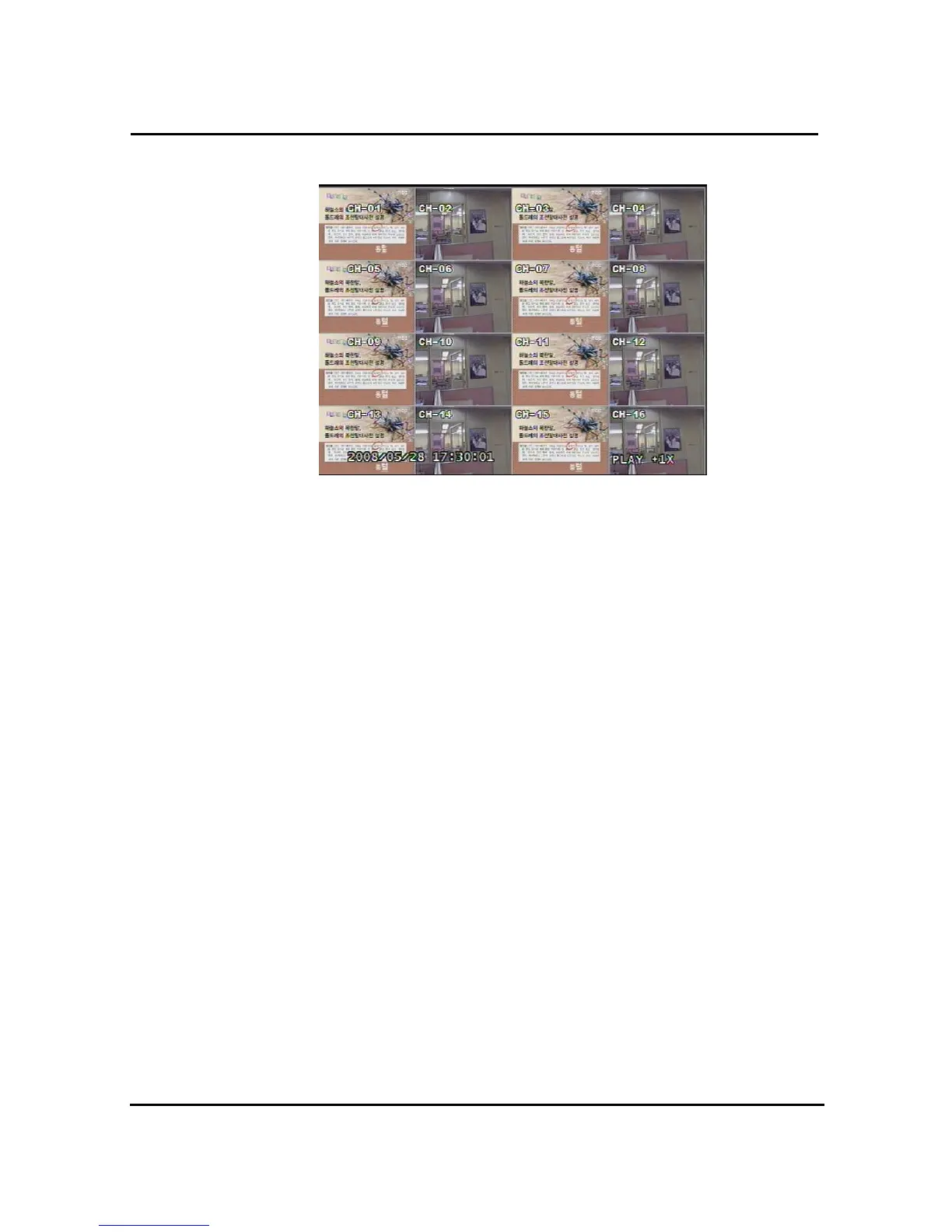
3.12.1.2 Screen of played back.
Figure. 3-54 Screen of playback
3.12.1.3 Control during playback
3.12.1.3.1 Stop of Play back
If user needs to stop playback, user should press button “STOP”
in the remote controller of in the system, and play back stops and live screen is coming back.
In case of calendar search, “SEARCH “ button let it turn to previous search screen.
3.12.1.3.2 Temporary Stop during Playback
In order to stop temporarily playback, press button “PAUSE”.
If users press the button “PAUSE” again, play back continues.
3.12.1.3.3 Speed level of Play back
There is 7 Speed levels for playback (Normal, Fast mode) in the forward and backward
direction as well.
There is 2 speed levels for slow playback mode in the forward and backward.
If user needs faster speed of playback, users press button “RIGHT” and speed is controlled.
If user needs slower speed of playback, users press button “LEFT” and speed is controlled.
3.12.1.3.4 Change of Direction of Playback
There’s forward and Backward directions.



 To Next Page