90
4 & 8 & 16 Channel DVR Operation manual Revision 1.0
4.3.16 HDD Information
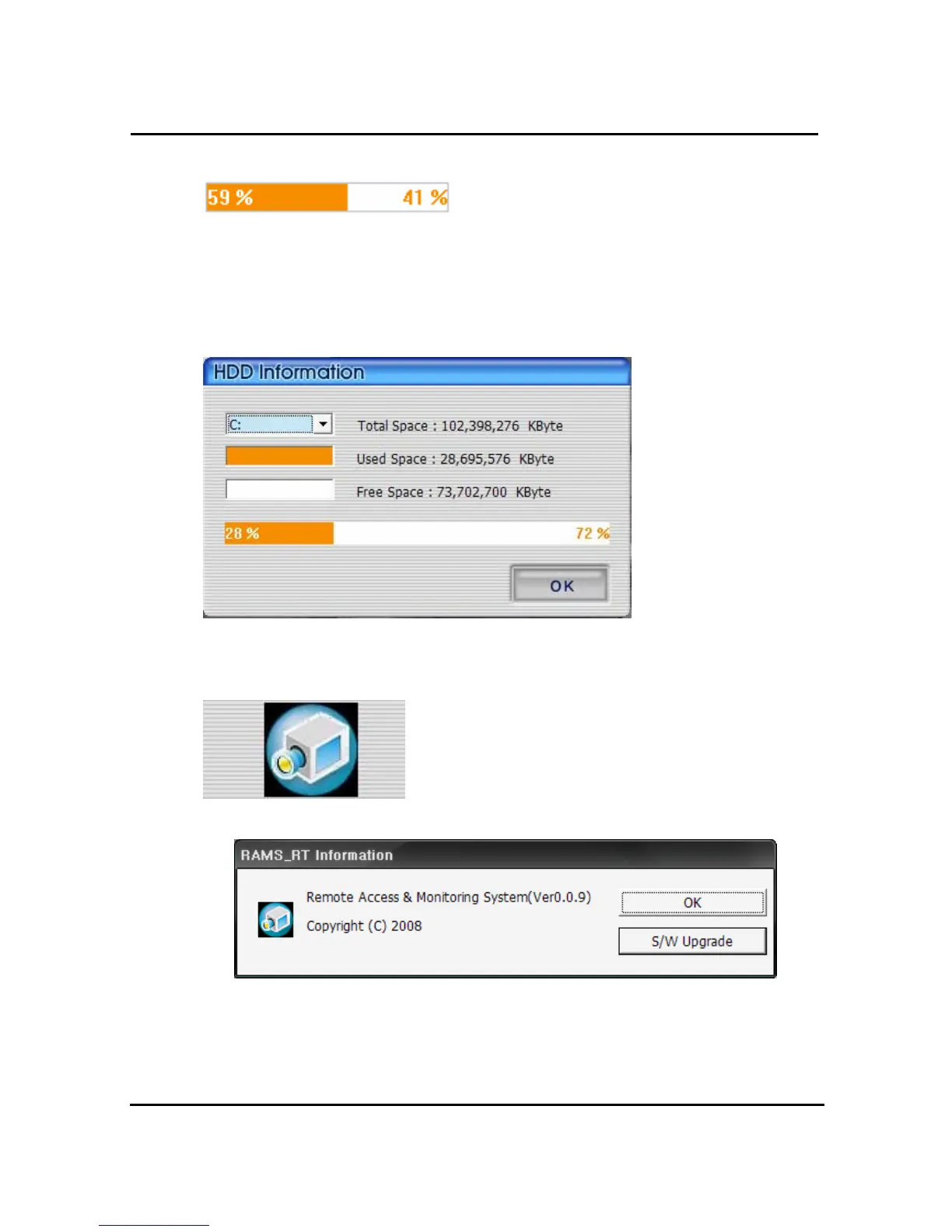
The orange color part of above box means used Hard Disk and the rest of white color means
remaining unused part of the HDD. If you click the white color part, then the window of HDD
information pops up.
You can select HDD there, which you want to check and it shows rest capacity of the HDD at
KByte. Press OK button to close this pop-up window.
4.3.17 Check the program version
Click Logo right upper part icon to check program version or
do S/W upgrade of DVR system.
It shows program version and name of it. If you press OK button, the window of program
information is closed. If you press S/W upgrade button, you can see the screen of DVR
system uprade.



 To Next Page