57
4 & 8 & 16 Channel DVR Operation manual Revision 1.0
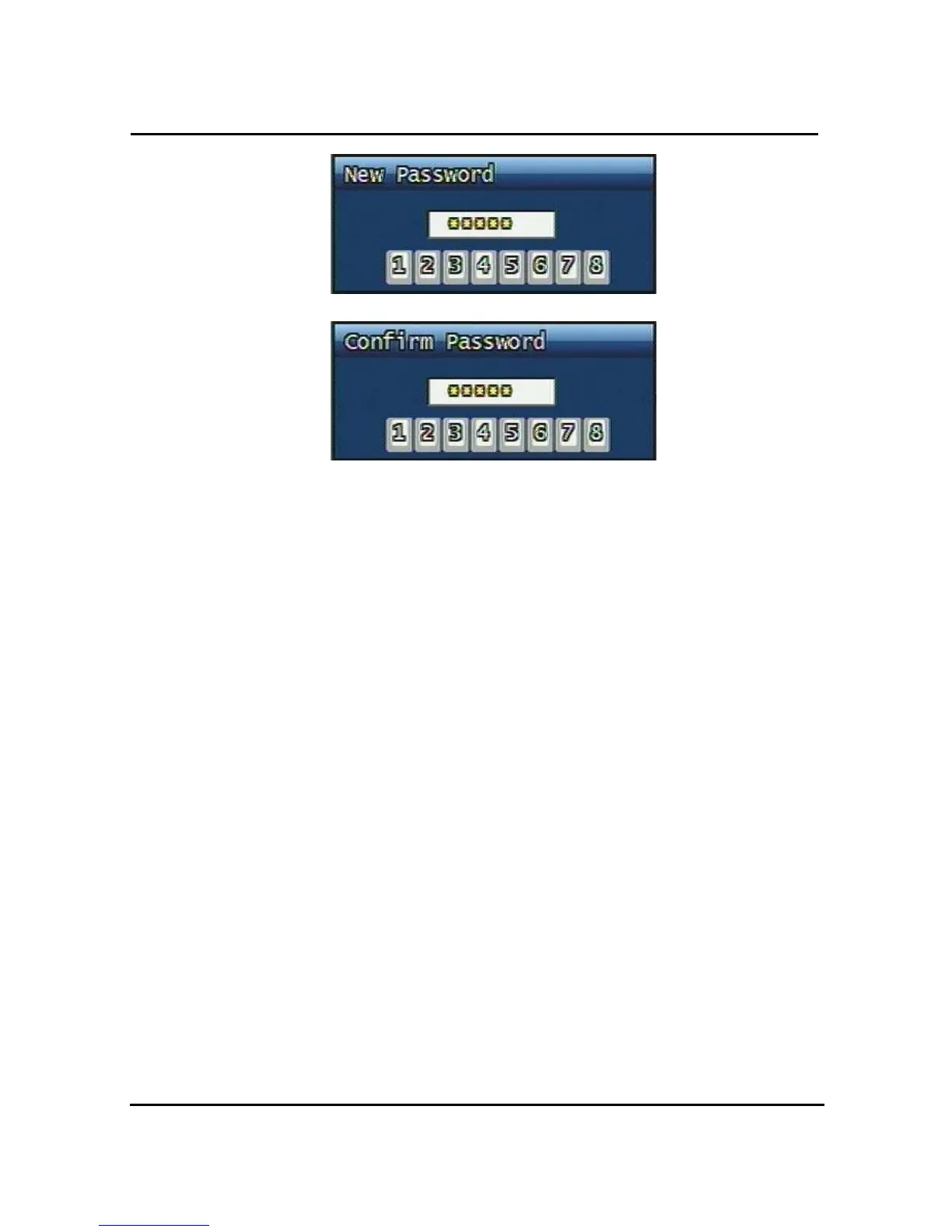
Figure. 3-32 Password input screen
3.7.2.2 Password Apply
Determine whether the system password has to be applied to power On/Off. The applicable
features are recording close, enter menu, system off. Users can set up password ON/OFF
for each feature.
Setting to On, when each feature starts, users have to confirm password for each step.
Setting to Off, users can use any confirmation of password.
3.7.2.3 Auto Key Lock
Possible Setting time is every 30sec, 1 min, 3min, 5min, 10 minutes. If users choose setting
time among them, auto key lock function will start exactly after the setting time and lock key
type icon will be displayed at the bottom of window. Users can access system operation after
release from key lock state by entering right current password..
3.7.3 Time / Date
Users can configure the view of time & date on the system, as well as, Day Light Saving
Time.



 To Next Page