72
4 & 8 & 16 Channel DVR Operation manual Revision 1.0
3.12.2.3 Control during Still Image Play back
3.12.2.3.1 Stop of play back
To stop the playing back, User press button “STOP” or “ SEARCH”.
Playback stops and screen of search list appears.
3.12.2.3.2 Next screen
Press Button “RIGHT” and next screen is played back.
3.12.2.3.3 Previous screen
Press Button “LEFT” and previous screen is played back.
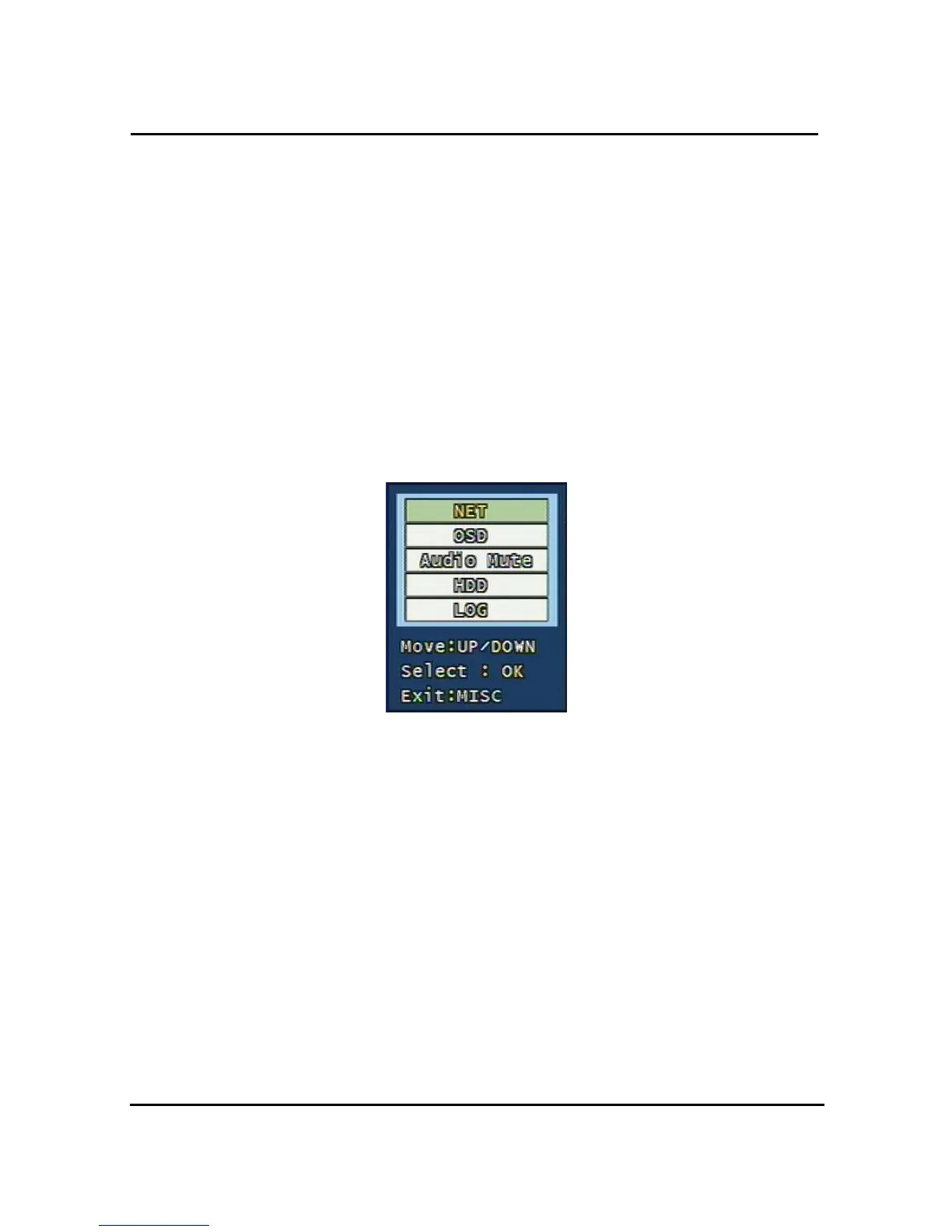
3.13 Miscellaneous Menu
Figure. 3-49 Miscellaneous Menu
This menu is to use the five functions that are placed only on the remote control but on the
keypad of the unit
3.13.1 NET
Displays the current network IP and the user connected to the network.
(It substitutes the NET button on the remote control).



 To Next Page