54
4 & 8 & 16 Channel DVR Operation manual Revision 1.0
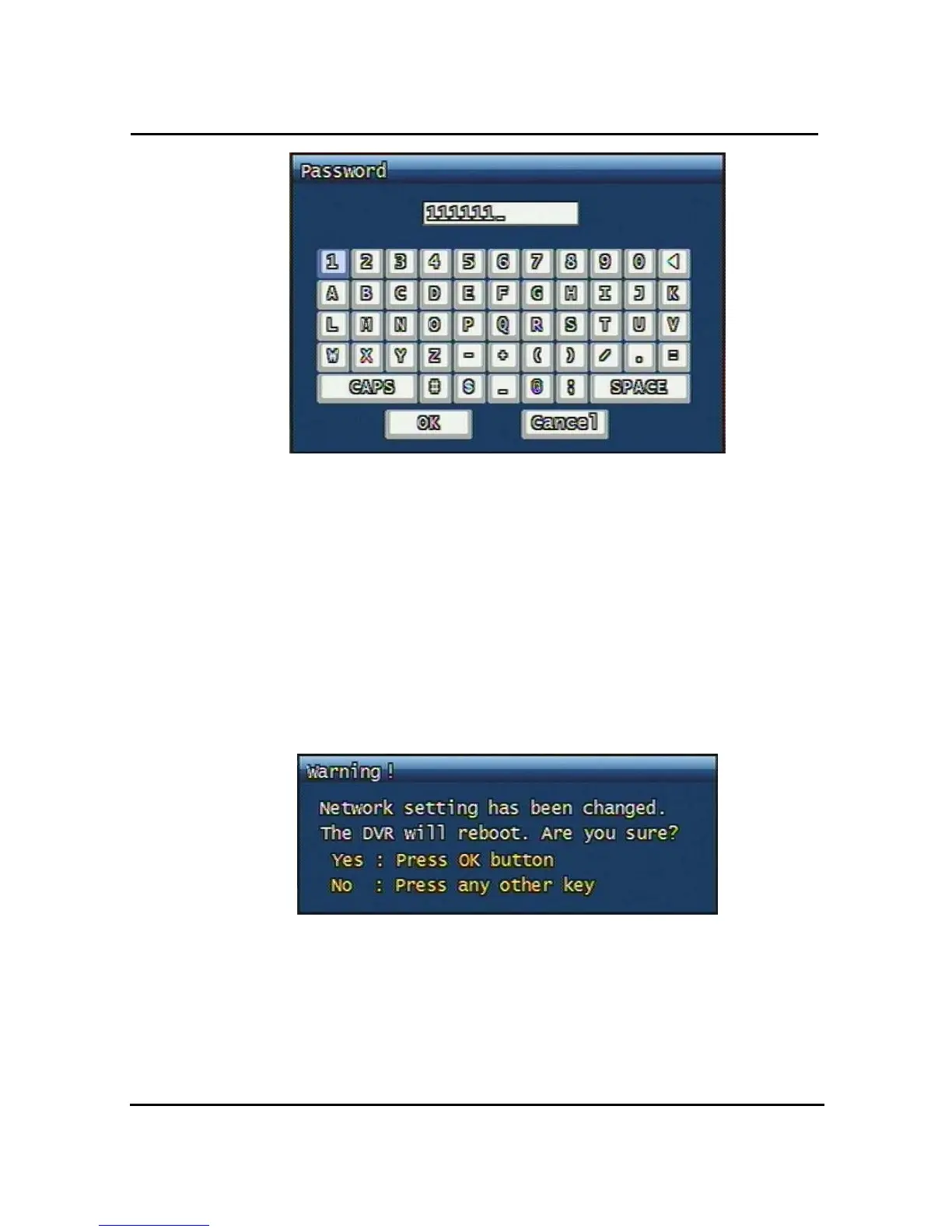
Figure. 3-27 Password input screen
3.6.5.4 DNS IP
Setting DNS address of DVR currently used. You can use jog shuttle or number button at
front panel.
3.6.6 Changing the Network configuration
If users want to change network type of DVR, users must reboot the system. User can
restart the new network mode setting after entering “YES” key button.
Figure. 3-28 Changing the Network setting screen



 To Next Page