68
4 & 8 & 16 Channel DVR Operation manual Revision 1.0
3.11.1.3 Hour( Time)
It is composed of 24hours. Recording status can be distinguished by color. Even though
Your recording mode is Motion plus Sensor mode, but if motion recording is bigger than
Sensor, then the color will be green.
3.11.1.4 Display by minutes
If there are some recording on a specific time and channel, it shows suitable color on a
specific minute time zone.
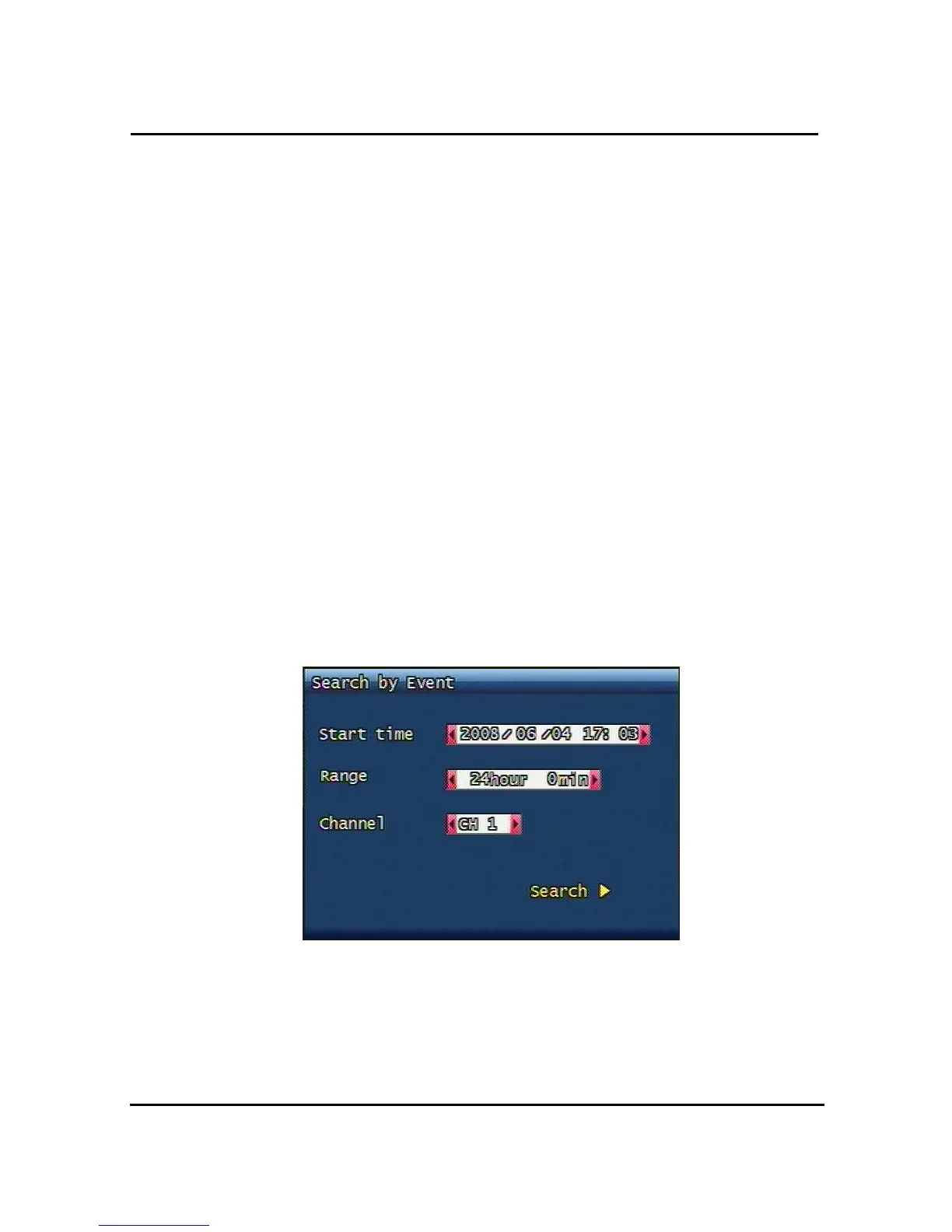
3.11.2 Search of Event
It shows event occurring time.
3.11.2.1 Start time
Key in the time you would search from 1970 to 2037(No more or less than that)
3.11.2.2 Ending Time
Key in the time you would search from 1970 to no more 1970 to 2037.
3.11.2.3 Channel
Select the channel you want to look at.
3.11.2.4 Sample of Search
Figure. 3-472 Event Search Image
3.11.3 Still Image Search
You do not need to put any channel number, from the oldest data images will be shown . Up
to 999 images can be recorded and saved.



 To Next Page