49
4 & 8 & 16 Channel DVR Operation manual Revision 1.0
3.6 Network Setup Menu
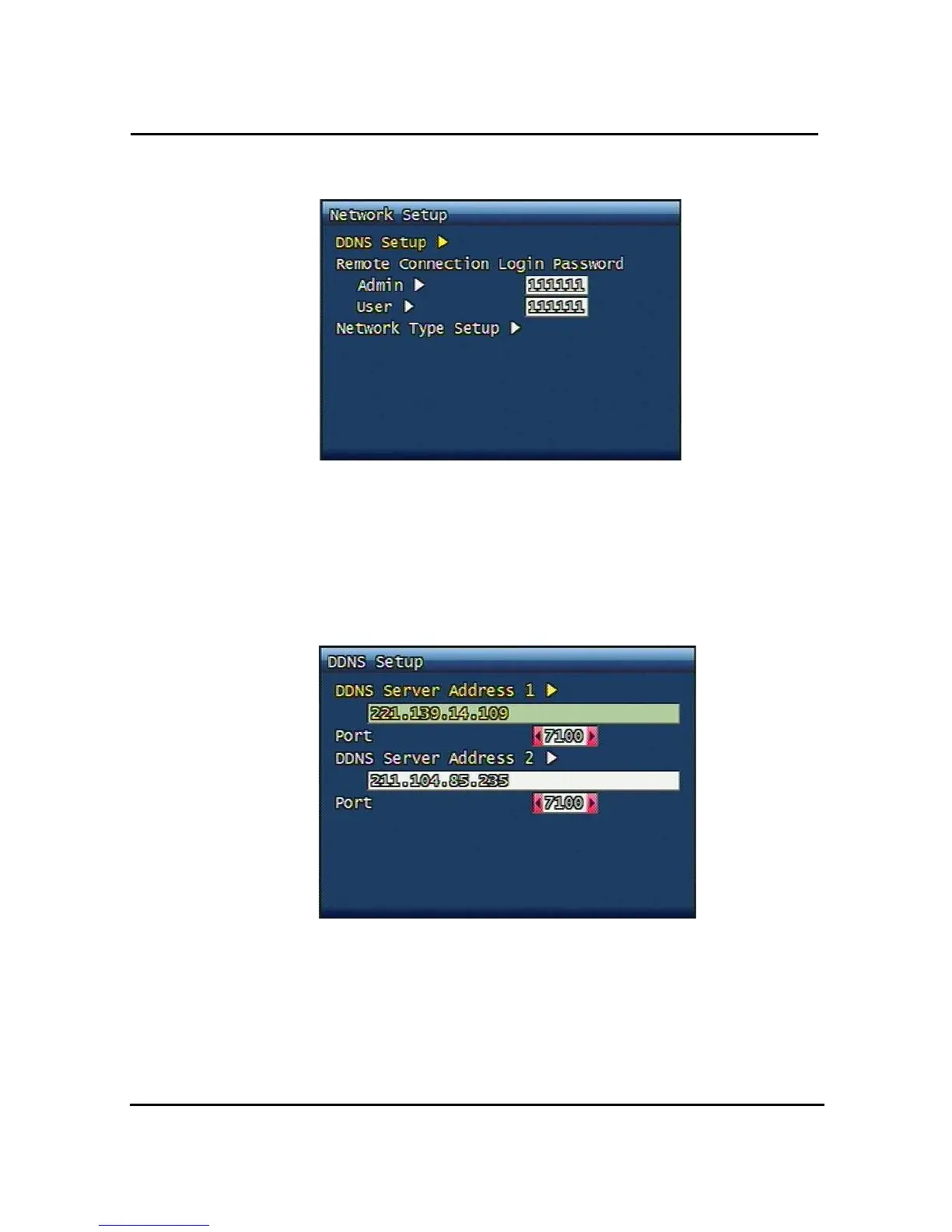
Figure. 3-20 Network Setup screen
3.6.1 DDNS setting
Set up DDNS (Dynamic Domain Name System) server address & port number.
Users can set up two DDNS server address and port, for the faster setting jog shuttle can be
used, too.
Figure. 3-21 DDNS setup screen
Under DHCP or PPPoE configuration using IP Router, the DVR will receive an IP address
periodically, and each time, the IP address can be different. Therefore, in order for users to
access the DVR over the network, it must update its IP address to the DDNS Server.
Under IP router configuration, IP of DVR must be setup as static IP address and it must



 To Next Page