42
4 & 8 & 16 Channel DVR Operation manual Revision 1.0
3.3.1.2 Sensitivity
Sets up the motion detecting sensitivity. The lower the sensitivity gets the closer to the left
the red bar gets.
3.3.1.3 Detection Zone
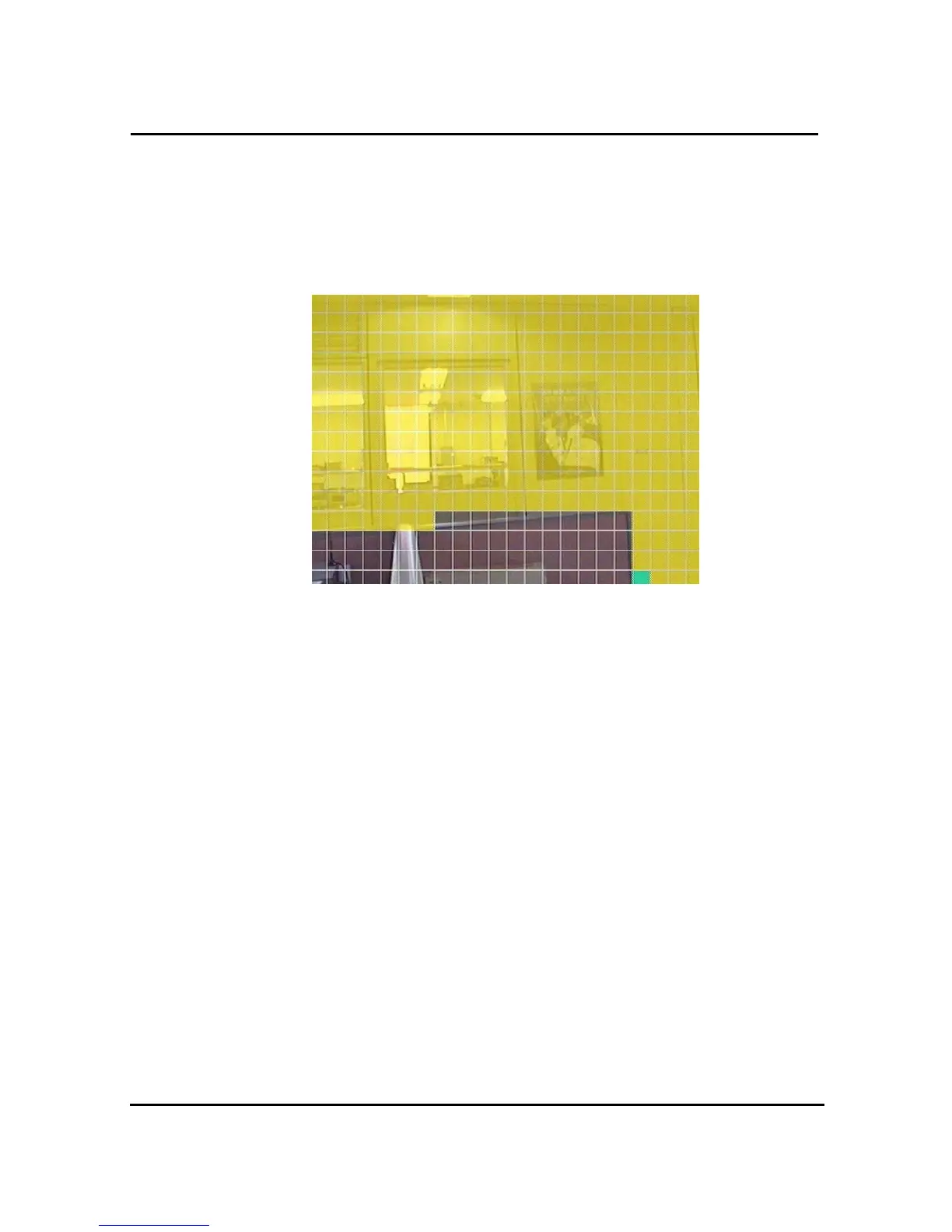
Figure. 3-12 Motion Detecting Area Setup screen
Selects the motion detecting area. The sky blue square implies the current cursor and the
yellow square implies the area that was already selected as the motion detecting area.
When the cursor positions on the area that was selected as the motion detecting area, it
turns green.
Full screen shall be as the motion detecting areas after entering “MULTI” button. The reverse
key button is “SEQ” erasing motion detecting area.



 To Next Page