56
4 & 8 & 16 Channel DVR Operation manual Revision 1.0
Click “OK” when finished.
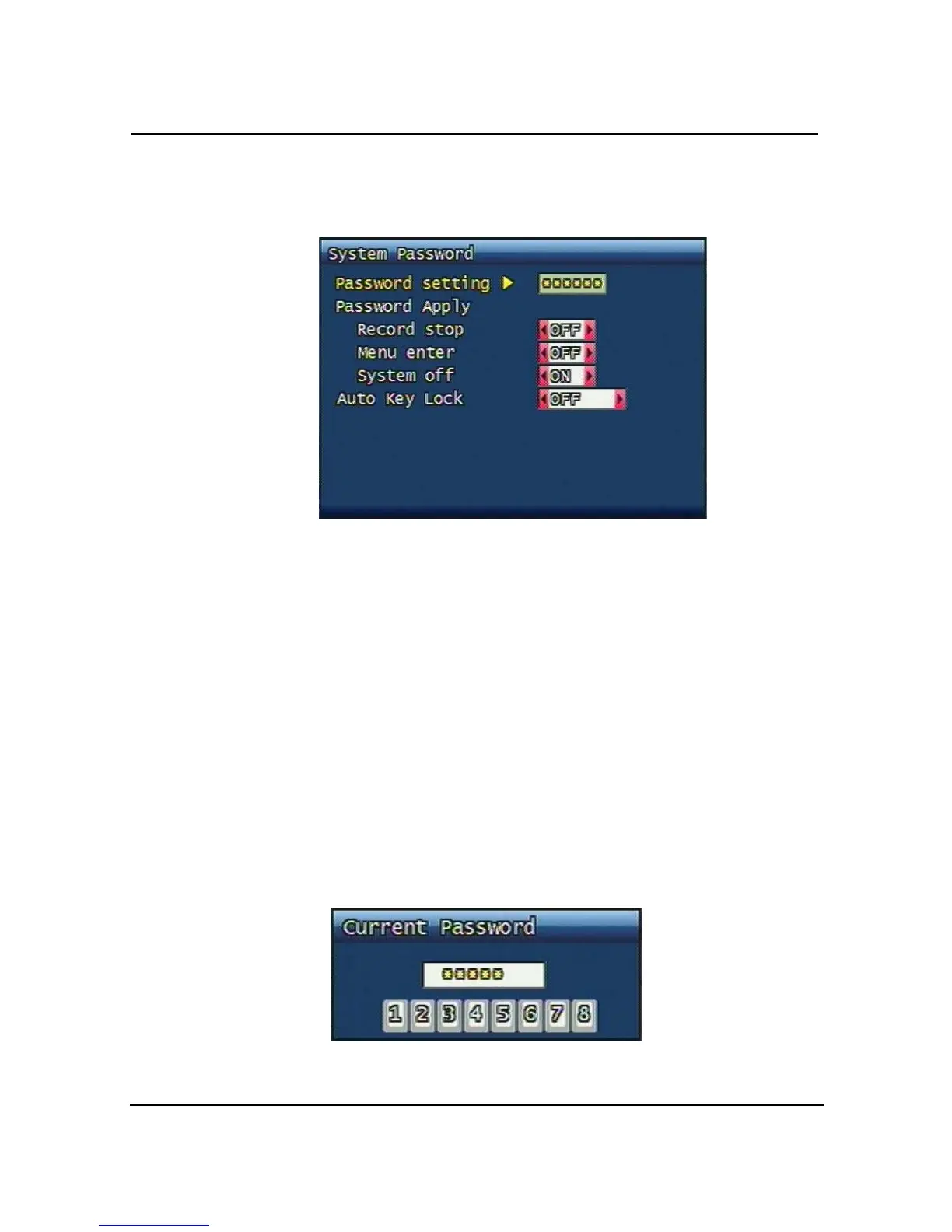
3.7.2 System Password
Figure. 3-31 System password set up
Set up part for system password, related function and application.
This is a part of installation, actual system password, related function and password
application.
3.7.2.1 Password Setting
To change system password:
First, type-in the current password, confirm. Then if it is correct, type-in the new password
twice. If they match, the password has been changed.
Users can use any numeric number from 1~8, combined 6 units.
Password input screen (present, new, confirm, if it is wrong -twice, confirm to change)



 To Next Page