63
4 & 8 & 16 Channel DVR Operation manual Revision 1.0
3.7.9 Software Upgrade
Users can upgrade the software of Ramdisk and Kernel using the USB flash drive
(thumb drive) by the following steps.
- Get the latest version of software (Ramdisk/Kernel) from distributor
- Copy the downloaded files from the PC to the USB memory.
- Connect the USB memory to the USB port.
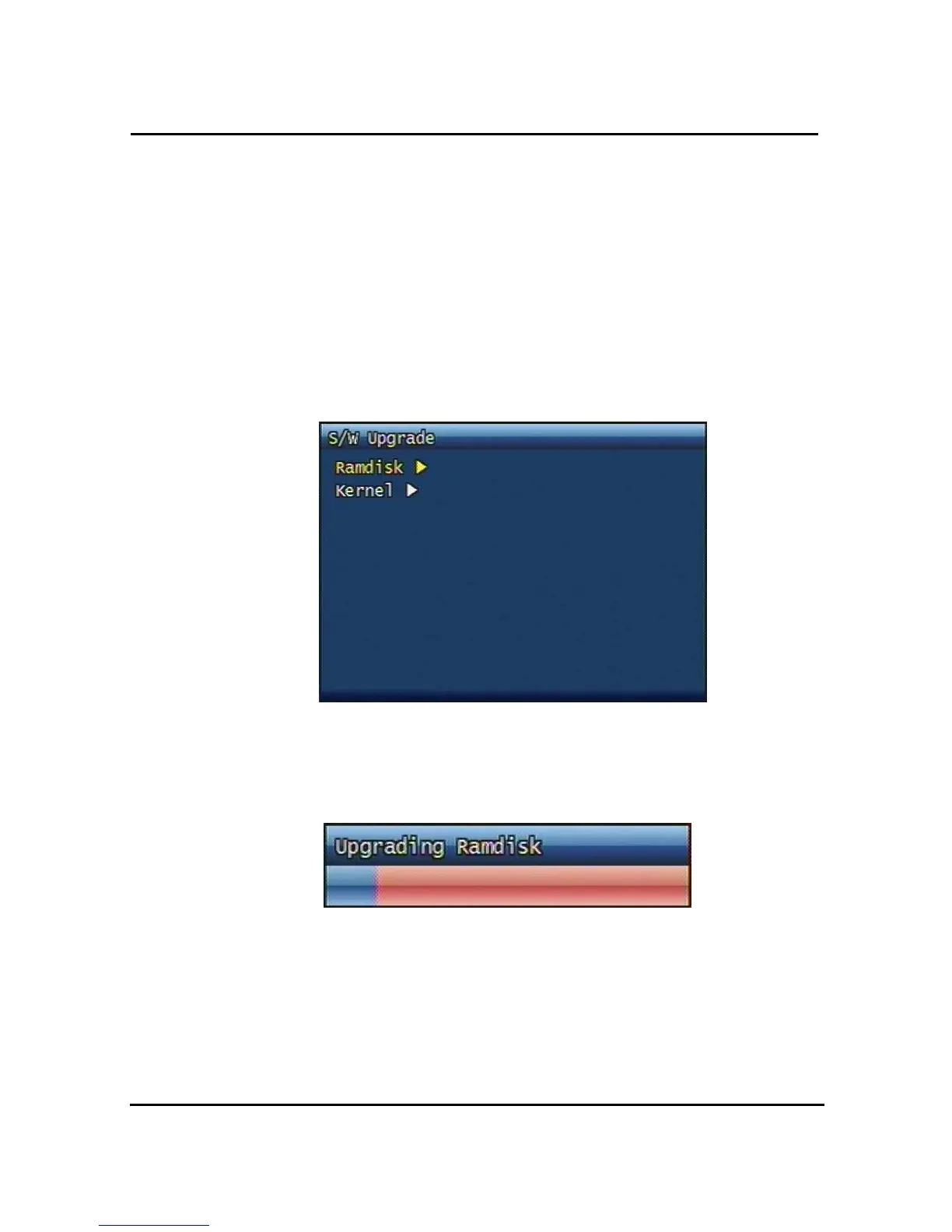
- Go to 'System Setup' then 'S/W Upgrade' then select Ramdisk or Kernel to upgrade.
Figure. 3-39 Software Upgrade
- After the unit recognizes the USB flash drive and upgrading end, the unit will reboot.
Figure. 3-40 Ramdisk Upgrade
3.8 Backup
Backup recording data to CD-RW or USB Flash Drives



 To Next Page