84
4 & 8 & 16 Channel DVR Operation manual Revision 1.0
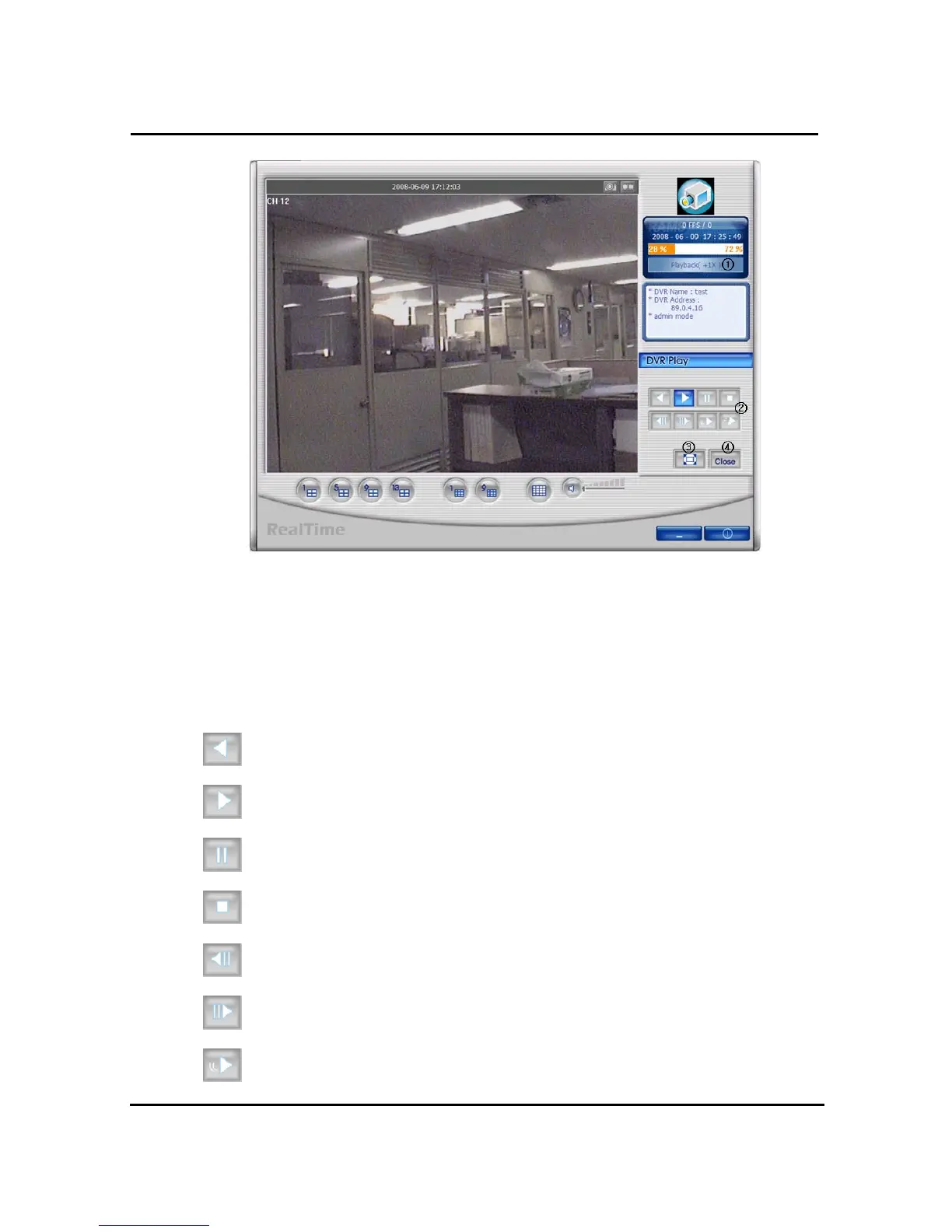
① This is to be converted into Playback from current status.
② Those buttons are for converse-playback, playback, temporary stop, stop, backward one
screen, forward one screen, Slow, Fast
③ This is to view of whole screen. Above picture on the screen is whole screen.
④ This is to close DVR playback and converted into Live mode.
Reverse playback button
Playback button
Temporarily pause button
Stop button
When user use temporarily pause image file move to backward
When user use temporarily pause image file move to forward
Play stored files slowly. User can control by clicking this button



 To Next Page