86
4 & 8 & 16 Channel DVR Operation manual Revision 1.0
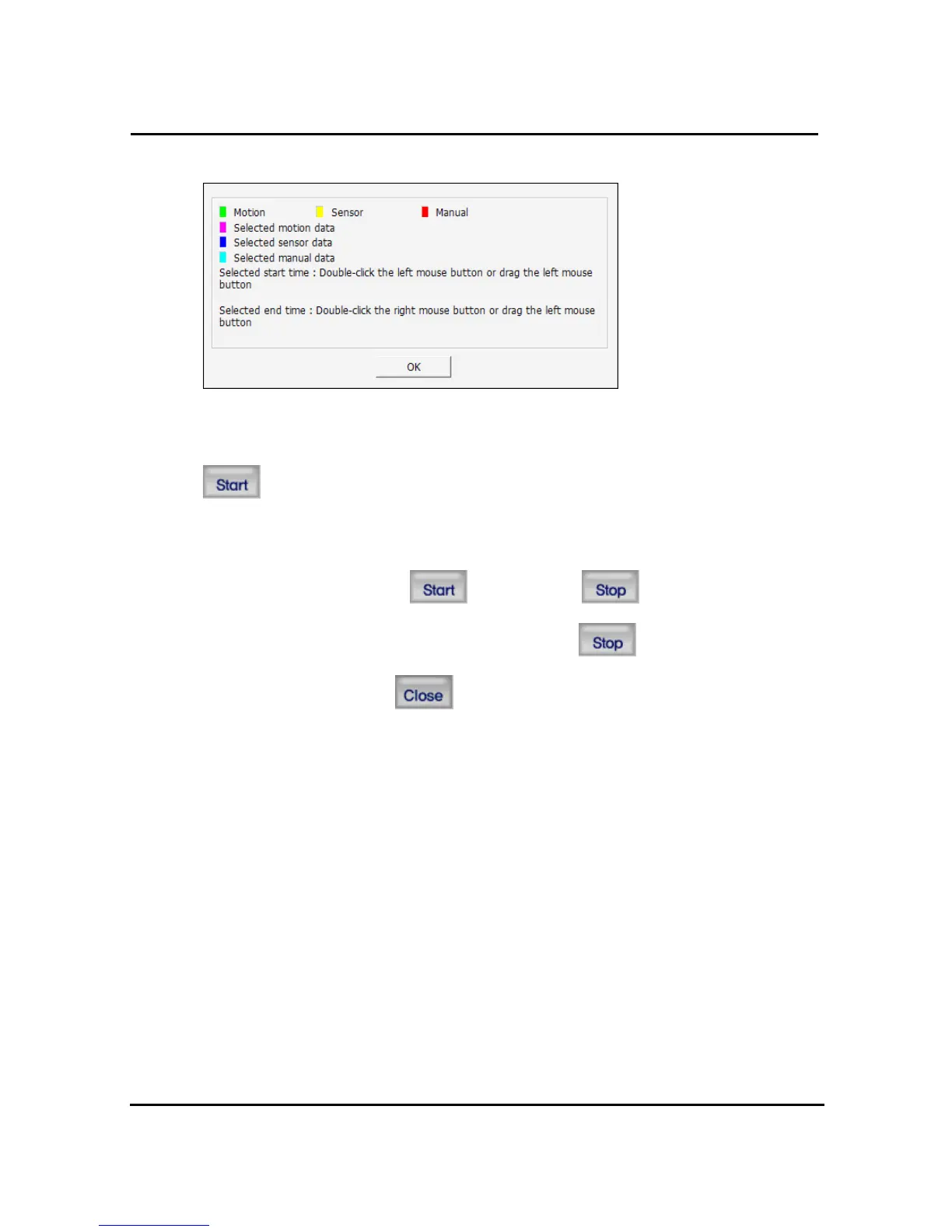
Below screen shows the indication by recording status..
After selecting a file at DVR backup list, user can start to backup with pushing start
button
The destination of backup files is below of backup folder located in directory of program
installed. After starting backup,
button changes button, displays backup
progress rate. Even backup, users can stop it by pushing
button. Close DVR
backup window with pushing
button. (Even backup mode, it will be stopped &
closed.)



 To Next Page