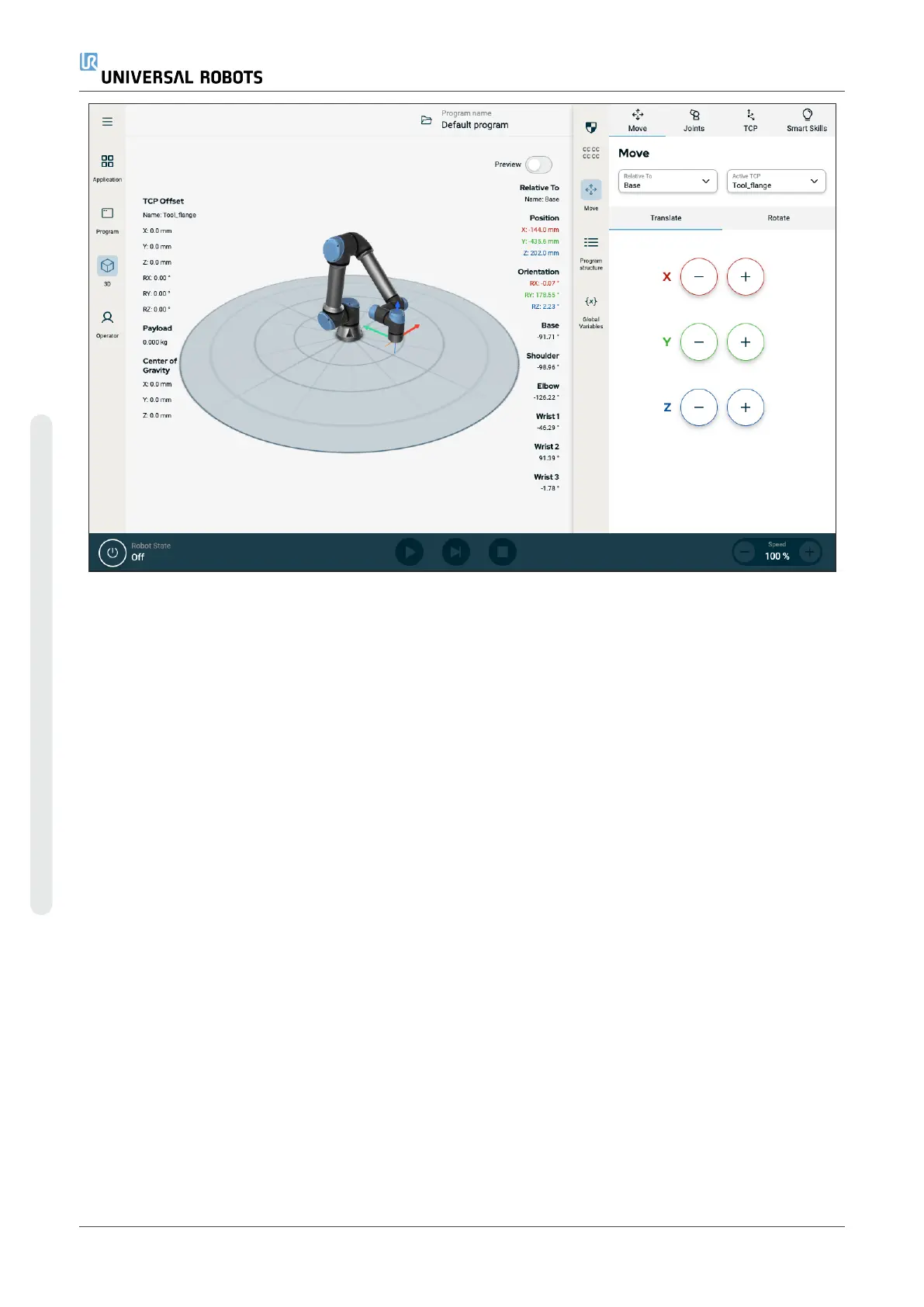
Figure3.3:
Main screen and multitask screen
To show/hide the multitask screen
1. In the right header, tap any icon to show the multitask screen.
The right header expands to the middle of the screen to accommodate the multitask screen.
2. Tap the currently selected icon in the right header to hide the multitask screen.
20.1. Touch Screen
The Teach Pendant touch screen is optimised for use in industrial environments. Unlike consumer electronics,
Teach Pendant touch screen sensitivity is, by design, more resistant to environmental factors such as:
•
Water droplets and/or machine coolant droplets
•
Radio wave emissions
•
Other conducted noise from the operating environment
The touch sensitivity is designed to avoid false selections on Polyscope X, and to prevent unexpected motion
of the robot.
Using the Touch Screen
For best results, use the tip of your finger to make a selection on the screen. In this manual, this is referred to
as a "tap". A commercially available stylus may be used to make selections on the screen if desired. The
following section lists and defines the icons/tabs and buttons in the Polyscope X interface.
The following section lists and defines the icons/tabs and buttons in the Polyscope X interface.
UR10e PolyScope X User Manual
Copyright © 2009–2024 by UniversalRobotsA/S. All rights reserved.










 To Next Page