24.Application Tab
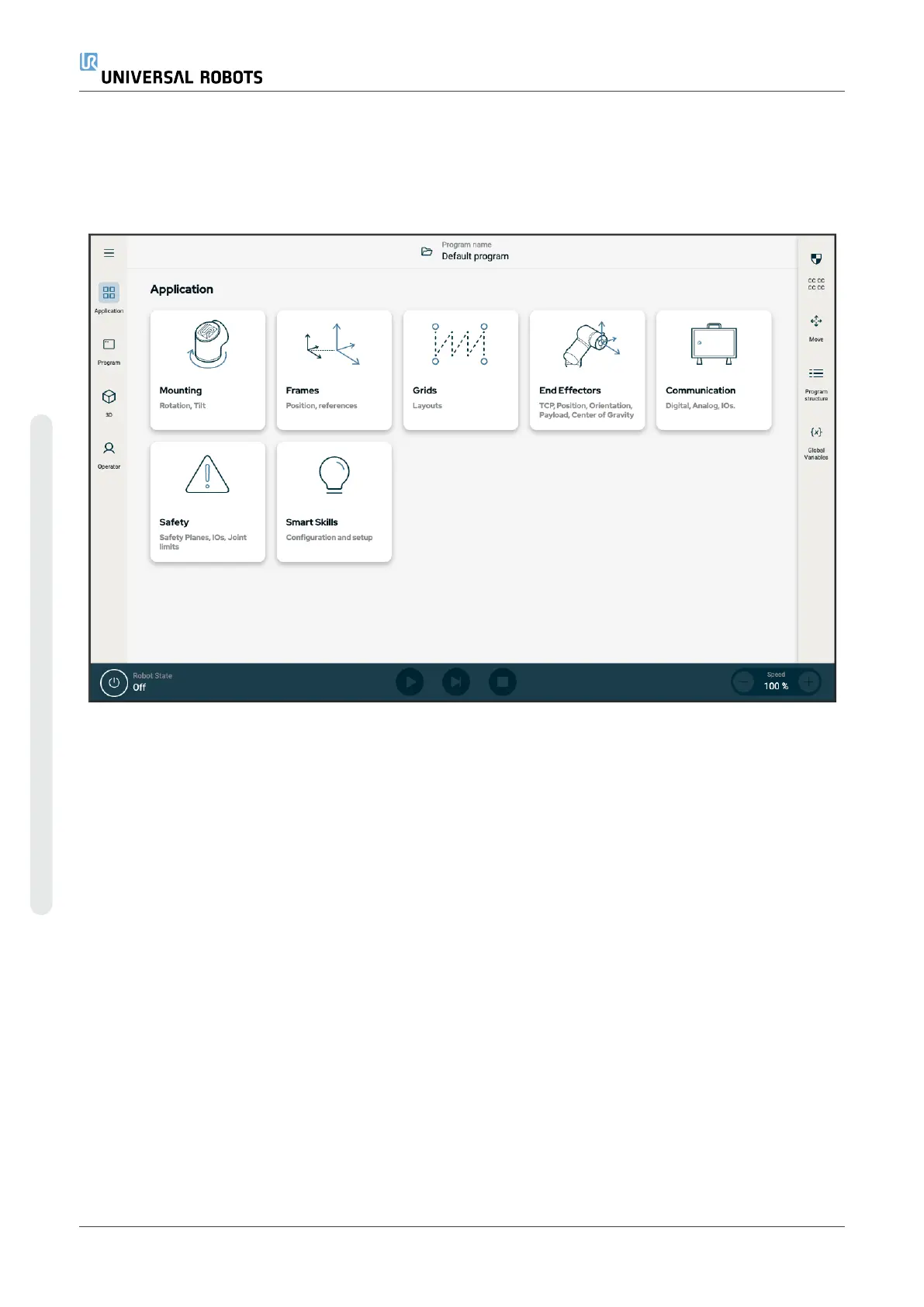
The Application tab allows you to configure the settings which affect the overall performance of the robot and
PolyScope X.
Figure3.6:
Application screen displaying application buttons.
Use the Application tab to access to the following configuration screens:
•
Mounting
•
Frames
•
Grids
•
End Effectors
•
Communication
•
Safety
•
Smart Skills
24.1. Communication
The Communication screen allows you to monitor and set the live I/O signals from/to the robot control box. The
screen displays the current state of the I/O, including during program execution. If anything is changed during
program execution, the program stops. At program stop, all output signals retain their states.
The Communication screen updates at 10Hz, so very fast signals may not display properly. You can reserve
configurable I/Os for special safety settings defined in 22.4.2 Safety I/O Signalson page148. Those which are
reserved will have the name of the safety function in place of the default or user defined name. Configurable
outputs reserved for safety settings cannot be selected, they are displayed as LEDs only.
UR10e PolyScope X User Manual
Copyright © 2009–2024 by UniversalRobotsA/S. All rights reserved.










 To Next Page