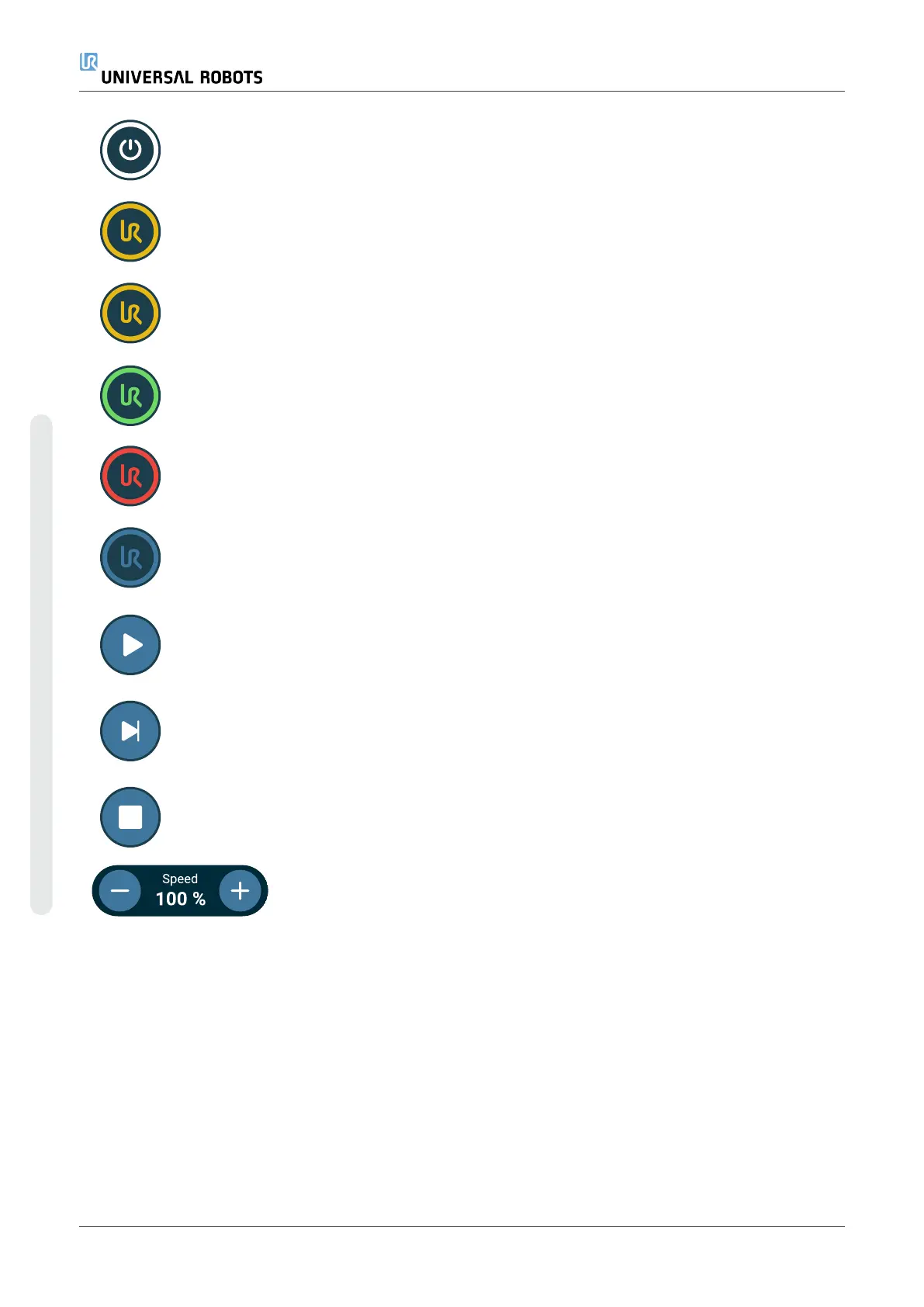
Initialize
Manages the robot state. When RED, press it
to make the robot operational.
•
Black, Power off. The robot arm is in a
stopped state.
•
Orange, Idle. The robot arm is on, but
not ready for normal operation.
•
Orange, Locked. The robot arm is
locked.
•
Green, Normal. The robot arm is on and
ready for normal operation.
•
Red, Error. The robot is in a fault state,
such as e-stop.
•
Blue, Transition. The robot is changing
state, such as brake releasing.
Play Starts the current loaded program.
Step Allows a program to be run single-stepped
Stop Halts the current loaded program
Speed slider
Manages the robot state. When RED, press it
to make the robot operational
UR10e PolyScope X User Manual
Copyright © 2009–2024 by UniversalRobotsA/S. All rights reserved.










 To Next Page