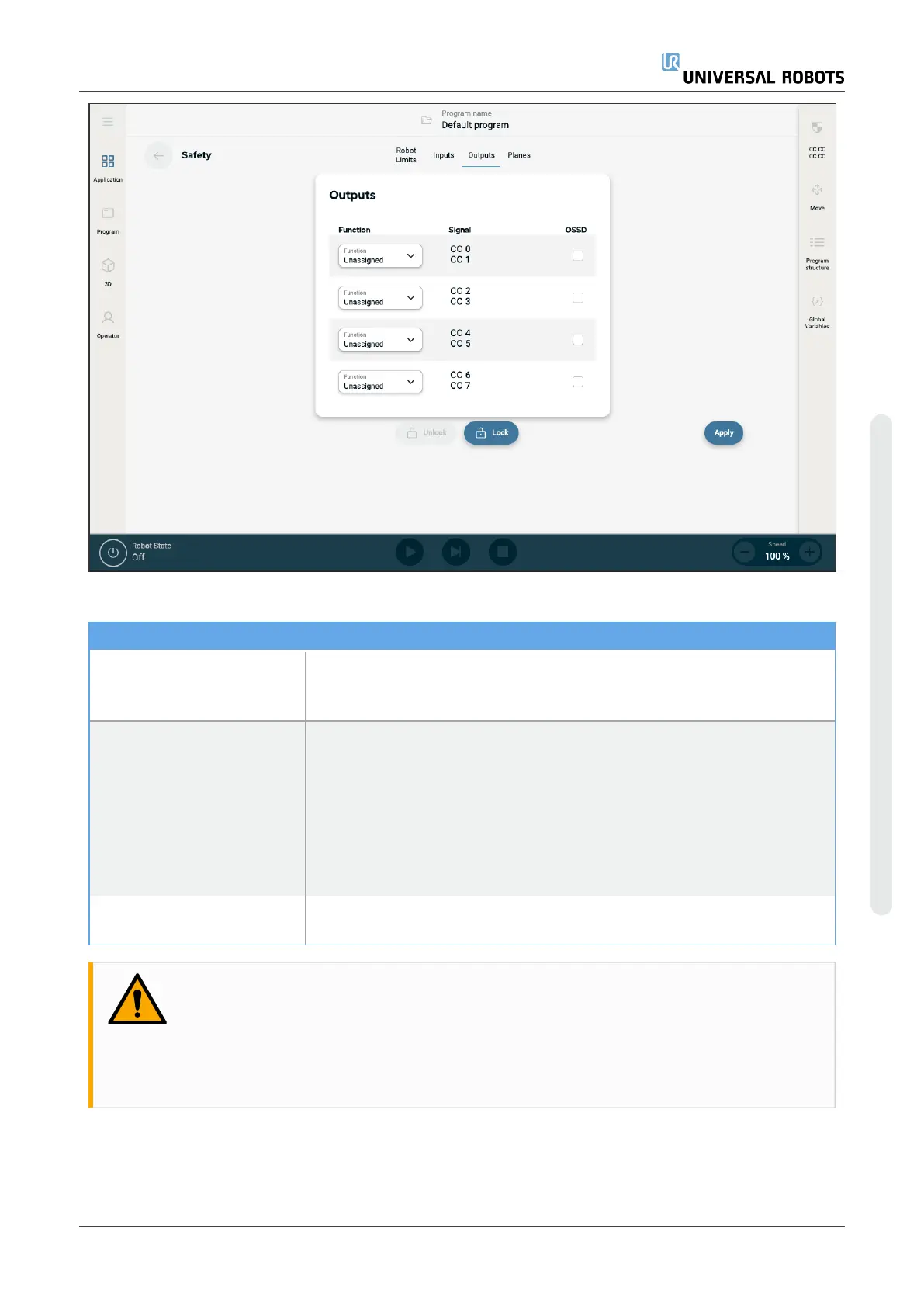
The safety functions listed in the table below can be used with the input signals
Input Signals
System Emergency Stop This is an emergency stop button alternative to the one on the Teach
Pendant, providing the same functionality if the device complies with ISO
13850.
Reduced Mode All safety limits can be applied in either Normal mode or Reduced mode.
When configured, a low signal sent to the inputs causes the safety system
to transition to Reduced mode. The robot arm decelerates to satisfy the
Reduced mode limit set. The safety system guarantees that the robot is
within Reduced mode limits less than 0.5s after the input is triggered. If the
robot arm continues to violate any of the Reduced mode limits, it performs a
Stop Category 0. Transition to Normal mode occurs in the same way. The
trigger planes can also cause a transition to Reduced mode.
Safeguard Reset When a Safeguard Stop occurs, this output ensures that the Safeguard
Stop state continues until a reset is triggered.
WARNING
Disabling the default Safeguard Reset input deactivates the Safeguard Stop when the input
is high. As a result any program that was paused using the Safeguard Stop will resume. This
renders the robot arm unsafe.
•
Do not disable default Safeguard Reset.
User Manual UR10e PolyScope X
Copyright © 2009–2024 by UniversalRobotsA/S. All rights reserved.










 To Next Page