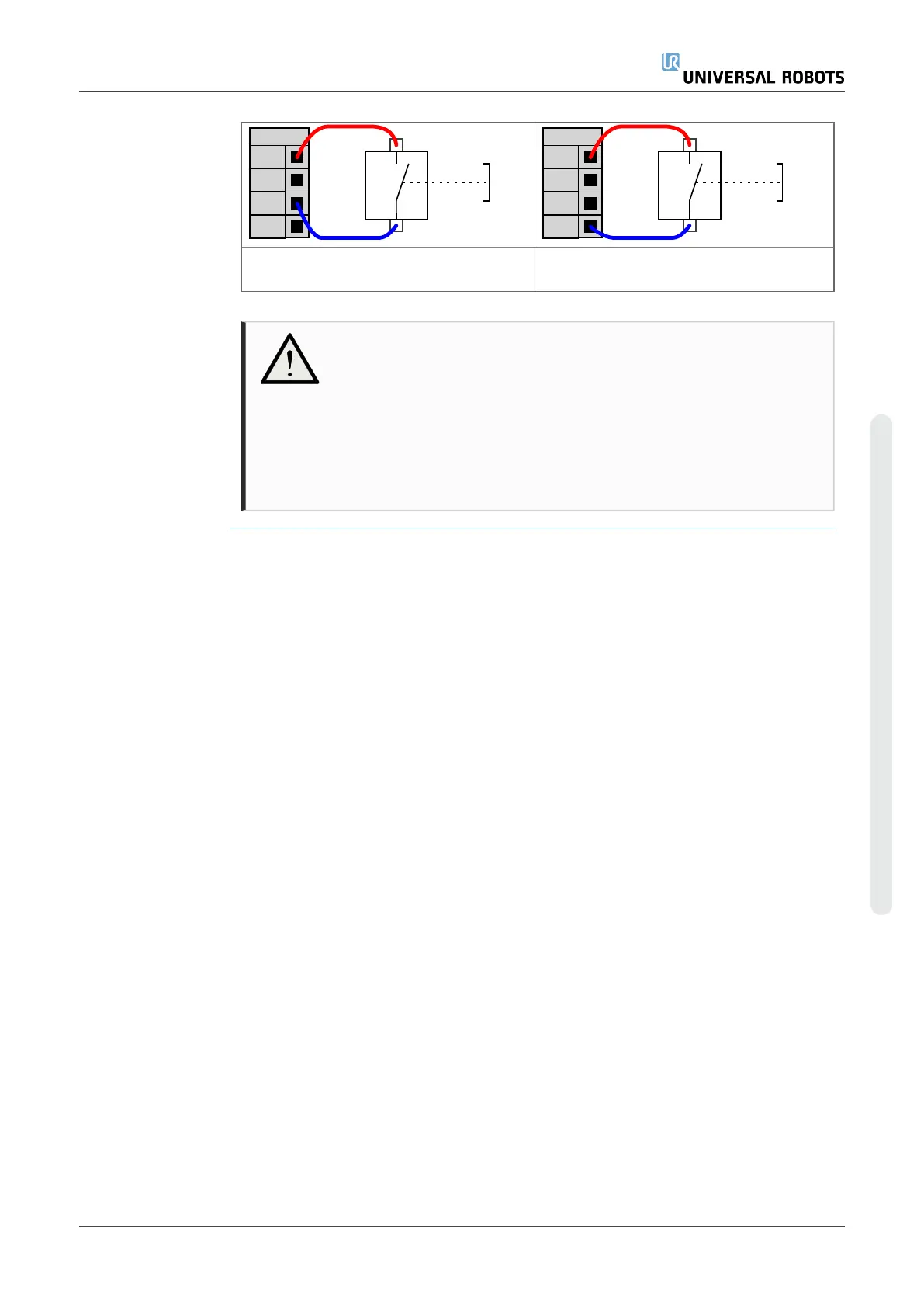
This example illustrates connecting a
remote ON button.
This example illustrates connecting a
remote OFF button.
CAUTION
Maintaining a press and hold on the power button switches the
Control Box OFF without saving.
•
Do not press and hold the ON input or the POWER button
without saving.
•
Use the OFF input for remote off control to allow the Control
Box to save open files and shut down correctly.
User Manual 63 UR10e PolyScope X
4. Electrical Interface
Copyright © 2009–2024 by UniversalRobotsA/S. All rights reserved.










 To Next Page