5
8
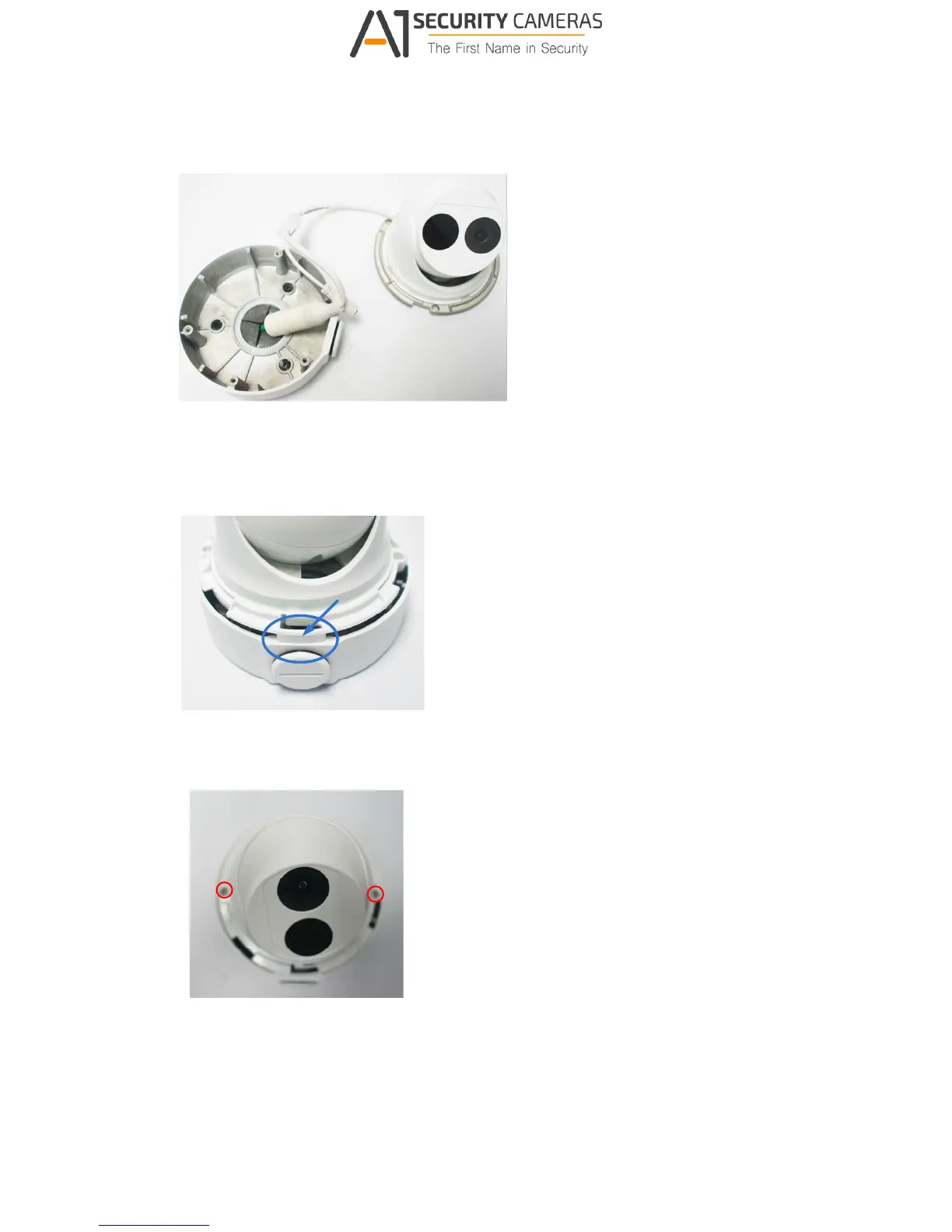
Thread the Ethernet cable through the center socket and waterproof the Ethernet cable.
For details, see E.Waterproofing the Cable.
Figure B-13
6 Fit the cable into the wall box.
7 Before securing the camera, make sure the indicated area fits to the designated location.
Figure B-14
Secure the camera by locking 2 short screws to the indicated position.
Figure B-15
Mount the bottom ring.



 To Next Page