D291308.5q.fm Software Setup
Chapter 2: Setup 13
Software Setup
As with any computer system, V-TEK, Inc. recommends users create a
computer Recovery Disk prior to operation and conduct periodic back-
ups as needed. Visit the computer manufacturer’s website for instruc-
tions on creating a recovery disk.
V-TEK, Inc. does not create or maintain recovery information for this
laptop. Creating a recovery disk is solely the users’ responsibility.
PT-55 Interface Software Instructions
1. Insert flash drive into PC that will host the interface software.
2. Double click on the Net Framework application to open.
A security warning will appear, click Run to install.
3. Once Net Framework is installed, return to the flash drive and double click S291257
vx.x.x.zip to extract the PT-55 software.
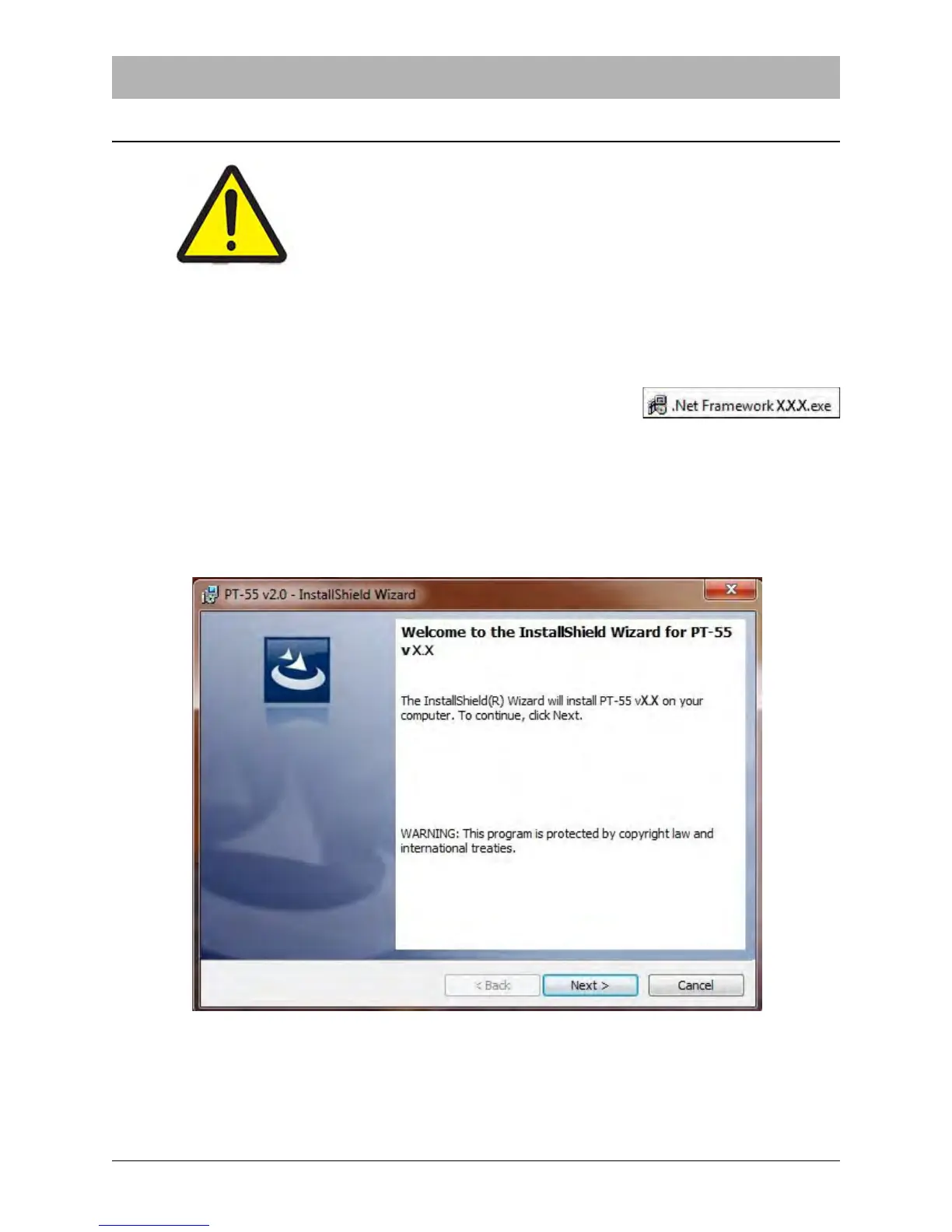
4. Double click S291257 vx.x.x.exe to open the PT-55 InstallShield Wizard.
5. An Application Install screen will appear. Click on Next
.



 To Next Page