D291308.7M.fm Main Screen Details
Chapter 3: Operation 29
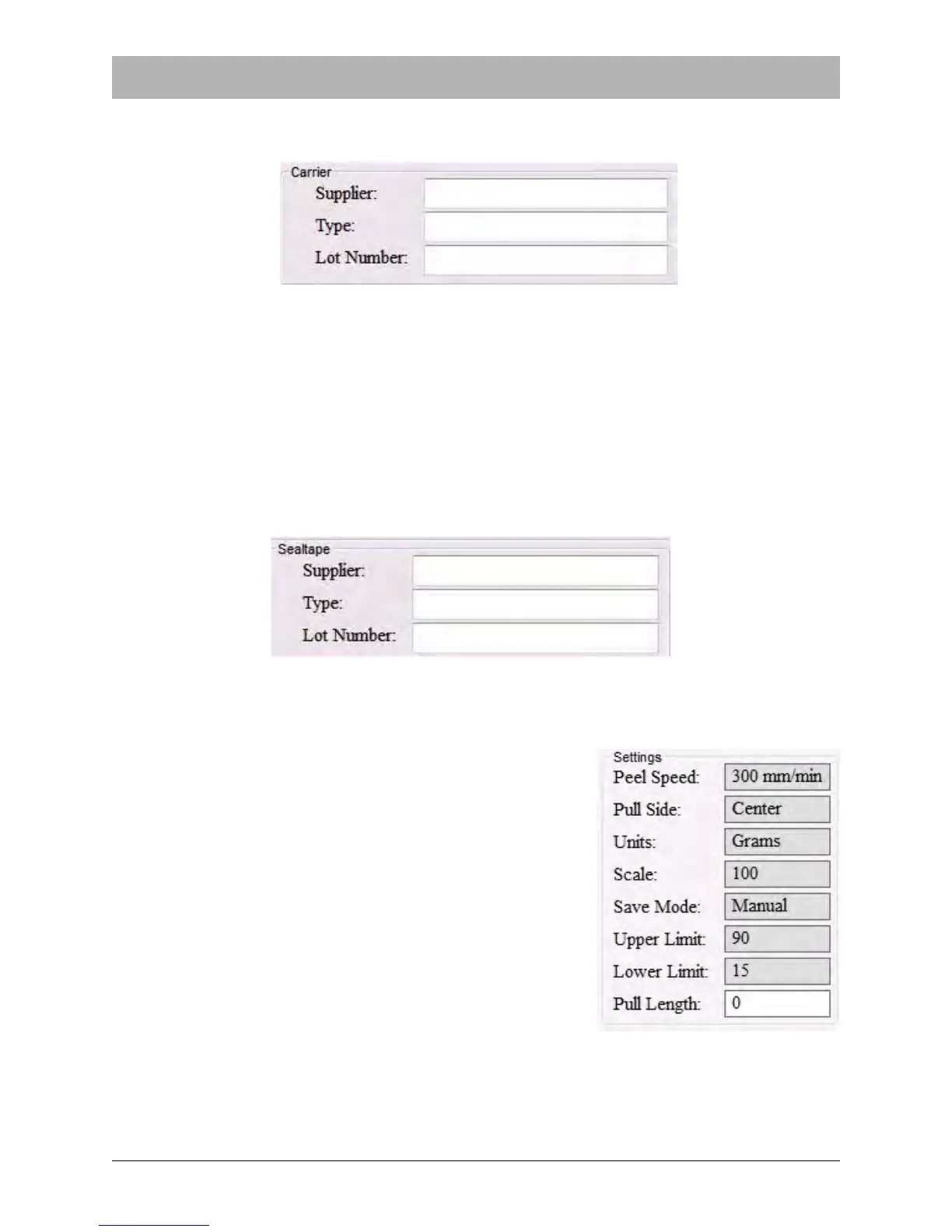
Carrier Fields.
The Carrier section tracks carrier tape information. Its fields include Supplier, Type, and Lot
Number
Sealtape Fields
The Sealtape section is used to track information about the seal tape (also known as cover tape)
that is used in a test. Sealtape fields include Supplier, Type, and Lot Number.
Settings
The Settings section is used to configure the Peel Force
Test..
Note: With the exception of Pull Length, the Settings
fields may only be changed by using a supervisor pass-
word.
Pull Length
Setting the pull length allows the user to stop the peel force
at a desired length. For example, if the Pull Length is set at
150, the peel force test will stop at 150mm. Pull Length
should be set between 0-200 mm.
Note: If the Pull Length is set to 0, the pull test will default
to the X Axis Maximum which was set in the Supervisor
Settings screen. If the X Axis Maximum setting is different
than the Pull Length setting, the pull test will stop at whichever length is shortest.



 To Next Page