40 PT-55 User’s Guide
Supervisor Settings Screen D291308.7M.fm
Customize Main Screen Fields
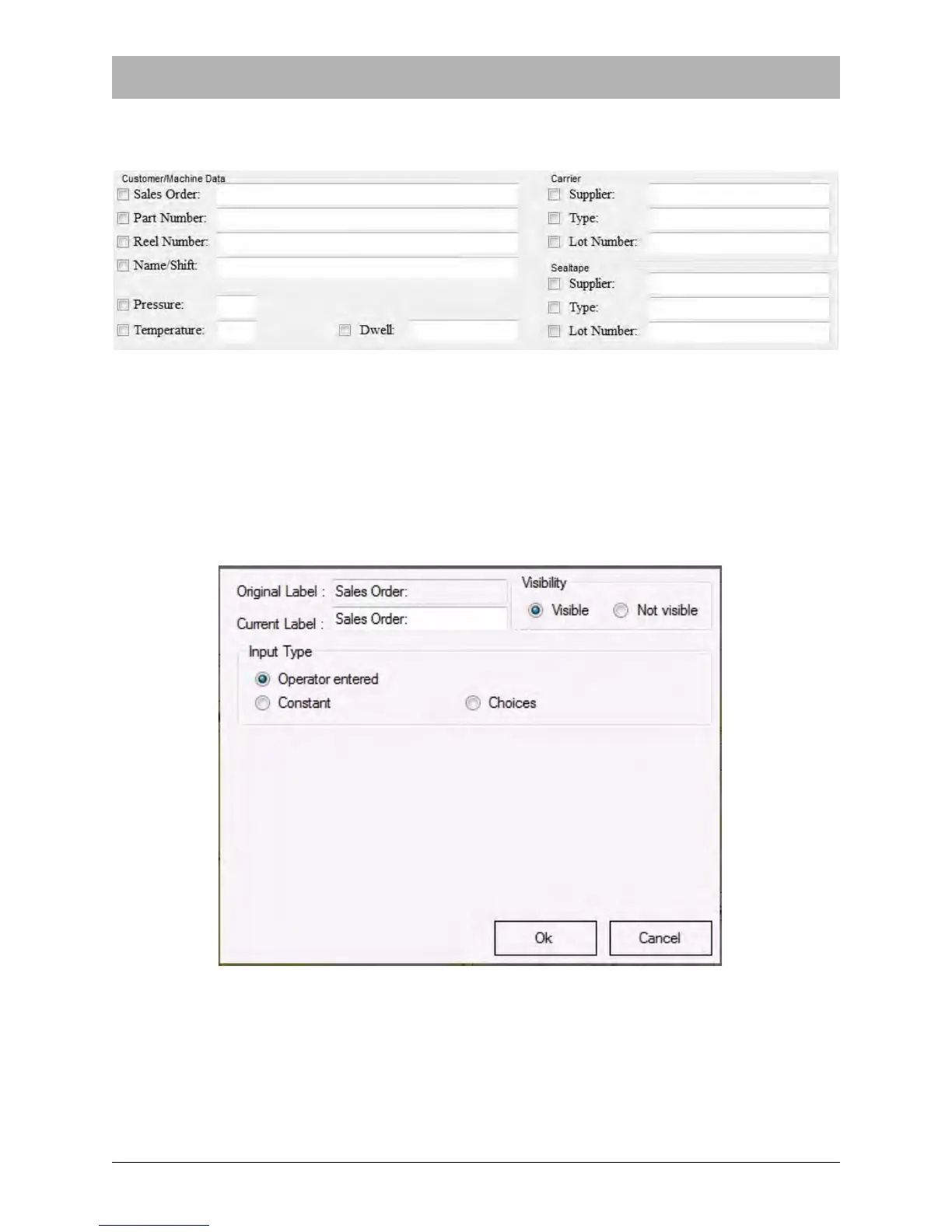
Click in the check box next to the field you’d like to edit to open the Change Data window.
The Change Data window allows the user to customize each field’s Label, Visibility and Input
Type.
Editing Field Labels
In the example below the Sales Order field has been selected for editing.



 To Next Page