18 PT-55 User’s Guide
Auto Tension Setup D291308.5q.fm
Auto Tension Setup
The auto tension feature eliminates having to jog the tape to apply pressure when starting a peel
force test. When auto tension is selected and a value is entered, the peel force graph will wait
until the auto tension value is reached. After this, it will reset the graph and will start plotting the
peel force test.
Setting the Auto Tension
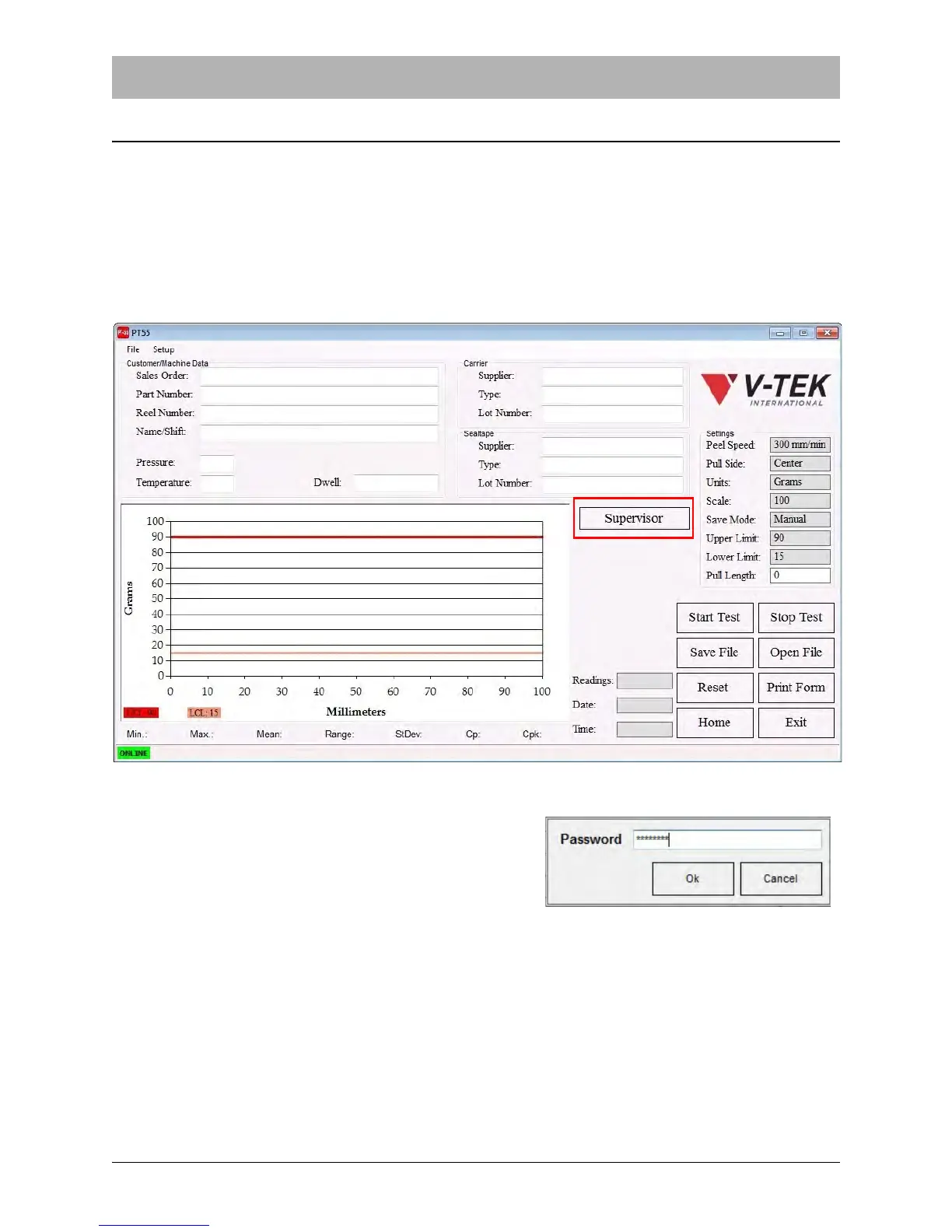
1. From the Main screen, click the Supervisor button.
2. The Password Input screen will appear. Enter the
password at the prompt then click OK.
Note: The default password is: password.



 To Next Page