D291308.5q.fm Auto Tension Setup
Chapter 2: Setup 19
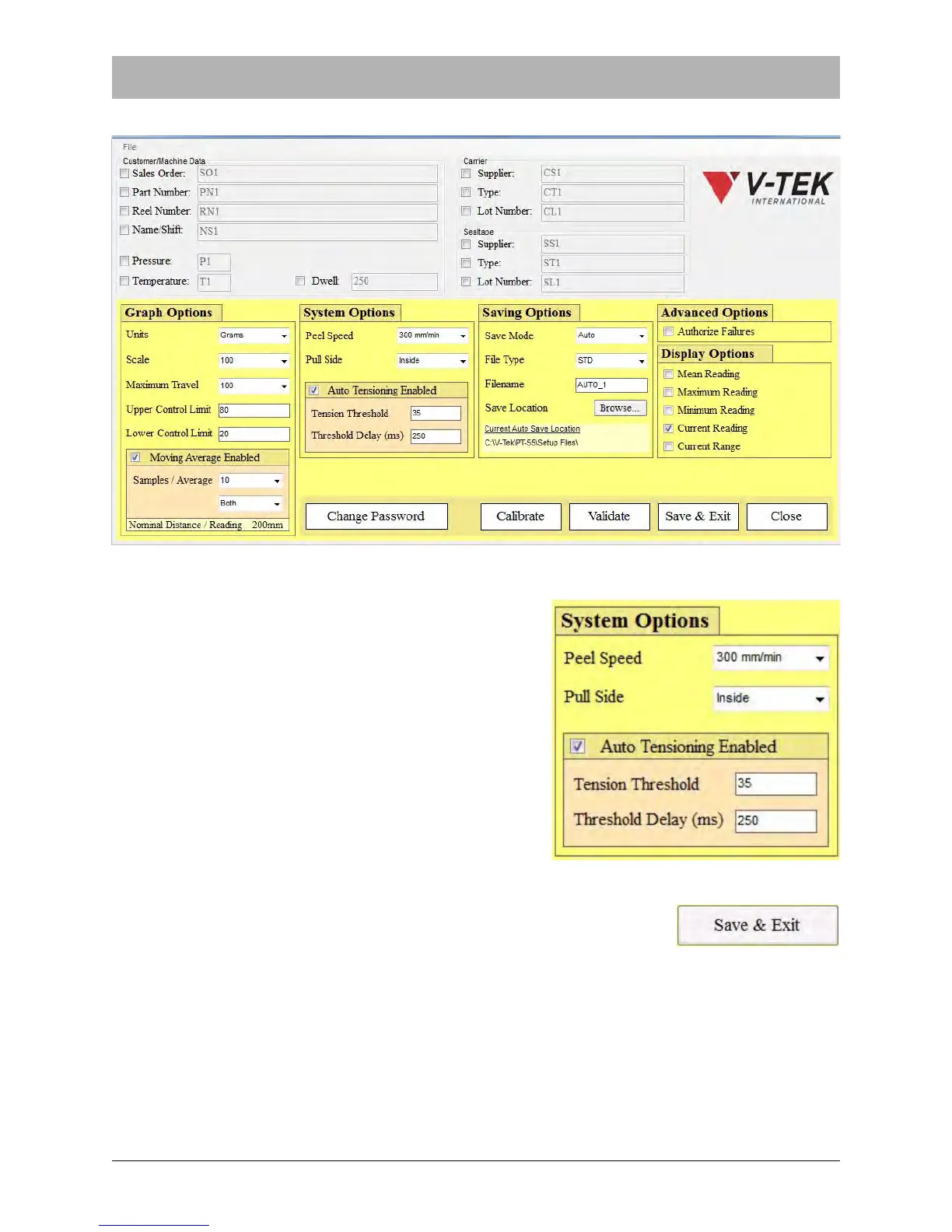
3. The Supervisor Settings screen will open.
4. In the System Options section, ensure Auto Ten-
sion is Enabled. Enter the Tension Threshold
value and the Tension Delay value in milliseconds.
The delay is the time from which the carriage
assembly starts moving and when the graph starts
plotting.
5. Click the Save & Exit button to return to the Main Screen.



 To Next Page