10 PT-55 User’s Guide
Assembly Instructions D291308.5q.fm
Assembly Instructions
System Requirements
Hardware:
At minimum, a computer with a 1 GHz Processor, 512 MB of RAM, a 2 GB Hard Drive and a VGA
800 X 600 capable display.
Software:
The PT-55 HMI will work on a PC running Windows XP Home (SP3), Windows XP Pro (SP3) or
Windows 7.
Note: If the computer has issues starting up when the USB ports are in use, see the Appen-
dix at the end of this manual for BIOS change instructions.
Laptop Security Bracket Installation
Note: The PT-55 should be OFF and disconnected from any power source while following
these instructions.
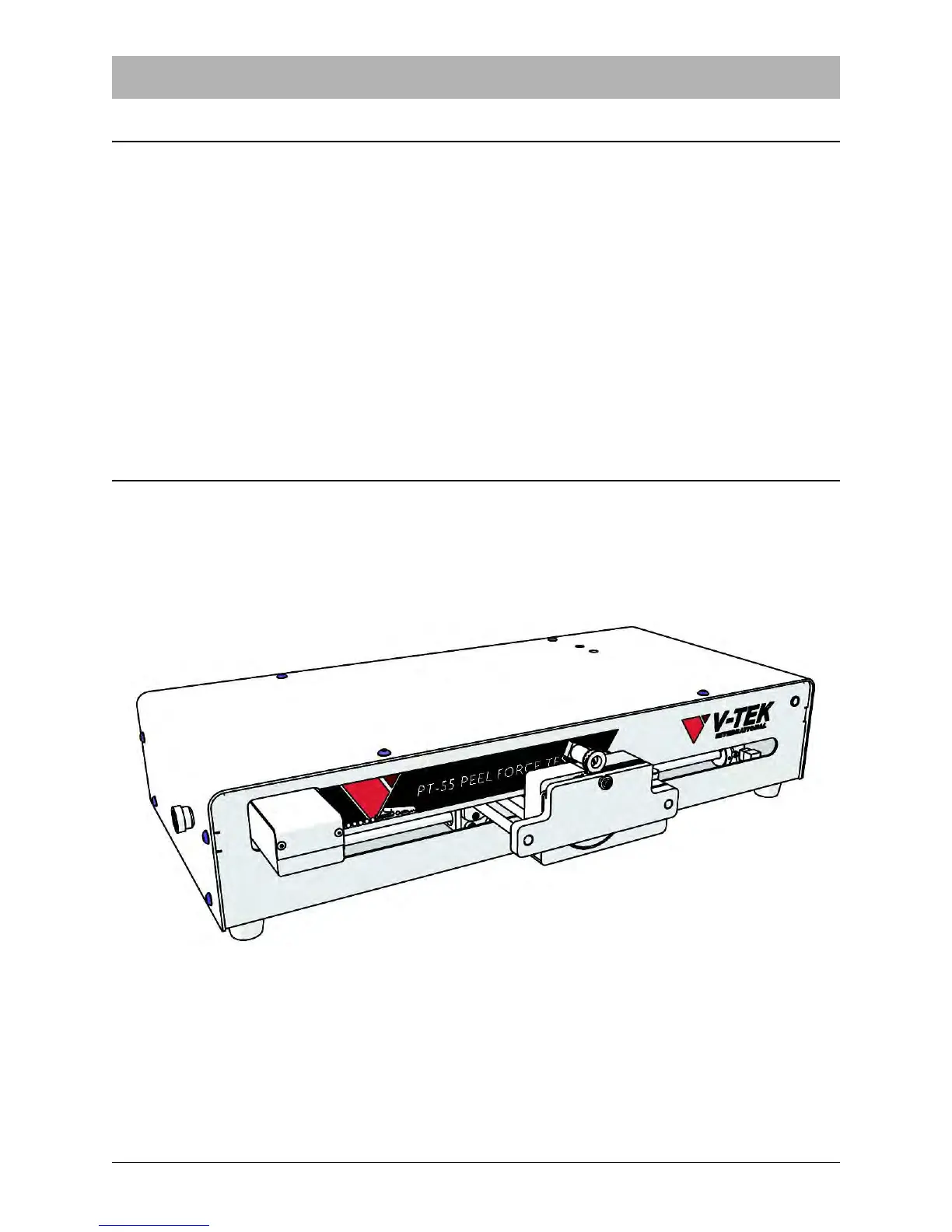
1. Remove the (12) 10-32 BHCS (in blue below) around the top and sides of the PT-55.



 To Next Page