D291308.7M.fm Main Screen Details
Chapter 3: Operation 27
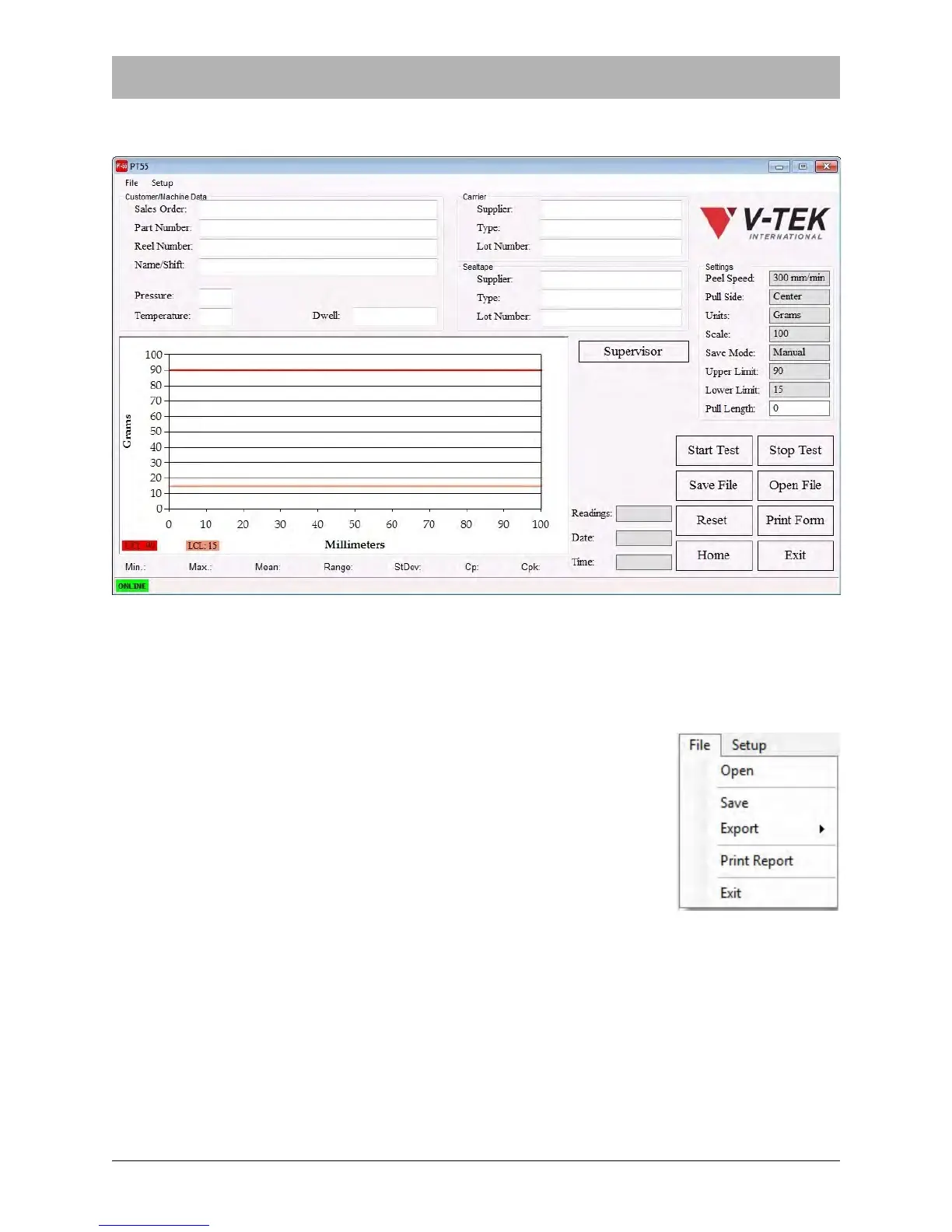
The Main Screen (pictured below) will appear. This screen is used to configure peel tests, set test
parameters, perform tests and observe test results. All of the fields will be blank.
Menus
The File Menu is located in the top left corner of the Main Screen.
File Menu
Selecting Open will allow the operator to select and open a previously
saved Master Form.
The Save command creates or updates a Master Form with the cur-
rent test settings and data.



 To Next Page