34 PT-55 User’s Guide
Main Screen Details D291308.7M.fm
Auto & Manual Connect
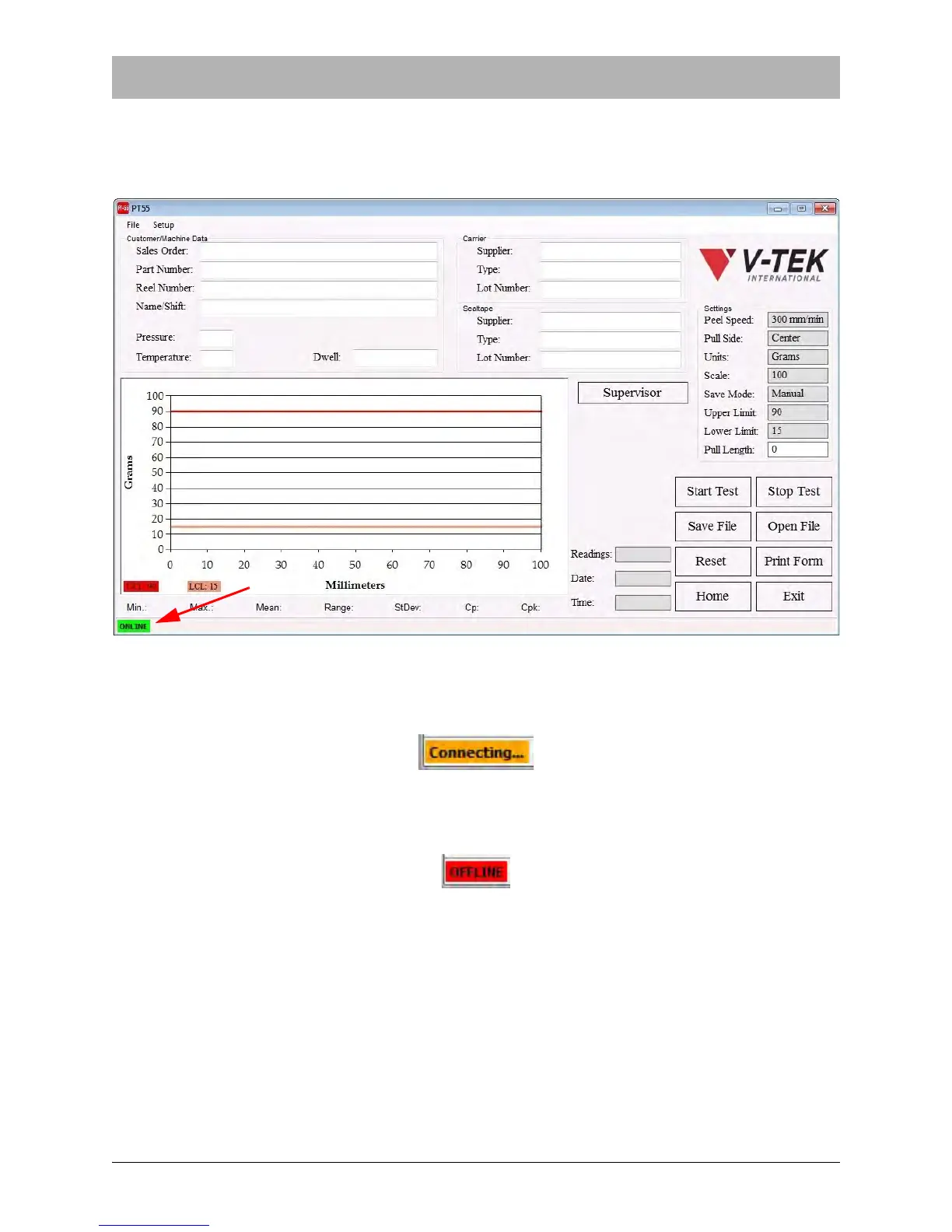
The connection status between the PT-55 and the computer HMI is displayed in the bottom left
corner of the Main Screen. In the picture below, the connection status is ONLINE.
The PT-55's Autoconnect feature looks for a disconnected state every 15 seconds and automat-
ically reconnects the PC to the PT-55 if it senses the computer is OFFLINE. While the HMI is
reconnecting, a Connecting message will appear in the bottom left corner of the screen.
The HMI can be quickly reconnected manually at any point by double-clicking the OFFLINE mes-
sage to force the PT-55 HMI to attempt to connect to the PC via USB.



 To Next Page