28 PT-55 User’s Guide
Main Screen Details D291308.7M.fm
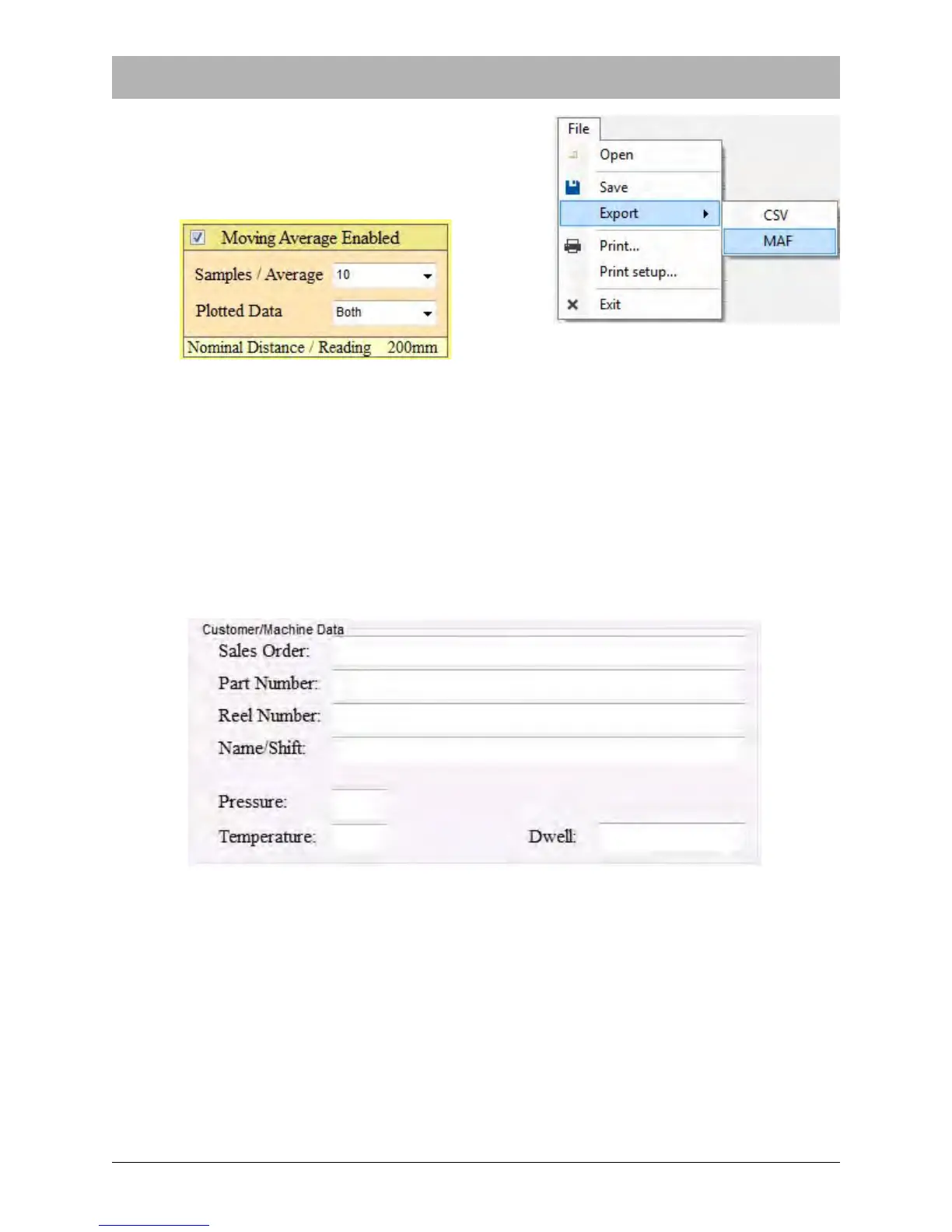
Export exports a Comma Separated Value File (.csv)
or a Moving Average File (.maf) text file of report data.
Note: the MAF option will only appear if Moving
Average is enabled in the Supervisor Screen.
Print prints an exact copy of the screen (including the test and customer data). The printout can
then be kept for records.
Print setup allows the user to select a printer and configure print settings.
The Exit command will close the PT-55 Software program. Any unsaved data will be lost.
Customer/Machine Data Fields.
The Customer/Machine Data section is used to collect information specific to a particular order.
Its fields can be customized in the Supervisor Settings window. The default fields include Sales
Order, Part Number, Reel Number, Name/Shift, and the Temperature, Pressure, and Dwell
fields which are used to create the seal being tested



 To Next Page