D291308.7M.fm Configuring & Running a Peel Test
Chapter 3: Operation 53
Configuring & Running a Peel Test
Note: For information on machine setup and loading tape, see Chapter 2: Setup.
For information on configuring the Main Screen fields, see the previous sections in this chap-
ter.
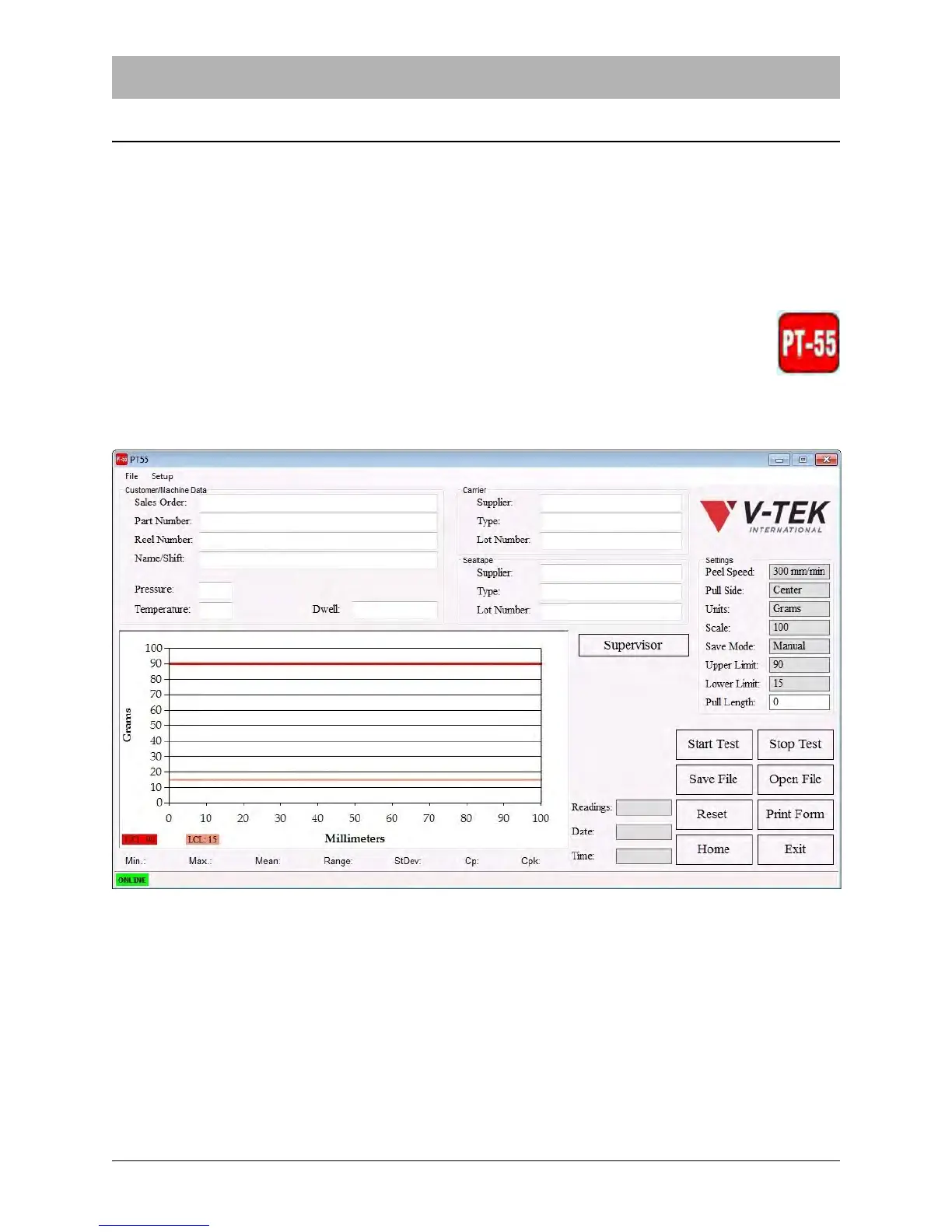
1. Start the application by double clicking the PT-55 Software icon.
The Main Screen will open.



 To Next Page