58 PT-55 User’s Guide
Configuring & Running a Peel Test D291308.7M.fm
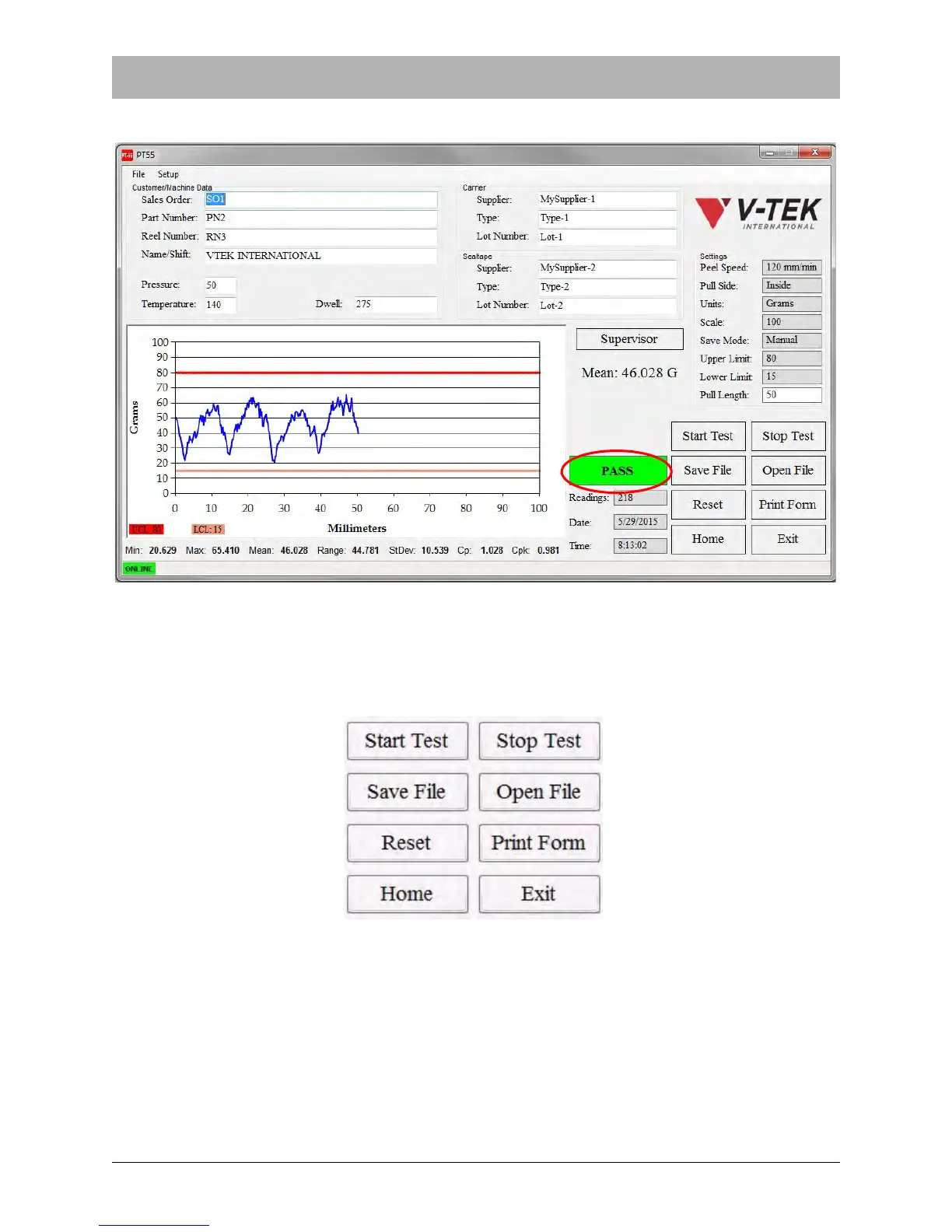
12. A PASS or FAIL message will appear at the bottom of the Main Screen.
13. After the pull test is complete it may be saved or printed using the buttons on the bottom cor-
ner of the Main Screen. Other options include resetting the test so it can be run on a second
sample, homing the carriage or opening a new file.



 To Next Page