D291308.6r.fm Calibration
Chapter 4: Maintenance & Calibration 71
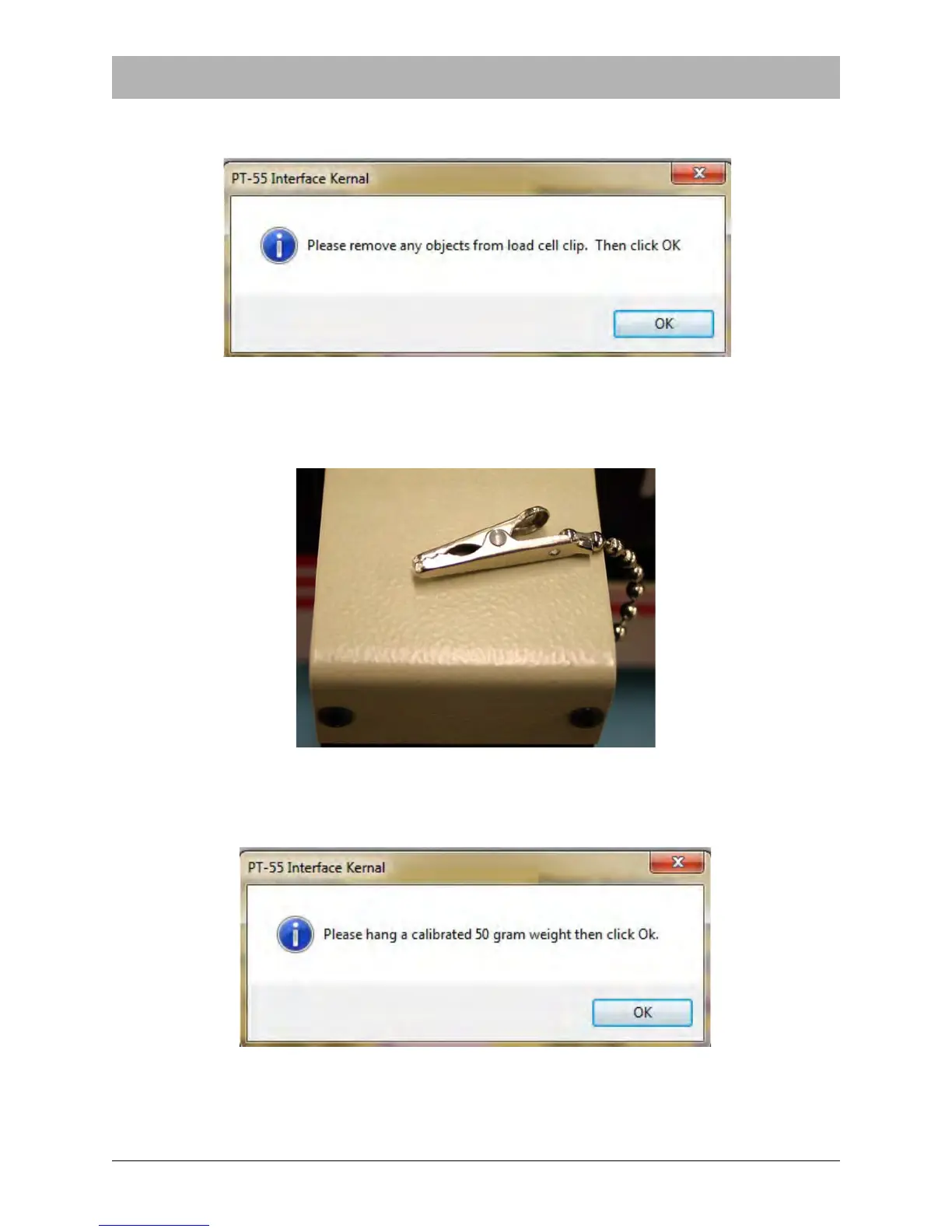
5. Follow the instructions that appear on the screen. The first is to remove any objects from the
load cell clip..
6. Once the load cell clip is empty, place the clip on top of the load cell to remove any downward
force on the load cell. Click OK.
7. The next step is to hang a 50 gram weight over the calibration jig and connect it to the load
cell clip.



 To Next Page