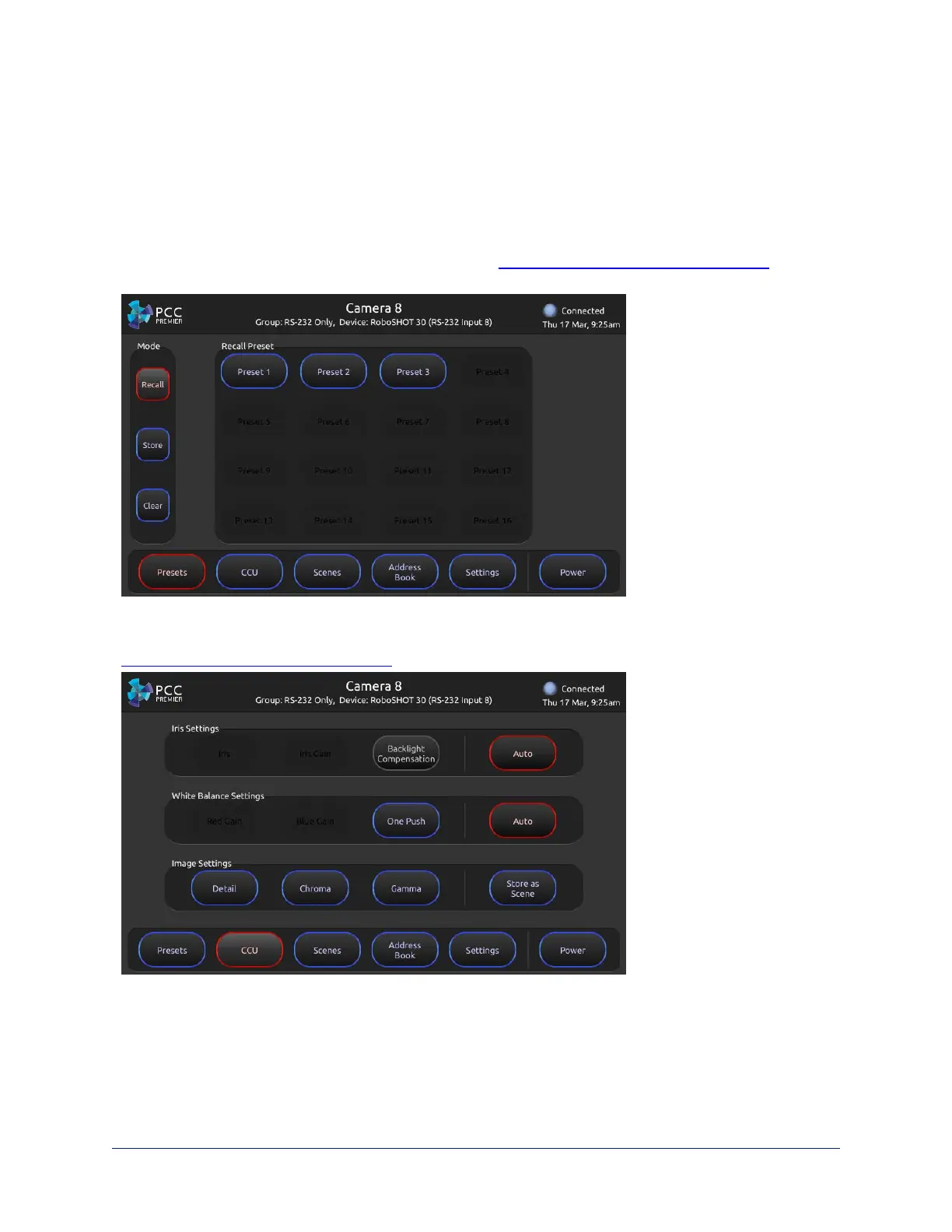
Presets screen – Work with the selected camera's presets. The camera controller does not store presets
internally. It accesses the presets stored in the currently selected camera, and can write presets to the
camera.
Note
For some older Vaddio cameras, presets may be unavailable to the camera controller if they were set using
the IR remote.
Presets may include lighting and color adjustments. See Working with Lighting and Color Settings for
information on making these adjustments.
CCU screen – Adjust lighting and color (CCU) settings and store adjustments as CCU scenes. See
Working with Lighting and Color Settings for more information.
11
Integrator's Complete Guide to PCC Premier Precision Camera Controller



 To Next Page