Rebooting the Camera Controller
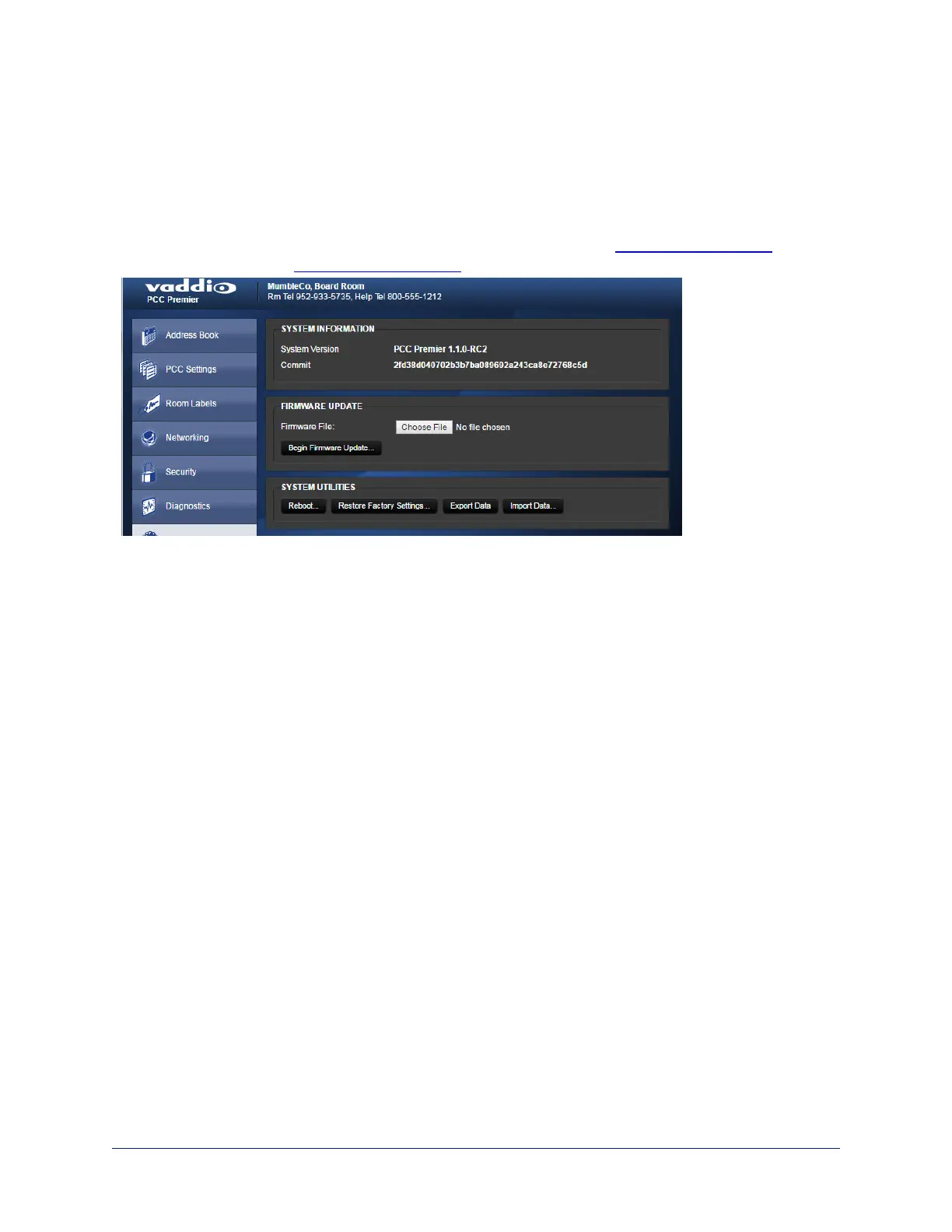
Web interface, System page
This can help if the camera controller stops responding as you expect.
In the System Utilities section, click Reboot. Then confirm that you want to reboot. You will need to log in
again after the reboot finishes.
If rebooting the camera controller doesn't fix the problem, you may need to reset to factory defaults. But
before you take that step, back up the configuration.
32
Integrator's Complete Guide to PCC Premier Precision Camera Controller



 To Next Page